
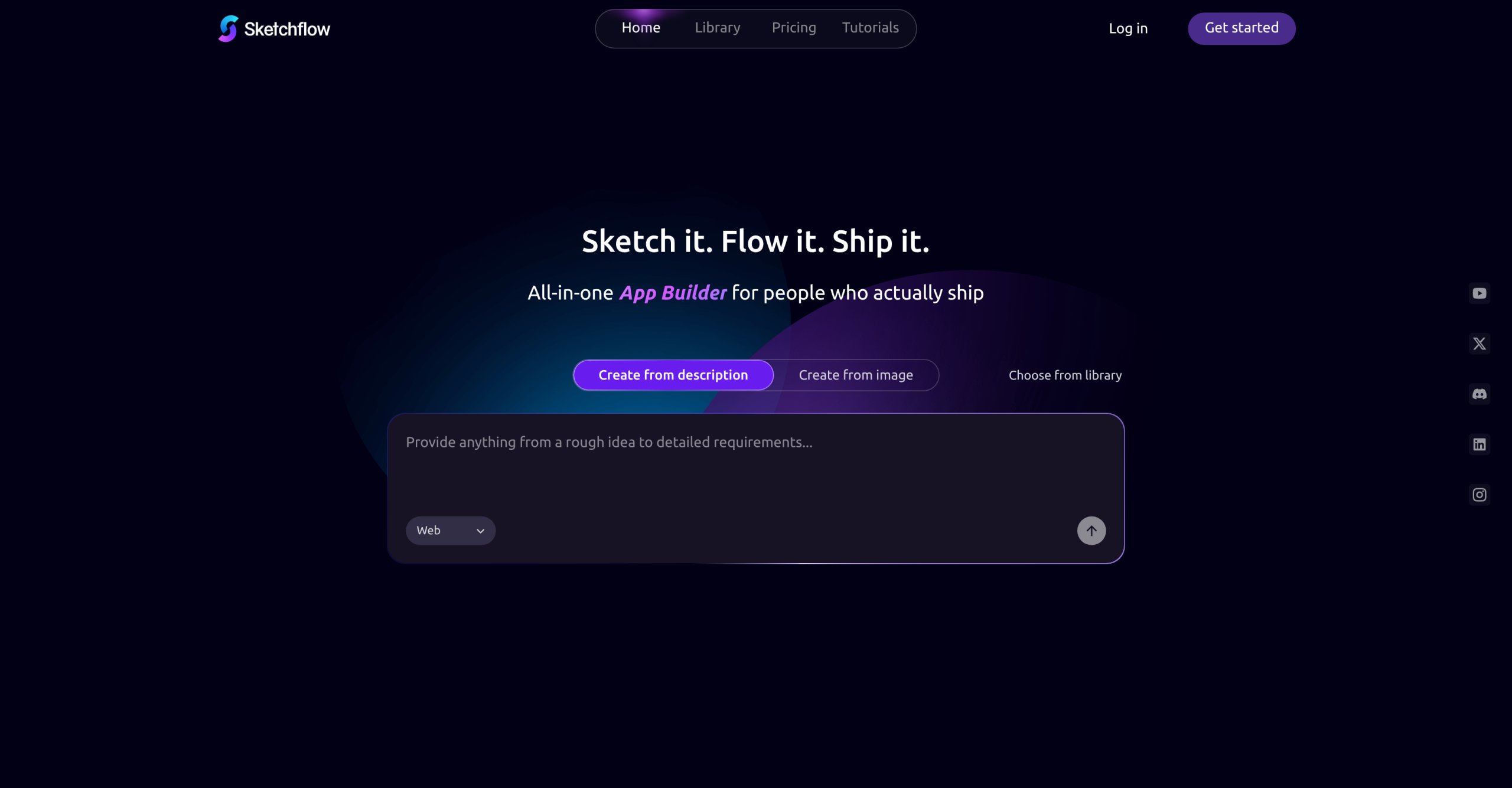
Most app prototypes die in the pitch deck — static screens that stakeholders click through without ever feeling the real thing. Sketchflow.ai turns a single text description into a navigable multi-screen prototype with actual Swift, Kotlin, and React/HTML code for iOS, Android, and web. Non-technical founders and product managers use it to validate ideas in minutes instead of weeks, without hiring a developer or touching a drag-and-drop editor.
From Text Prompt to Navigable Prototype
Sketchflow converts a single text prompt into a multi-screen application with transitions and interactions. The output isn’t a static mockup — it’s a clickable prototype hosted in the cloud where you can edit individual components and adjust user flows. The Workflow Canvas lets you map out application logic before generating any UI, which helps catch structural issues early.
Feature Validation Without Development Resources
- Product managers can prototype new features from a text description and get an interactive mock-up within minutes, no developer time required.
- Prototypes can be refined and regenerated based on feedback, reducing the cost of early user testing cycles.
- The generated output is navigable and editable, so you can test specific user flows or swap out UI elements directly.
Code Quality and Production Readiness
- The platform generates real Swift (iOS), Kotlin (Android), and React/HTML (web) code — not proprietary templates. This output serves as a starting point for development.
- Generated code is not production-ready out of the box. It requires manual review, debugging, and refinement, especially for complex features or specific architectural patterns.
- The UI designs can appear generic. Apps with specialized or distinctive visual requirements will need significant post-generation customization.
- There’s no backend generation — Sketchflow handles the front-end prototype only. You’ll need separate infrastructure for data, authentication, and APIs.
Cost to Use
| Aspect | Detail |
|---|---|
| Free plan | 40 daily credits, sign up instantly |
| Paid plans | From $25/month for higher volume |
| Refund policy | No refunds |
| Platform | Cloud-hosted, no local installation |
What Could Be Better
- No pre-made templates — every project starts from a text prompt. Unlike competitors like Base44 or Rocket that offer template libraries, Sketchflow gives you a blank canvas. This is fine for unique ideas but adds time when you need common app patterns.
- Generic visual output — the generated UI works for validation but rarely matches a specific brand or design system. Plan on manual design work for anything client-facing.
- No-code ceiling — the platform is constrained by its no-code approach. Custom animations, complex state management, and platform-specific APIs all require post-generation coding.
- No backend — Sketchflow.ai generates front-end code only. Authentication, databases, and server logic need a separate solution, which partially defeats the "one tool does everything" pitch.
- Manual polish required — the gap between generated output and something you’d ship to users is significant. Budget developer time for cleanup.
Visit Sketchflow.ai — https://www.sketchflow.ai