

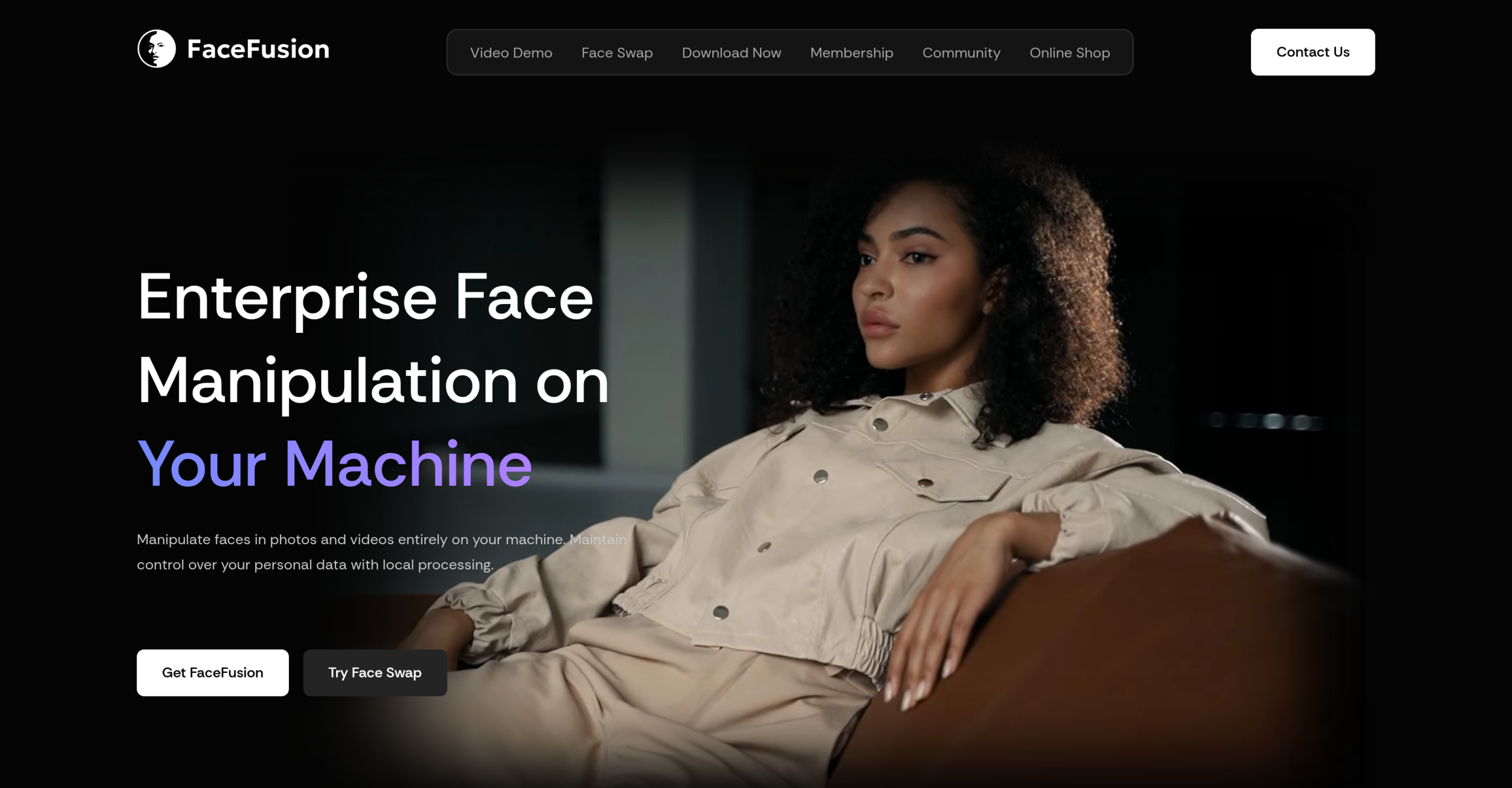
28,000+ GitHub stars and a Discord community of 43,000+ members — that’s the scale of FaceFusion’s adoption among creators and developers. Unlike browser-based face swap tools that upload your photos to remote servers, FaceFusion runs entirely on your local machine, keeping facial data off the internet by design.
What FaceFusion Actually Does
FaceFusion bundles 11 dedicated processors into a single desktop application: Face Swapper, Deep Swapper, Face Enhancer, Frame Enhancer, Face Editor, Lip Syncer, Expression Restorer, Age Modifier, Background Remover, Frame Colorizer, and Face Debugger. Each processor handles a specific task — you don’t pick "a model" and hope for the best; you choose the exact operation you need.
The platform supports both photo and video processing. For video, it handles frame-by-frame face tracking with automatic adaptation for lighting changes and head movement. Multi-face processing works across all processors, so you can swap or modify multiple faces in the same frame without running separate passes.
Key Technical Details
- 4K output is supported across all processors when your hardware can handle it
- Pixel Boost enhances face detail in low-resolution source images before swapping
- Lip Sync generates mouth movement matched to audio input — useful for dubbing or content localization
- Age Modifier adjusts perceived age while preserving identity markers
- Background Remover isolates subjects without a green screen, using face detection rather than manual masking
- Plugin support for After Effects, Premiere Pro, Nuke, and DaVinci Resolve (via community extensions)
Hardware Requirements and Performance
This is where FaceFusion separates itself from casual tools — and where it loses casual users. You need an Nvidia GPU with at least 4GB VRAM to run it at all. For video processing at reasonable speeds, 8GB VRAM is the practical minimum. CPU-only mode works but is slow enough that you’ll likely give up on video projects.
There’s no mobile app, no web interface, and no cloud fallback. If your machine doesn’t meet the GPU requirement, FaceFusion simply isn’t for you.
How Plans Work
| Aspect | Detail |
|---|---|
| Core software | Free and open-source, no watermarks or credit limits |
| Paid options | One-time installer ($20) for easier setup on Windows/macOS |
| Community membership | Available with extra benefits, not required |
| Hardware cost | You supply the Nvidia GPU — this is the real price tag |
Trade-offs to Consider
The hardware barrier is the obvious limitation, but there’re others worth knowing about. Installation on Windows or macOS requires manually configuring Python environments and dependency chains — the paid installer exists specifically because the free setup process frustrates non-developers. The learning curve is real: understanding which processor to use for which task takes experimentation.
The built-in NSFW filter can’t be disabled, which is fine for most users but limits certain artistic or research applications. Commercial usage isn’t covered under the free license. And because it’s an open-source project maintained by a small team, documentation can lag behind new features, and some advanced settings require digging through GitHub issues to understand.
Alternatives like SmileTune offer simpler face editing workflows without hardware requirements, and browser-based tools handle basic swaps in seconds — but they won’t match FaceFusion’s output quality or give you local processing privacy.
Visit FaceFusion — https://facefusion.io/