

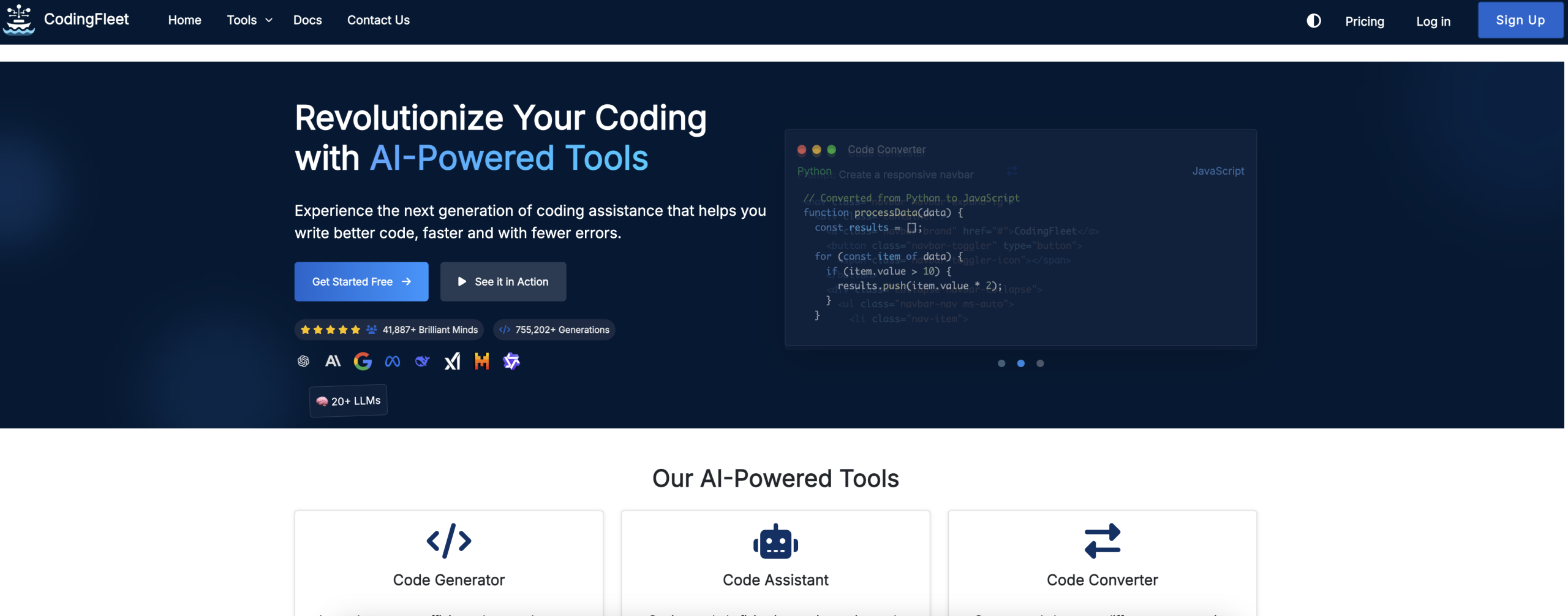
CodingFleetv2 is an AI-powered coding toolkit that generates, debugs, converts, and explains code across over 90 programming languages. It integrates more than 20 AI models — including GPT-5.4, Claude Opus 4.6, and Gemini 3.1 Pro — letting developers pick the right model for each task. Beyond code generation, the platform includes sandboxed code execution, GitHub/MCP integration, diagram-to-code conversion, and image generation.
Core CodingFleetv2 tools:
- Code Generator: Produce code snippets from natural language descriptions
- Code Converter: Translate code between 90+ languages and frameworks
- Code Explainer: Break down complex code with clear explanations
- Unit Test Generator: Create thorough unit tests quickly
- Diagram to Code: Generate code from uploaded diagrams
- Comment Generator: Add detailed documentation to existing code
Getting Started with CodingFleetv2
CodingFleetv2 touts a "zero sign-up" option to explore its tools, which sounds appealing. That said, to release any meaningful functionality, like the monthly 10 free credits or access to a broader range of AI models, you’ve got to sign up. It’s not a true "zero sign-up" experience if you can’t actually do much without an account. You’re presented with standard OAuth options via Google, Microsoft, or GitHub, or the classic email and password route. This isn’t groundbreaking; it’s what you’d expect from most online services. Once you’re in, the interface is clean enough, but the real question is how quickly you can move from idea to executable code.
Your First Code Generation Attempt
Let’s say you need a Python script to fetch data from a public API, parse JSON, and store it in a CSV file. You’d type your request into the prompt, perhaps specifying the API endpoint and desired CSV columns. CodingFleetv2 then taps into one of its 20+ integrated AI models, which could be anything from a basic GPT-4o mini on the starter tier to a more advanced GPT-5.4 or Claude Opus 4.6 if you’re on a paid plan. The system claims to generate "accurate code snippets." In practice, the accuracy often depends heavily on the specificity of your prompt and the underlying model’s capabilities. Don’t expect perfect, production-ready code on the first try without detailed instructions; it’s still a tool that requires human guidance.
Beyond Simple Snippets: Advanced CodingFleetv2 Features
CodingFleetv2 covers much more than basic code generation. It offers code conversion, debugging assistance, and diagram-to-code generation as distinct tools, each addressing a different part of the development lifecycle.
Code Conversion: A Language Bridge?
One of its more ambitious claims is the ability to convert code between over 90 programming languages and frameworks. Say you have a JavaScript function and need its Python equivalent. You’d paste the JavaScript, select Python as the target, and let the AI do its work. This could be incredibly useful for polyglot developers or teams migrating codebases. That said, converting complex logic between vastly different paradigms isn’t trivial. While it might handle straightforward functions well, you’ll likely find yourself manually refining the output for anything beyond basic syntax translation. It’s a time-saver, but it won’t magically solve all cross-language compatibility issues.
Debugging and Enhancement: AI as Your Pair Programmer
CodingFleetv2 also offers debugging assistance and code enhancement. You can feed it a problematic code block, and it’ll attempt to identify issues or suggest improvements. This isn’t a replacement for a skilled debugger, but it’s a useful first pass. For instance, it might suggest more efficient data structures or point out potential edge cases. The "enhancement" feature aims to improve code quality. It’s not going to rewrite your entire architecture, but it might suggest adding comments or refactoring small sections. It’s a helpful assistant, not a fully autonomous developer. Users on various forums often report that while it catches obvious errors, it struggles with subtle logical flaws that require deeper contextual understanding.
Code Execution and GitHub Integration
What’s genuinely interesting is the sandboxed code execution environment. This allows you to run and test generated code directly within the platform, providing real-time feedback. This feedback loop is crucial; it lets the AI "self-correct" and refine its output based on execution results. It’s a step towards more intelligent code generation. Coupled with GitHub integration, where you can connect your account via a Personal Access Token (PAT), the AI can iterate on code, make, and review pull requests. This suggests a more active role for the AI in your workflow, potentially automating parts of the code review process. It’s a promising capability. Note that automated PRs still require human oversight to ensure quality and adherence to team standards.
CodingFleetv2’s Credit System: A Hidden Complexity
CodingFleetv2 uses a credit-based freemium model, which isn’t unusual, but its implementation introduces some complexities. The free plan gives you 10 credits per month, which isn’t much if you’re doing anything beyond basic experimentation. Paid plans offer more, but it’s not a simple "unlimited" deal. Even the "Unlimited Plan" at $25/month or $229/year provides unlimited usage for standard models but includes a weekly limit of 600 premium credits. If you’re relying on advanced models like GPT-5.4 Thinking High (available on the Elite Plan) or premium reasoning models on the Ultimate Plan, you’ll quickly hit those weekly caps. Once you exceed your premium credit limit, the system automatically downgrades you to lower-cost models. This isn’t always clear upfront and can lead to inconsistent results if you’re not constantly monitoring your credit usage. It’s a system that encourages careful management of resources, or rather, it forces you to. It’s not a truly unlimited experience for the most powerful AI models, which is a significant caveat for anyone expecting unfettered access to top-tier capabilities. You may find yourself checking your credit balance frequently, which isn’t ideal for a tool meant to simplify your workflow. This credit-based throttling of premium models is a critical detail that isn’t immediately obvious and can significantly impact your perceived value of the higher-tier plans.