

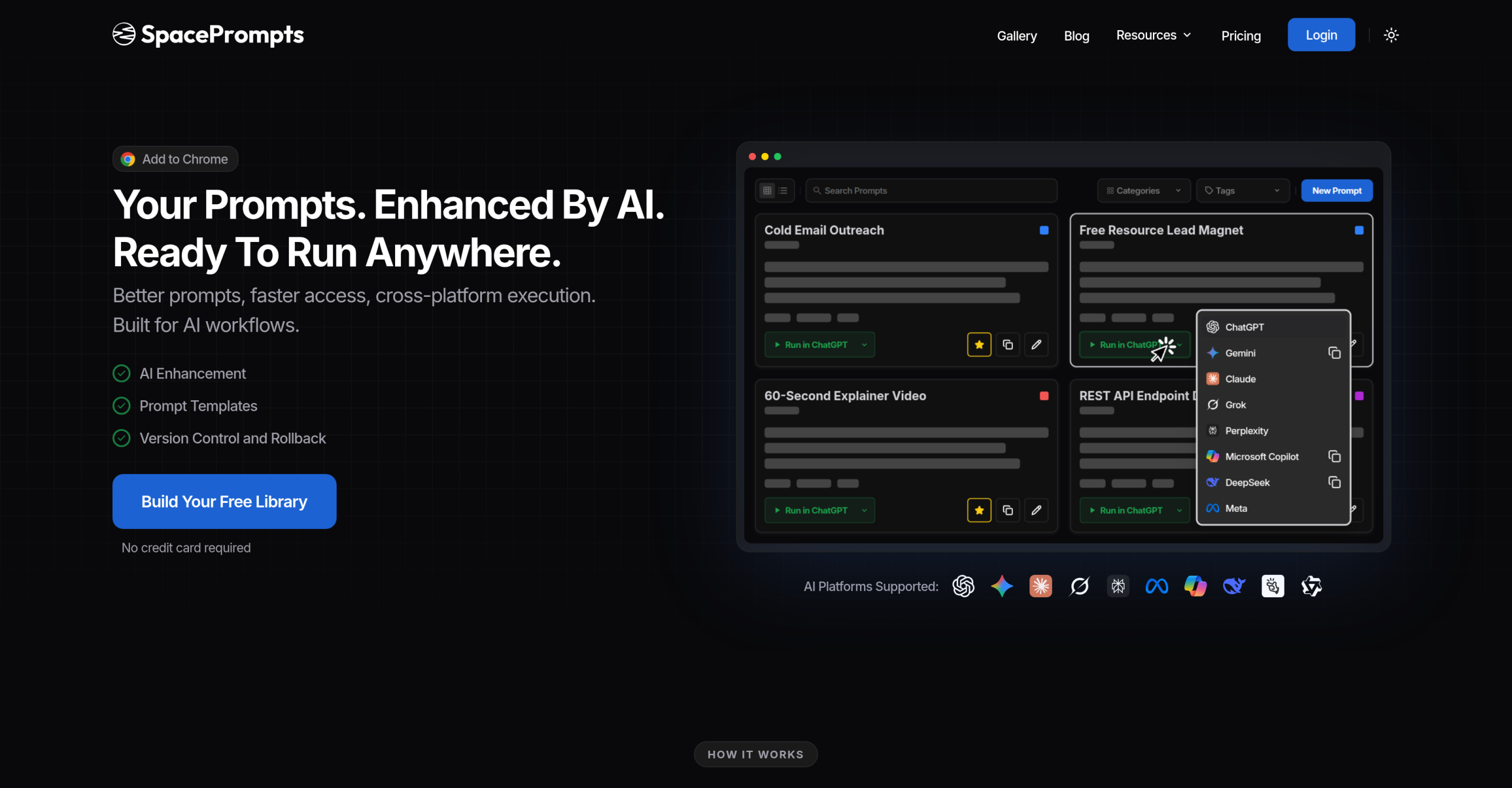
Looking for a way to enhance? SpacePrompts spacePrompts helps individuals and teams organize, enhance, and deploy AI prompts. It supports over 50 prompts on its free plan. It features version control to track prompt changes over time, an AI-powered enhancer to improve prompt clarity, and a searchable library so you never lose your best prompts. Browser extensions for Chrome, Firefox, and Edge provide quick access from any website.
Getting Started: Free Value vs. Paid Power
When you’re exploring AI tools, you’re always weighing cost against capability. SpacePrompts understands this, offering a tiered approach that lets you start for free and scale up as your needs grow.
The no-cost plan: Your Entry Point
The Free Plan is where you’ll begin, and it’s quite generous for individual users just getting started or those with lighter AI workloads. You’ll get storage for up to 50 prompts, which is enough to build a decent library of your most effective queries. It also includes 3 AI prompt enhancements per day, 3 AI prompt generations per day, and 3 Playground runs per day using free models. This transcends being just a demo; it’s a functional tool that provides version history, image uploads, and organization features. You’ll also get access to their browser extension, which is incredibly handy for integrating prompts directly into your AI tools. You can even export your prompt libraries, which is a nice touch for data portability.
Stepping Up: The Pro Plan for Power Users
If you’re using AI daily and finding the free limits restrictive, the Pro Plan at $9/month is your next logical step. it’s geared toward power users, and it truly releases the platform’s potential. You’ll gain unlimited prompt storage, which means you’ll never have to worry about hitting a cap. AI prompt enhancements increase to 300 per month. This plan also grants you API access, allowing for deeper integrations, and the ability to share prompts publicly. Plus, you’ll get priority support, which can be invaluable when you’re relying on the tool for critical tasks. It’s a small investment for a significant boost in productivity.
Collaborating with the Team Plan
For organizations where multiple people are working with AI, the Team Plan at $15/month is essential. It includes all the Pro features but adds reliable collaboration capabilities. You can invite up to 5 members, creating a shared team prompt library where everyone can contribute and access optimized prompts. Collaborative editing and role-based permissions (Owner, Editor, Viewer) ensure that your team’s prompt management is organized and secure. They even offer dedicated team onboarding, making it easier to get everyone up to speed. This plan boosts individual efficiency and uses collective intelligence, letting your team build on each other’s successes.
Enhancing Prompts with SpacePrompts
SpacePrompts transcends being just a storage locker for your prompts; it’s an active participant in improving them. It’s got features that help you refine what you’re asking of AI, which is crucial for getting better results. You’ll appreciate how it simplifies your workflow.
The Playground: Testing Your AI Queries
One of the most valuable aspects of SpacePrompts is its ‘Playground’ environment. Here, you can test your prompts against various AI models, including popular ones like ChatGPT, Claude, and Gemini. This allows you to compare outputs and fine-tune your prompts without leaving the platform. It’s a fantastic way to iterate quickly and discover which phrasing or structure yields the best results for different models. You can even ‘Bring Your Own Key’ (BYOK) to run prompts against supported models, giving you flexibility and control over your AI model usage.
Browser Extensions and Integrations
SpacePrompts offers browser extensions for Chrome, Firefox, and Microsoft Edge. These extensions let you access your saved prompts directly within other AI tools, eliminating the tedious copy-pasting that often slows down your workflow. It’s a small detail that makes a big difference in daily use. Users often praise this integration, noting how it combines prompt storage, cross-platform execution, and version control into one cohesive experience.
Data Privacy and Enterprise Considerations
When you’re dealing with AI prompts, especially in a professional setting, data privacy and security are paramount. SpacePrompts addresses these concerns with a clear privacy policy and options for larger organizations.
Protecting Your Information
SpacePrompts’ Privacy Policy outlines its data handling practices, stating it collects personal identification information (like your name and email) and non-personal data (like browser type). They use this data to improve service and personalize your experience. Importantly, they don’t sell or rent your personal information to unaffiliated third parties. They also explicitly mention adherence to European Privacy Rights (GDPR) and California Consumer Privacy Act (CCPA) rights, which is reassuring. While specific data retention periods weren’t detailed in the provided information, they do employ security measures to protect your data. Just remember, it’s always wise to avoid including highly sensitive personal information in your prompt inputs unless absolutely necessary.
Scaling for Enterprise
For larger organizations, SpacePrompts offers an Enterprise tier with custom pricing. This tier includes dedicated account managers, Service Level Agreement (SLA) commitments, and volume discounts. They also provide procurement-friendly options like invoicing, Non-Disclosure Agreements (NDAs), and security questionnaires. This shows they’re built to support collaborative teams of any size, from small SaaS teams to large enterprises, ensuring they can meet the demands of high-volume usage and stringent security requirements.
The Hardest Technical Constraint
While SpacePrompts offers significant value, particularly for prompt management and collaboration, a power user or developer will eventually encounter its lack of a dedicated mobile application or an offline mode. Users who need to access, create, or test prompts on the go without an internet connection, this limitation means you’ll still be tethered to a desktop environment or an online connection. It’s a practical constraint that could impact productivity in certain mobile-first or remote scenarios.