

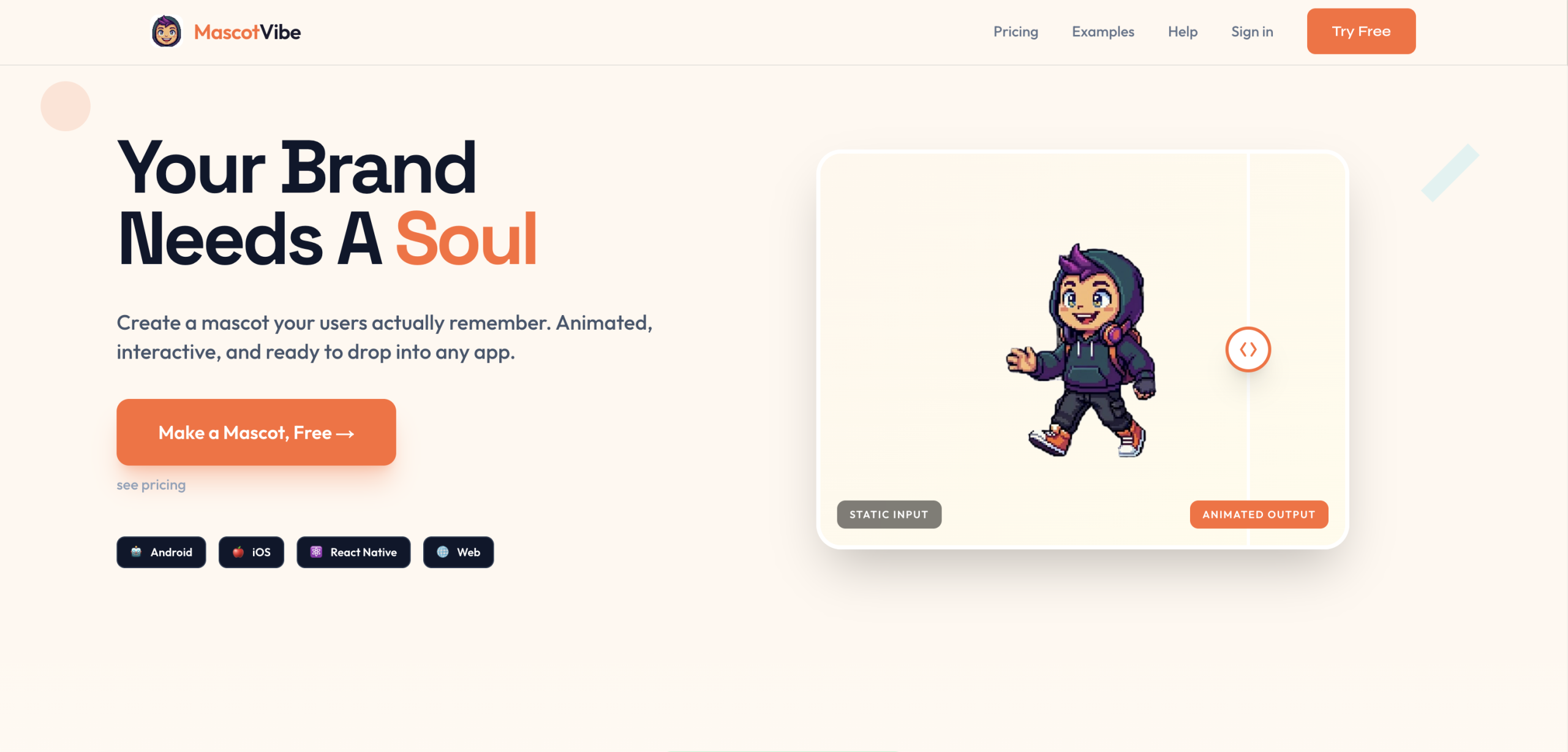
MascotVibe separates itself with its capability to generate and animate mascots from either an uploaded image or a text prompt, making mascot creation accessible without traditional design skills. It’s a tool that’s caught the attention of creative teams and app developers looking for efficient ways to build brand identity. This approach reduces the time and cost typically associated with professional mascot design and animation, offering a compelling alternative for businesses of all sizes.
Getting Started with Mascot Creation
After signing up for MascotVibe, you’ll immediately receive 30 free credits; there’s no credit card required to begin. Your first task involves either describing your desired mascot using an AI prompt or uploading an existing image. Let’s say you’re an app developer needing a friendly character for a new mobile game. You’d input a prompt like "a cute, blue robot with big eyes" or upload a sketch of your concept. Next, you’ll choose from various styles, such as Kawaii, Cartoon, 3D, Flat, Pixel, or Hand-drawn, to refine the mascot’s appearance. The platform then generates up to four mascot concepts based on your input. it targets speed; you’ll likely have your first mascot concept ready in under 5 minutes, according to the platform’s claims.
Animating Your Mascot
Once you’ve selected your preferred mascot design, the next step is animation. MascotVibe offers 12 animation presets, including common actions like waving, dancing, or celebrating. You can apply these with a single click. For more specific movements, you’re able to provide custom animation prompts. For instance, if your robot mascot needs to jump for joy, you’d select the ‘celebrating’ preset or input a custom prompt for a specific jump. Generating a 5-second animation costs 20 credits, while a 10-second animation uses 40 credits. This credit system means you’re paying only for what you actually produce.
Integrating Animated Mascots into Projects
Finished mascots and animations can be exported in several formats:
- WebM — lightweight, ideal for web
- APNG — animated PNG with transparency
- MP4 — universal video format
- MOV / ProRes — for professional video editing
- Spritesheets — for game engines
This flexibility ensures compatibility across various platforms, whether you’re integrating them into an Android or iOS app, a React Native project, or a website. For larger organizations or those requiring deeper integration, the "Studio" plan ($39.99/month) offers API access with 5 REST endpoints and unlimited API calls, allowing developers to programmatically generate and manage mascots.
MascotVibe Pricing: Credits and Plans
MascotVibe uses a credit-based model. Beyond the initial 30 free credits, you can purchase additional credits or subscribe to a plan. Credit packs include 50 credits for $3.99 and 600 credits for $29.99 — purchased credits never expire.
| Plan | Price | Credits/mo | Key Features |
|---|---|---|---|
| Free | $0 | 30 (one-time) | 1 mascot + 1 animation, preview only |
| Pro | $14.99/mo | 200 (~8 mascots) | All 12 presets, all formats, custom prompts |
| Studio | $39.99/mo | 800 (~32 mascots) | API access (5 endpoints), unlimited calls |
A 10-second animation costs 40 credits, which is more than the entire free tier — so heavier users will want to consider a paid plan.
To get the most out of MascotVibe, you should immediately experiment with both image uploads and AI prompts to generate a mascot, then try out a few of the animation presets to see its capabilities firsthand.