

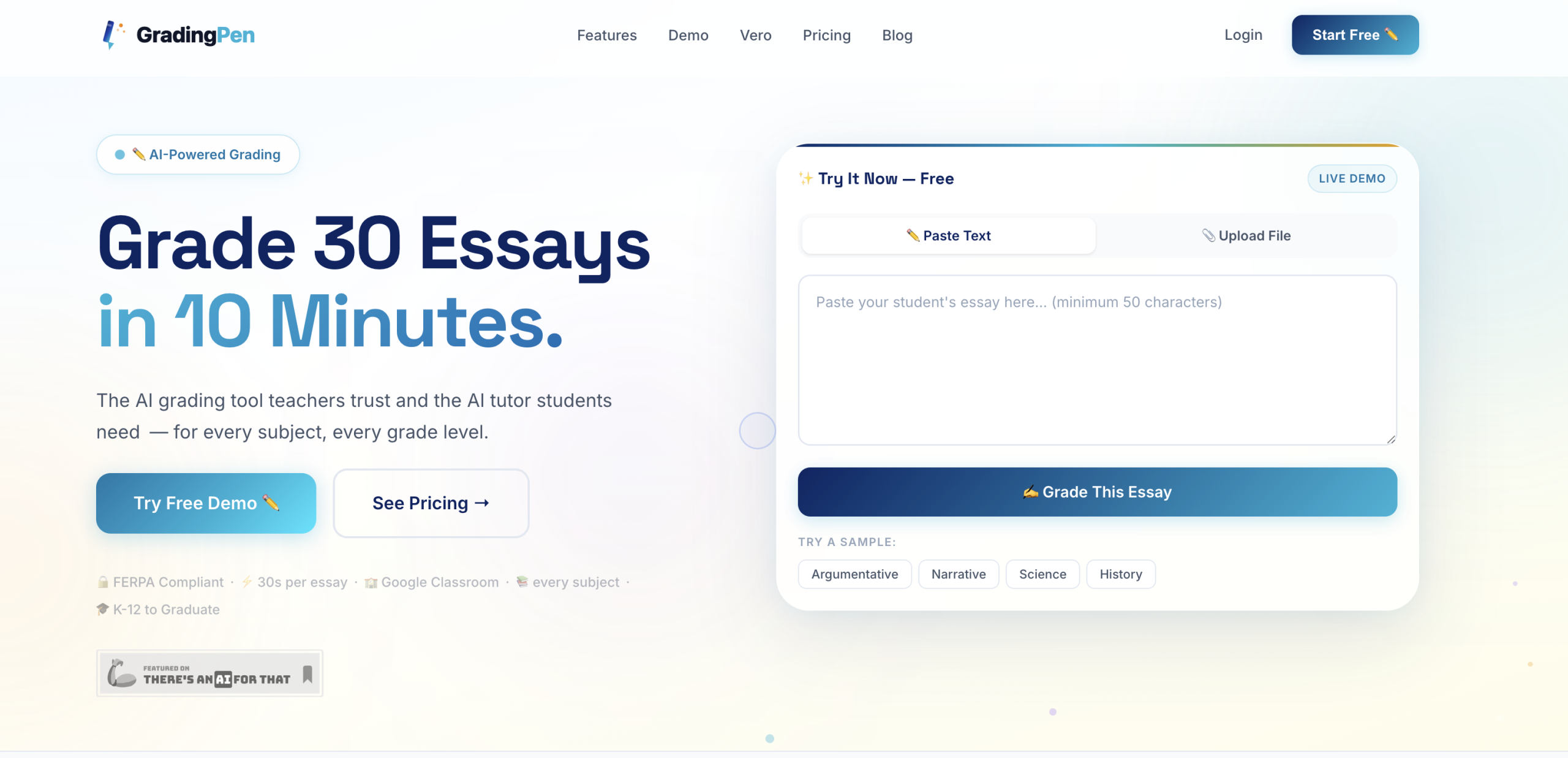
GradingPen lets users cut grading time. Teachers upload essays — including photos of handwritten work — and receive detailed feedback on content, structure, grammar, and argument strength in under 30 seconds per paper. Students can use Vero for step-by-step homework help across subjects.
Getting Started with GradingPen
Once you’ve signed up for GradingPen, the initial setup is straightforward. You’re immediately credited with 15 free grades, which is a great way to test its capabilities without any commitment. The first practical step involves uploading student essays. You can do this individually or in batches, and it’s quite flexible with formats; it’ll even process images of handwritten work, which is a huge plus for diverse classroom settings. I’ve found this feature particularly useful for younger students or those who prefer traditional writing.
How GradingPen Grades and Reviews Essays
After uploading, GradingPen’s AI analyzes each essay for content, structure, grammar, argument strength, and writing style, then generates detailed, constructive feedback aligned to your rubric. You review the AI-generated results and can adjust grades or modify feedback before sharing — keeping your professional judgment in the process.
Key grading capabilities:
- Custom rubrics — upload your own or build from templates in minutes
- Academic integrity flags — detects signs of AI-generated content or suspicious patterns
- Multilingual support — grades essays in 15+ languages
- Batch processing — upload an entire class at once
- Analytics dashboard — track class-wide trends and identify struggling students
Using AI Tutoring with Vero
Beyond grading, GradingPen includes an AI tutor named Vero. It provides step-by-step homework help across various subjects. Students can upload photos of their homework or type in questions, and Vero will guide them through the problem. It’s a fantastic resource for students who need immediate assistance outside of class hours. I’ve seen it help students grasp complex concepts in math, science, English, and history, encouraging a deeper understanding that traditional grading alone can’t achieve.
Integrating with Your Existing Classroom Tools
GradingPen is designed to fit into your existing digital ecosystem, with integrations for popular Learning Management Systems:
| Platform | Status |
|---|---|
| Google Classroom | Live |
| Google Drive | Live |
| Canvas LMS | Live |
| Schoology | Live |
| Moodle | Live |
| SEQTA Learn | Live |
| Compass Education | Live |
| Gradebook Export (CSV) | Live |
Microsoft Teams and RM Unify SSO are listed as coming soon. Shared rubrics or co-grading for teams aren’t explicitly detailed in the current documentation, which might be a consideration for larger departments.
GradingPen Pricing and Plans
A free trial gives you 15 grades to start without a credit card. From there, GradingPen offers several plans:
- Student: $7.99/month — 50 AI-tutored sessions with Vero, photo upload, step-by-step explanations across all subjects
- Teacher Pro: $199/year — unlimited essay grading, custom rubric builder, class analytics, batch upload, grade banking and export, FERPA-compliant data handling
- School: $2,499/year (up to 25 teachers) — everything in Teacher Pro plus school-wide analytics, admin dashboard, and onboarding
- District: Custom pricing with unlimited seats, district reporting, and dedicated account management
All plans come with a 30-day money-back guarantee. GradingPen is FERPA compliant — no student data is sold, shared, or used for third-party training.
Your Next Step
The single most useful first action a new user should take is to upload a batch of student essays that you’ve already graded manually. Compare GradingPen’s feedback and scores to your own; you’ll quickly see where it aligns and where you might want to fine-tune its suggestions. This direct comparison is the best way to understand its capabilities and integrate it effectively into your grading workflow. It’s a powerful assistant for managing your workload.