

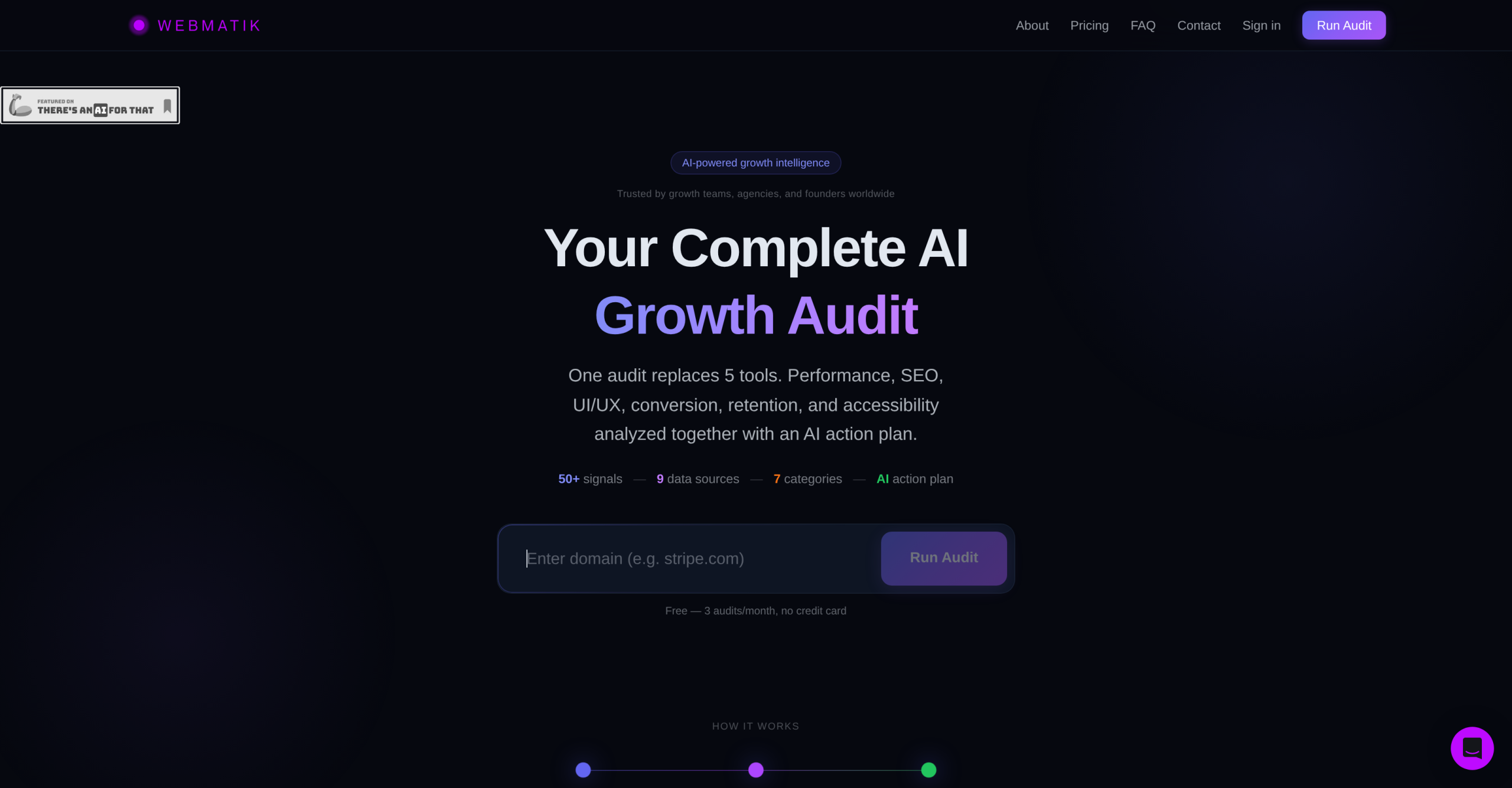
Webmatik, initially released on March 13, 2026, is a relatively new growth intelligence tool for websites. the idea behind it is to conduct thorough website audits, analyzing growth signals across performance, SEO, UI/UX, conversion, and retention. This tool aims to pinpoint hidden sales blockers and identify opportunities for improving a website’s overall growth and performance. It’s useful if you’re looking for an all-in-one audit solution.
Broadening the Audit Scope: Webmatik vs. SEO-Centric Tools
Many tools in the market focus primarily on SEO, but Webmatik takes a wider approach. While tools like Signal AI, SeaOcean, On-Page SEO Analyze, and Seo Tool concentrate heavily on search engine optimization, Webmatik extends its analysis to include UI/UX and conversion performance. This broader scope means it’s trying to solve a bigger problem: not just getting traffic, but making that traffic convert. It’s a significant difference; you’re getting insights into user experience and how well your site turns visitors into customers, not just how visible it is. This thorough view can be incredibly valuable for digital marketers and website owners who want a complete understanding of their site’s health.
Pricing and Accessibility: A Comparative Look
Webmatik works on a credit system with a free tier, with paid options starting at $39 per month. This monthly billing structure comes with a strict no-refund policy, which is something you’ll want to consider. When we compare this to alternatives, the field changes quite a bit. SeaOcean, for instance, starts at a lower price point of $16 per month. What’s more, several competitors, including EcomBriefs, On-Page SEO Analyze, and Seo Tool, are entirely free. This makes Webmatik a mid-range option in terms of cost, sitting above the free tools but potentially offering more integrated analysis than some of the cheaper, more specialized paid options. Consider the cost against the breadth of analysis it provides.
| Tier | Monthly Cost | What You Get |
|---|---|---|
| Freemium | Free | Limited features (details not specified) |
| Paid | From $39 | Thorough audits (details not specified) |
Understanding Webmatik’s Limitations and What It Doesn’t Do
While Webmatik offers a broad audit, it’s not without its limitations. It doesn’t provide integration with CMS platforms, which means you won’t be able to connect it directly to your WordPress or Shopify site for example. Its insights aren’t customizable, so you’re getting a standardized report rather than one tailored to specific queries. Real-time audit features aren’t available; it’s more about snapshot analysis. Also, it lacks a mobile app, and there’s no flexibility in audit parameters. That means you can’t fine-tune what it looks for in the same way you might with other tools. For instance, EcomBriefs, a free tool, specializes in e-commerce audits and can identify very specific issues like missing product schema fields or duplicate meta descriptions, which Webmatik might not prioritize or allow you to configure for.
Who Should Use Webmatik and When to Look Elsewhere
Webmatik is best suited for website owners, digital marketers, and SEO specialists who need a single tool to get a broad overview of their website’s growth potential. If you’re looking for an initial, thorough audit that covers SEO, UI/UX, and conversion, it’s a solid choice. It’s particularly useful if you’re comfortable with a standardized report and don’t require deep customization or real-time monitoring. You’ll appreciate its capacity to identify issues across multiple facets of your website’s performance, giving you a more complete picture than a purely SEO-focused tool would.
On the flip side, there are specific situations where a different tool would be a better choice. If you require deep, customizable insights into a single area, such as highly specific e-commerce issues like missing product schema, a specialized tool like EcomBriefs would be more effective. Similarly, if real-time monitoring or direct CMS integration is crucial for your workflow, you’ll need to look for alternatives that offer those capabilities. It’s not the right fit for those needing granular control over audit parameters or continuous, live data feeds.