

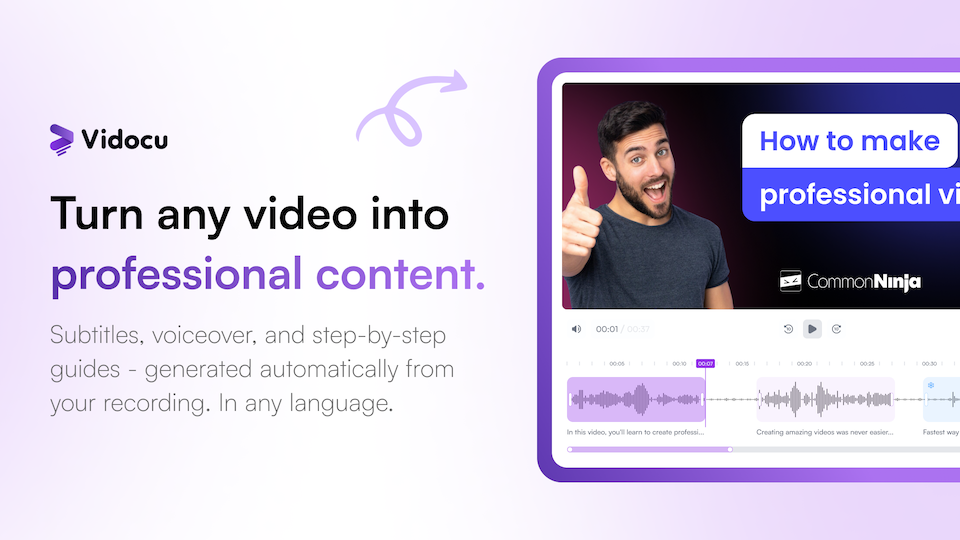
Vidocu handles videos by tutorials and documentation. It handles the full pipeline from raw video to structured documentation, including automatic subtitle generation, voiceover creation, and multi-language translation.
Vidocu Core Features
The platform combines video editing with AI-driven documentation tools:
- AI Documentation — converts video content into written guides and SOPs
- AI-Powered Subtitles — generates subtitles in any language automatically
- AI Voiceover — produces natural-sounding narration with auto-generated scripts
- Video Translation — translates subtitles and generates voiceover in multiple languages
- AI Trimmer — makes intelligent cuts and highlights key moments
- FAQ Generation — extracts frequently asked questions from video content
- Video Summaries — pulls key takeaways from recordings
Vidocu Pricing and Free Tier
Vidocu includes a free plan alongside paid options. The starter tier includes access to core editing tools like the video trimmer, subtitle generator, and basic documentation features, with a limit on monthly AI credits. Paid plans start at $31 per month with monthly billing, releasing higher processing limits and advanced AI capabilities. A developer API is available for integrating Vidocu into custom workflows. Note that Vidocu has a no refunds policy.
Video Editing and Customization
Beyond documentation, Vidocu includes a built-in video editor with trimming, cutting, zoom and pan controls, and annotation tools. Users can add callouts, highlights, and presentation slides directly in the editor. A built-in music library provides background audio options, and videos can be branded with custom watermarks. The format converter handles video file conversions, and the AI trimmer identifies key segments automatically.
Who Should Use Vidocu
Vidocu is built for educators, software trainers, product managers, and technical writers who regularly produce how-to guides or SOPs from video content. Teams that need to maintain documentation in multiple languages benefit from the translation features, while developers can use the API to embed video-to-document conversion in their own applications. The tool was initially released on March 12, 2026.