

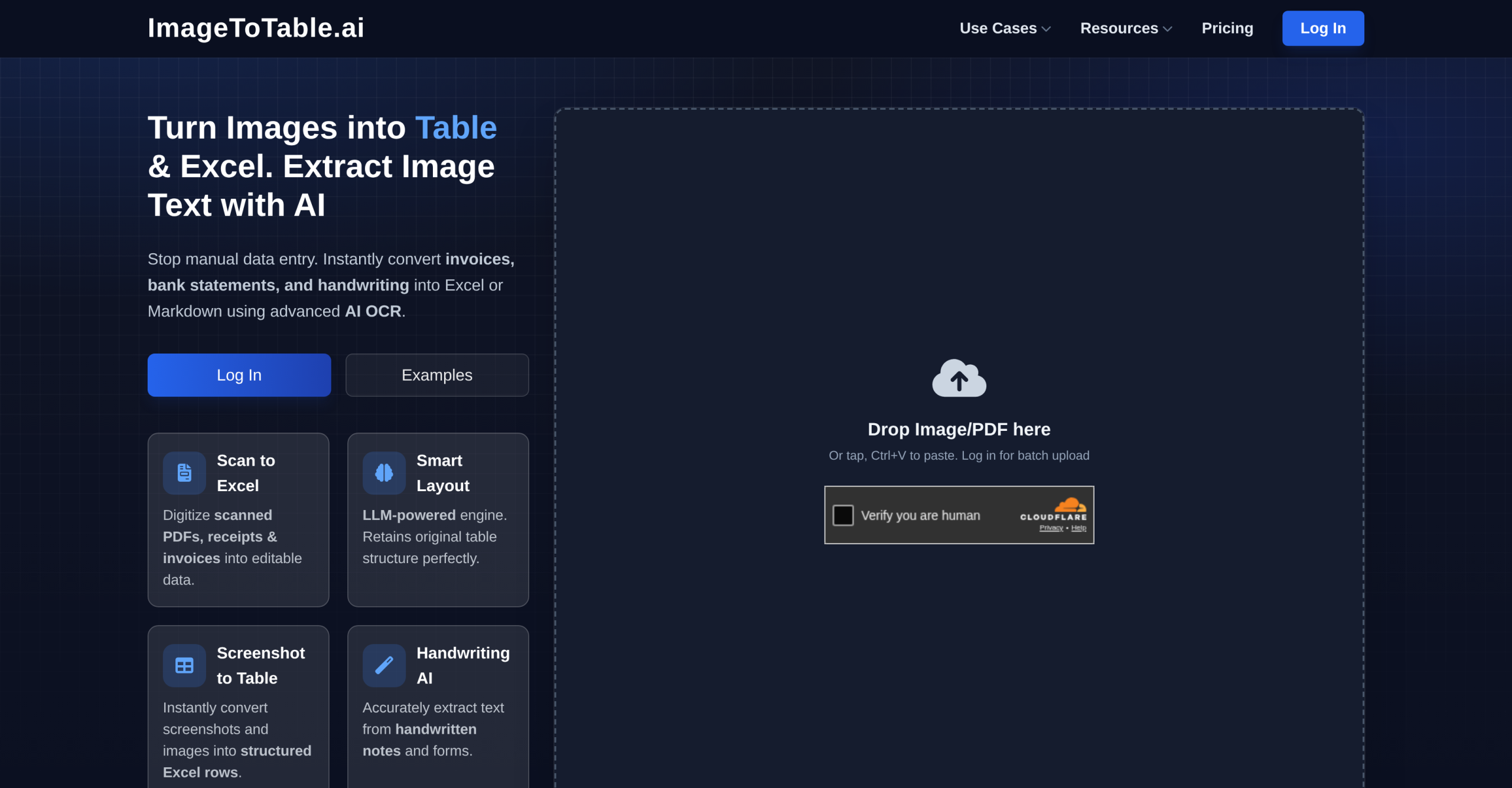
ImageToTable.ai extracts structured data from images, PDFs, and documents into Excel, CSV, or JSON, achieving around 98% accuracy.ai extracts structured data from images, PDFs, and documents into Excel, CSV, or JSON, achieving around 98% accuracy.ai extracts structured data from images, PDFs, and documents into Excel, CSV, or JSON, achieving around 98% accuracy.ai is an AI-powered data extraction tool that converts images, PDFs, and documents into structured Excel, CSV, or JSON outputs. Using LLM-based OCR and visual understanding, it extracts specific fields and tabular data without predefined templates — users describe what they need in plain language. The tool handles printed text, handwriting, and non-text elements like checkboxes and stamps, making it suitable for invoices, bank statements, resumes, and other business documents.
How ImageToTable.ai Extracts Data
ImageToTable.ai employs advanced Large Language Model (LLM) Optical Character Recognition (OCR) combined with visual understanding to identify and extract specific fields and tabular data. It doesn’t rely on predefined templates; instead, users define desired column names, and the AI intelligently extracts and merges corresponding data. This approach works across various document types, including invoices, receipts, bank statements, forms, and resumes. It’s capable of handling printed text, messy handwriting, cursive script, and even low-quality scans. What’s more, it recognizes non-text elements like checkboxes, stamps, and signatures, which many traditional OCR solutions miss. A notable feature is it can perform "computed columns," where the AI executes calculations, such as line totals, during extraction, reducing post-processing needs.
User Profiles and Task Automation
This tool targets a broad spectrum of users dealing with document-based data. Data analysts, researchers, finance professionals, and operations teams will find it useful. Developers can also integrate its capabilities into digital workflows. Specific tasks include automating data entry from invoices and bank statements, converting scanned documents into structured spreadsheets, extracting financial data for reconciliation, parsing resumes, and digitizing paper forms. at its heart, it populate databases or ERP/accounting systems directly with extracted data, saving hours of manual work. Documents often process in 20-30 seconds, a significant improvement over manual input, which can take minutes per document.
Access and Credit System
ImageToTable.ai offers both free and paid tiers with a daily free quota for exploring all features. Paid plans start from $7.50/month on a credit-based system where each processed document consumes one credit. Plan tiers include Basic (150 credits/month), Pro (400 credits/month), Max (1,500 credits/month), and Team plans (Growth, Scale) with shared credits for multiple users. Pay-as-you-go credit packs with non-expiring credits are also available (e.g., 50 credits for $6, 300 credits for $30). A 14-day money-back guarantee applies if fewer than 5 credits have been used. Note that exceeding 5 credits makes the purchase non-refundable.
Technical Limitations and Integration Constraints
Despite its capabilities, ImageToTable.ai isn’t without technical limitations. Its accuracy can vary significantly based on the clarity and quality of the input image or document. Heavily formatted or unusually complex documents might still require manual verification, which isn’t ideal for a fully automated pipeline. Large files may also experience longer processing times, impacting real-time applications. Users have reported specific issues with the Google Sheets add-on, including "Server Error – Unauthorized" messages that persist even after re-authentication. This add-on also imposes an image size limit; documents larger than approximately 4,000 pixels in one dimension may fail to process. Also, like many AI extraction tools, it can’t handle cross-document references or complex multi-system workflows without an external automation layer. It also doesn’t expose per-cell confidence scores or word-level coordinates via its API, which some developer-focused tools like ExtractTable provide for advanced validation in API pipelines. This omission could be a significant constraint for developers building highly reliable, self-correcting data pipelines that demand granular control over extraction certainty.