

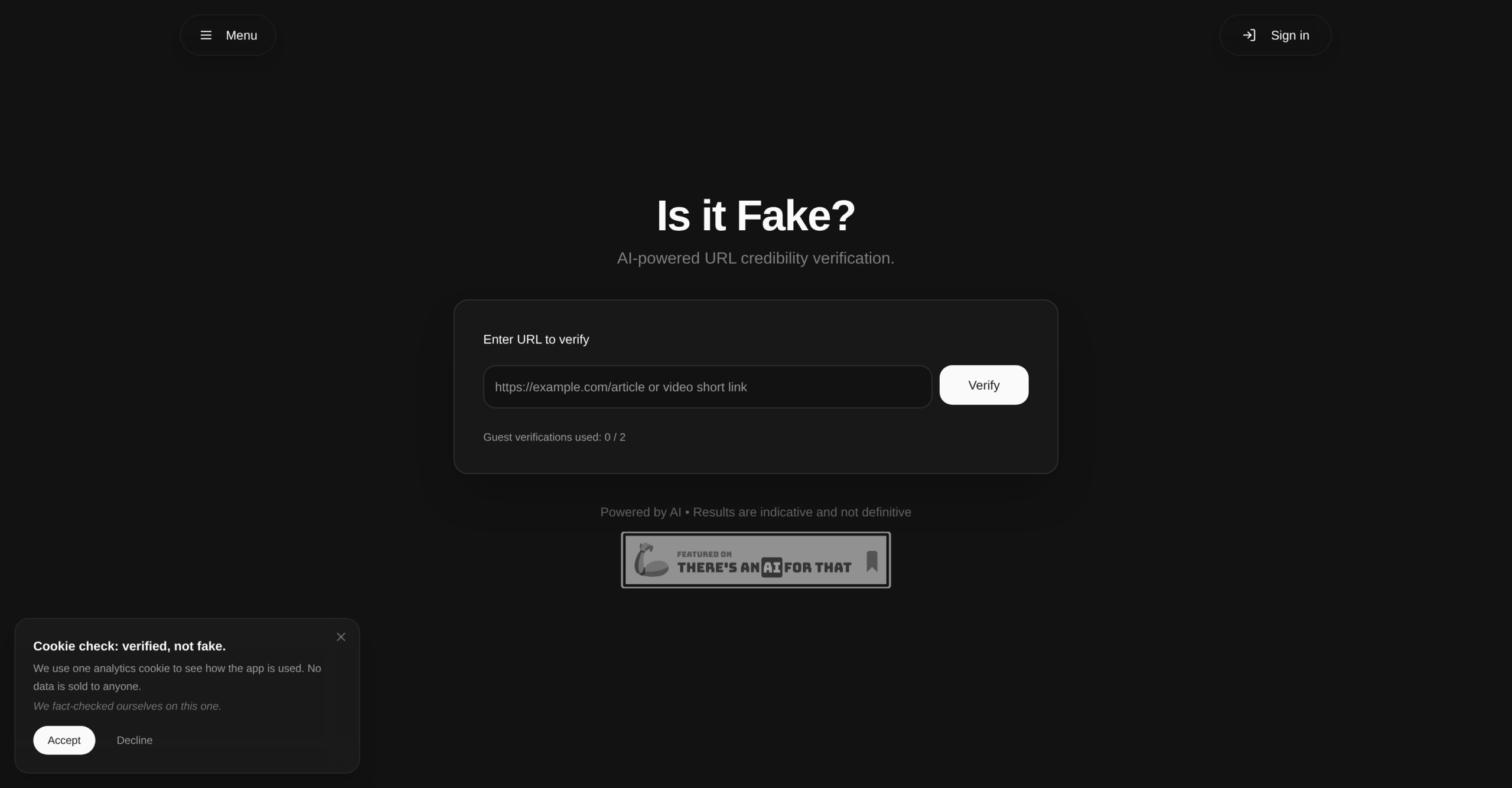
Released on March 9, 2026, the "Is It Fake?" tool enters the digital arena with a clear mission: to combat online misinformation. what it does is verify the credibility of any URL using fact-checking, providing users with an assessment of a website’s reliability. This tool addresses a significant challenge in today’s information-rich environment, where distinguishing trustworthy sources from unreliable ones isn’t always straightforward. It’s a promising development for anyone who regularly consumes online content and wants to ensure its veracity.
How Is It Fake? Analyzes URL Credibility
"Is It Fake?" isn’t limited to just tell you if something’s true or false; it assesses the credibility of a URL. Its AI engine analyzes the provided link to determine its trustworthiness. This isn’t about simple keyword matching; it’s about a deeper, more nuanced evaluation of the source. It’s useful for checking news articles, social media links, research sources, or any website before you trust its content. It’s a tool that’s built for general internet users, students, researchers, and journalists alike, anyone who needs a quick way to fact-check their sources.
Key capabilities:
- URL Credibility Analysis — paste any link to receive a trustworthiness assessment
- Claim Extraction — automatically identifies key assertions within the content
- Fact-checking With Sources — cross-references claims against web-based evidence
- AI Credibility Scoring — generates a structured credibility score with explanation
- Video Content Verification — works with YouTube links as well as articles
- Source Credibility Analysis — evaluates the reliability of the originating source
Getting Started: What to Expect After Signing Up
Since "Is It Fake?" is a very new product, having launched on March 9, 2026, specific details about the signup process and first-use experience aren’t publicly documented yet. On the flip side, based on similar web-based tools, it’s likely you’ll create an account, then be presented with an interface where you can paste a URL. The tool will then process this URL, using its AI to generate a credibility assessment. We can’t confirm exact steps, but it’s reasonable to expect a straightforward input field for the URL and a clear output display for the results. It’s a web-based application, so you won’t need to download anything; a modern web browser should be all you require.
Accessing the Tool: Freemium Model and Pricing
"Is It Fake?" follows a freemium structure, meaning you can likely start using some features without immediate payment. For those needing more advanced capabilities or higher usage limits, paid options are available, starting from $10.71 per month, billed monthly. It’s common for freemium tools to offer limited functionality or usage in their free versions, encouraging users to upgrade for more thorough features. Specific details on what’s included in the unpaid version versus the paid plans, or any potential extra fees for watermarks or credit systems, aren’t publicly available at this time. Without published tier details, comparing its value against competitors with clearer breakdowns remains difficult.
Limitations and What Isn’t Yet Known
While the concept of "Is It Fake?" is compelling, its recent launch means there are several areas where information isn’t yet available. We don’t have details on specific integrations with other tools or platforms, nor are there widespread user reviews, common complaints, or praise on public forums. This lack of user feedback makes it challenging to assess its real-world performance or identify any unexpected quirks. Additionally, while it’s a web-based application, specific browser support details or any potential offline capabilities haven’t been published. These are common unknowns for newly released software, and we’ll likely see more information emerge as the tool matures.
To get the most out of "Is It Fake?", your best first action is to visit the official website at https://isitfake.app/ and explore the unpaid version to understand its basic functionality firsthand. It’s the quickest way to see if it meets your immediate needs for URL credibility checks.