

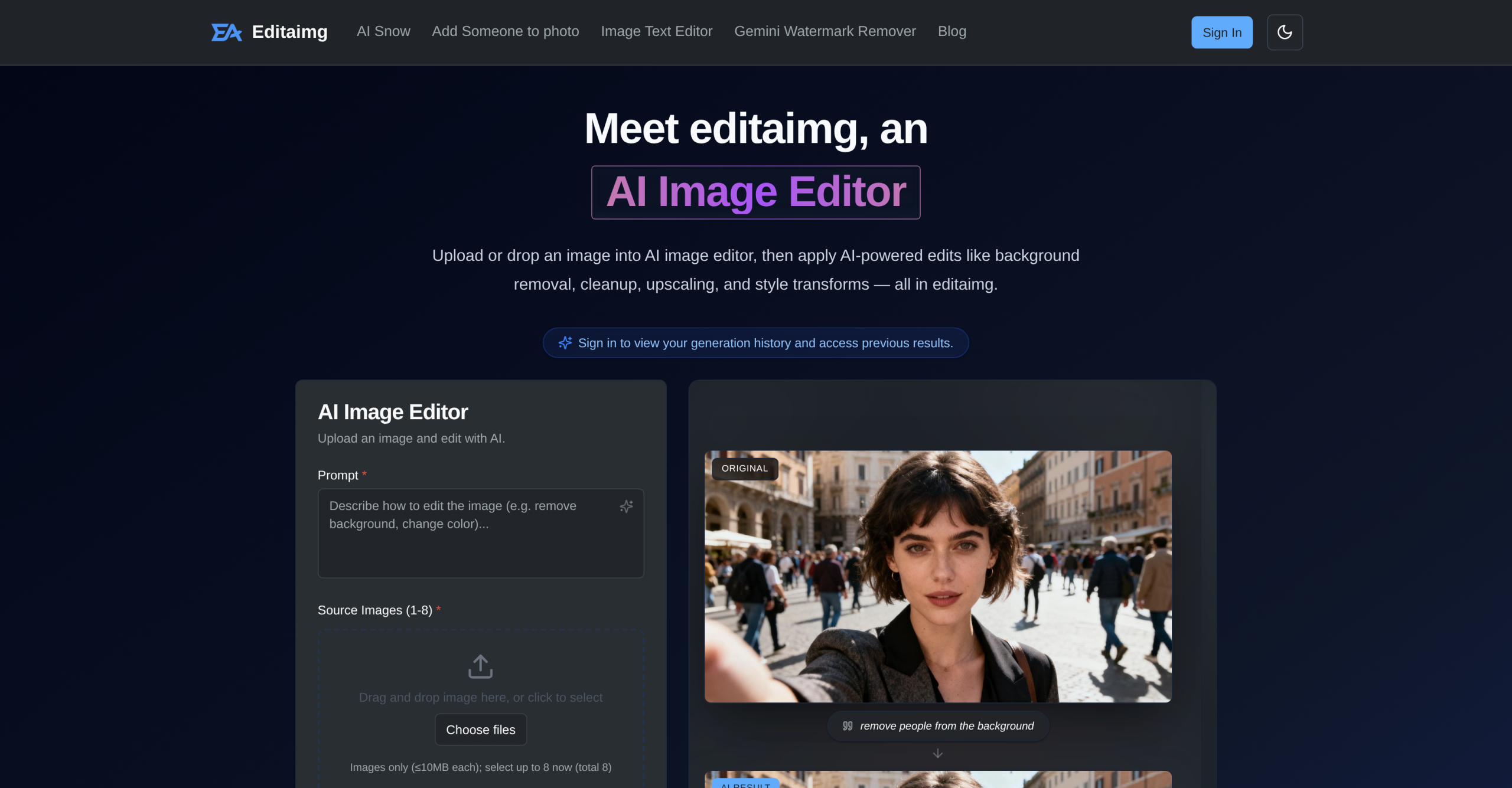
editaimg.com is an AI-powered image editor that lets anyone perform complex photo manipulations using simple text prompts. You describe the change you want — remove a background, swap an object, edit text — and the AI handles the rest. Tasks that once required professional software and hours of manual work can now be completed in minutes.
editaimg.com: Text-Prompt Image Editing
Need to fix a product photo’s background or remove an unwanted object? Instead of manually masking, cloning, and healing, editaimg.com lets you describe the change. Its natural language interface accepts commands like "remove the person in the background" or "change background to a sunny beach." Unlike tools like Photoeditor or Image Editor Online, which rely on manual selections and brushwork, editaimg.com uses generative models to interpret your text and produce the edit.
Editing Text and Upscaling
One of editaimg.com’s standout features is what makes it capable is edit text within images. It can add, replace, or remove text while precisely matching the original font, color, and texture. This capability is particularly useful for marketers or e-commerce businesses needing to update product labels or translate text without recreating the entire image. Many general-purpose AI image tools, like Cleanup pictures, focus primarily on object removal and don’t offer such granular text manipulation. Additionally, editaimg.com supports image upscaling to 4K resolution, ensuring your enhanced images maintain crisp detail, a benefit not always guaranteed by every competitor.
Comparing AI Editing Capabilities
When comparing AI image editors, editaimg.com offers a thorough suite — it combines background removal, object manipulation, style transfers, and text editing in one platform. This breadth of features makes it a strong contender against more specialized tools. While imagewith.ai might excel in certain generative aspects, editaimg.com’s combined offerings provide a more complete workflow for many users.
| Feature | editaimg.com | Viyou AI Image Generator | Cleanup pictures |
|---|---|---|---|
| Text Editing | Add, replace, remove (font/color match) | Limited or no specific text editing | Not its primary focus |
| Image Upscaling | Up to 4K resolution | Varies, often lower or credit-dependent | Not its primary focus |
| Object Removal | Yes, via text prompts | Yes, often with manual selection | Yes, its core function |
| Background Removal | Yes, via text prompts | Yes | Yes |
| Input Formats | JPG, PNG, WebP (up to 50MB) | Varies by tool | Varies by tool |
The Pay-as-You-Go Model
editaimg.com uses a pay-as-you-go credit system, with packages starting from $9.90 USD for 160 credits. These credits don’t expire, which is a user-friendly approach compared to subscription models where unused credits might vanish monthly. It’s a flexible option for those with intermittent editing needs. Still, a notable caveat, even for advanced AI tools, is the potential for inconsistent results. One user review for a similar tool mentioned that AI transformations involving faces sometimes generate "absolutely new and unconnected" faces rather than preserving identity. While not directly stated for editaimg.com, it’s a common limitation in generative AI, and it’s something you’ll want to test during the free trial, especially for sensitive image content. Even the best AI tools aren’t perfect every time.
Getting the Most from editaimg.com Prompts
editaimg.com’s AI works best with clear, specific prompts. Vague instructions like "make it look better" produce weaker results than detailed ones like "remove the coffee cup from the desk and brighten the lighting." Spending time crafting precise prompts pays off — you’ll get better results and use fewer credits. This prompt-writing skill improves with practice, so experiment during the free trial before committing to a paid package.