

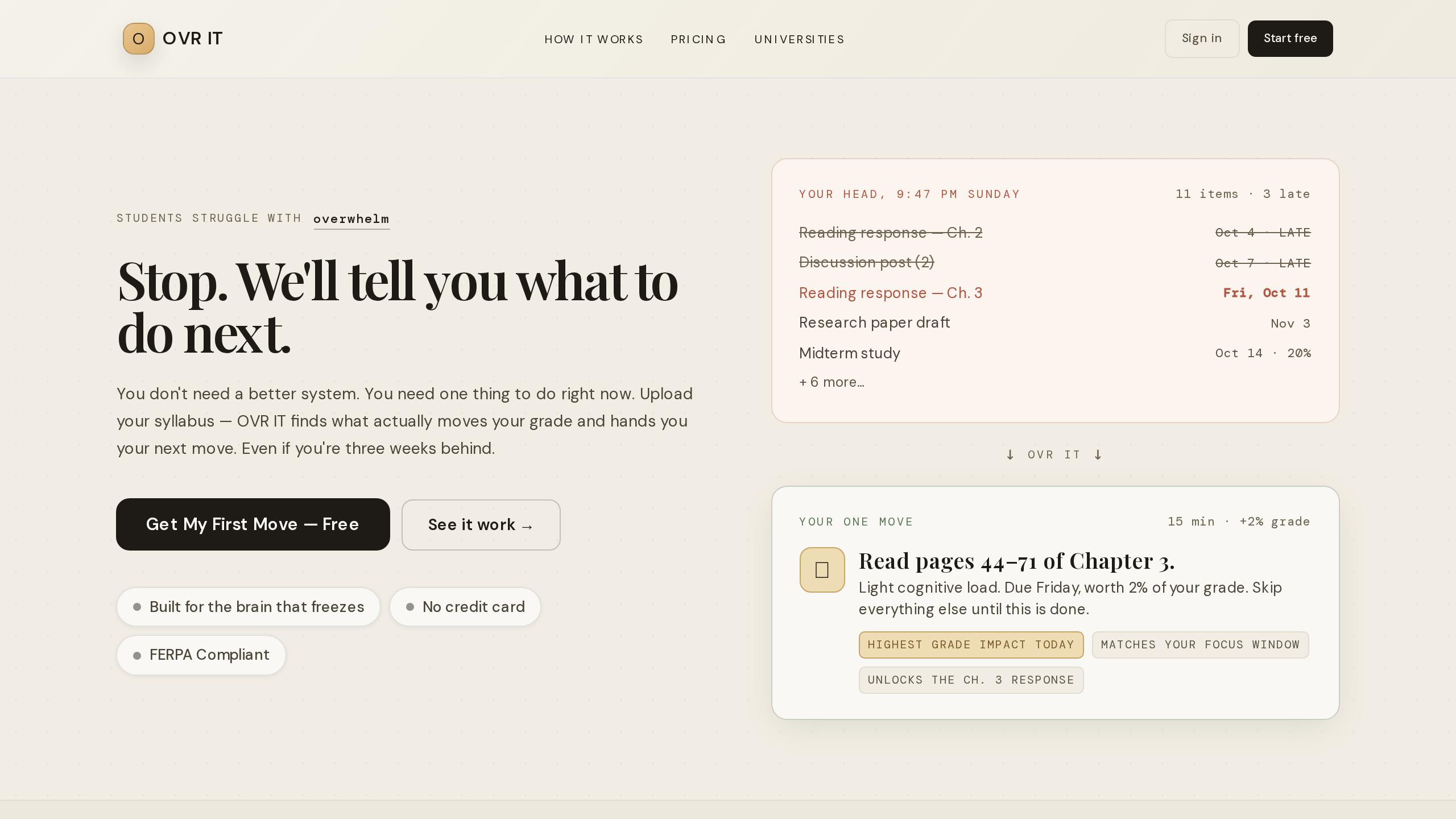
OVR IT is an ADHD-first study planner built for college students who struggle with executive function challenges. Upload a syllabus and the app extracts deadlines, ranks work by grade impact, and surfaces one realistic next move instead of an overwhelming task list. When you fall behind, the system reboots the plan without judgment.
OVR IT Feature Breakdown
- Syllabus Scanner — Upload a PDF or photo; the app extracts deadlines, exam dates, and grade weights. Verify before saving.
- One Clear Next Move — Surfaces the single highest-impact step based on urgency, grade weight, and available time.
- Grade Predictor — What-if scenarios showing how each assignment affects your final grade.
- BRIO (Digital Twin) — A persistent AI companion that learns your study patterns over time and surfaces the right task at the right moment.
- Avoidance Radar — Detects tasks you’ve been sidestepping and offers a smaller, startable entry point.
- Co-Focus — AI body doubling for sustained attention while studying.
- Deadline Map — Spots when multiple big assignments collide in the same week.
- Energy Tracker — Matches study blocks to when you actually focus best.
- "I’m Overwhelmed" Button — One-tap guided reset that shrinks scope and restarts your plan.
OVR IT Pricing
OVR IT gives free access, then charges for more. The entry-level plan covers core features with no credit card required. Paid plans are billed per semester or year:
| Plan | Per Semester | Per Year |
|---|---|---|
| Pro | $19.99 | $39.99 |
| Pro AI | $34.99 | $69.99 |
Some institutions license access, which can auto-release Pro features for enrolled students. The specific feature differences between free and paid tiers aren’t publicly detailed.
Target Users OVR IT?
College students with ADHD or executive dysfunction are the primary audience. The tool also serves university disability services offices and academic coaches who recommend structured planning frameworks to the students they support. it’s meant for people who don’t already have a working system — not for students who just need a calendar.
OVR IT Limitations
One user review notes that the app can feel slower than general-purpose AI tools like ChatGPT or Gemini. If you’re used to instant responses from large language models, the processing time for syllabus scanning and plan recalculation may feel noticeable. The trade-off is specialized planning logic that generic AI assistants don’t provide.