

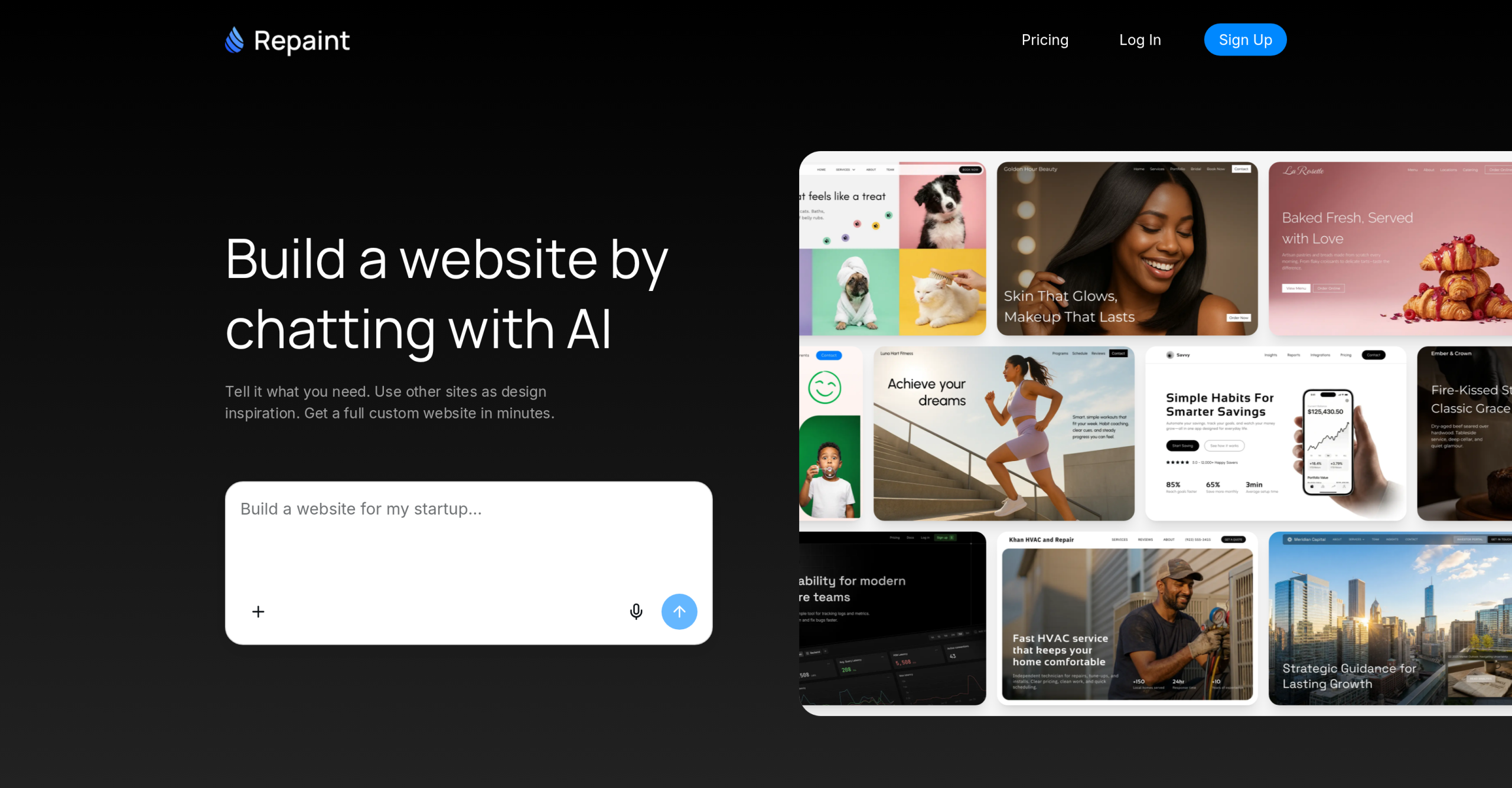
Repaint enters the crowded website builder market with a distinct approach, positioning itself as an AI-first alternative to established platforms like Squarespace and Wix. While those platforms rely heavily on templates and drag-and-drop interfaces, Repaint aims to simplify the entire process through conversational AI. it’s built to generate fully designed, multi-page websites simply by chatting with an AI, a method that could significantly reduce the time and technical skill needed for site creation. It goes beyond just generate a basic page — it also builds a complete online presence, including research and content, in minutes. It’s a compelling promise for small businesses and individuals who don’t want to get bogged down in design details. It’s quite different from what you’re used to.
AI-Driven Website Generation vs. Traditional Builders
Repaint’s core functionality revolves around its AI-native conversational editing. Users describe their business, answer a few follow-up questions, and the AI takes over, generating a complete, multi-page website. This includes researching the business online, writing copy, and assembling pages with real content, not just placeholders. It’s a stark contrast to traditional builders like Squarespace or Wix, where users typically start with a template and then manually populate content and adjust layouts using a visual editor. That’s a lot of manual work.
For instance, if you’re building a site for a local bakery, Repaint’s AI might ask about your specialties, location, and target audience, then generate pages for your menu, contact information, and a brief ‘About Us’ section, complete with relevant text. It can even match styles from reference links or import existing website content, making redesigns much faster. This interview-first approach helps users who might struggle with the ‘blank canvas paralysis’ often associated with more open-ended design tools. It’s a guided experience, which many non-technical users will appreciate.
Even so, this AI-first approach also brings trade-offs. While Repaint excels in speed and automation, it doesn’t offer the granular visual control that a drag-and-drop editor provides. Users accustomed to pixel-perfect adjustments in Wix or Webflow might find Repaint’s chat-based editing visually limiting. You can’t just drag an element a few pixels to the left; you’ll need to describe the change to the AI. This isn’t necessarily a drawback for its target audience, but it’s a significant difference in workflow. It’s a different way of thinking about design, that’s for sure.
Here’s a comparison of Repaint against some common website building paradigms:
| Feature | Repaint (AI-Native) | Squarespace (Template-Based) | Webflow (Visual Development) |
|---|---|---|---|
| Primary Interface | Conversational AI (Chat) | Drag-and-drop, Visual Editor | Visual Editor, Code Access |
| Initial Setup Speed | Minutes (full multi-page site) | Hours to days (template selection, content input) | Days to weeks (design from scratch or complex templates) |
| Coding Required | None | None (basic CSS/JS for advanced users) | Optional (for custom interactions, integrations) |
| Content Generation | AI-researched, AI-written copy | Manual content input | Manual content input |
| Redesign/Migration | Imports existing site content for AI rebuild | Manual content transfer, template switch | Manual content transfer, redesign |
| Control Level | High-level AI prompts | Moderate (template constraints) | High (pixel-perfect, custom code) |
| Target User | Small businesses, non-technical users | Creatives, small businesses, bloggers | Designers, developers, agencies |
Target Users and Specific Tasks
Repaint isn’t trying to be all things to all people; it’s clearly aimed at specific user groups. Its primary audience includes small businesses, startups, portfolios, and nonprofits. It’s also a strong contender for local service businesses, solo consultants, and small practices that need an online presence without the overhead of hiring a developer or spending weeks learning a complex platform. It’s for anyone who says, "I need a website, but I don’t know where to start."
Users engage Repaint for several key tasks:
- Quick Website Creation: Launching a new business website in a fraction of the time it would take with traditional methods. It’s ideal for minimum viable product (MVP) websites.
- Website Redesign and Migration: Importing existing website content (text, images, structure) and having the AI rebuild it in a new style. This can be a huge time-saver for modernizing outdated sites.
- Content Generation: The AI handles writing website copy, a task that often bogs down small business owners.
- Customization via Chat: Requesting new pages, updating information across the site, or adding interactive components like pricing calculators, all through conversational prompts.
- Ongoing Updates: Making small fixes or content changes by simply chatting with the AI, eliminating the need to guide through complex backend systems.
It’s clear that Repaint prioritizes ease of use and speed over absolute design freedom. If you’re a designer who needs to control every visual detail, you’ll likely find its approach restrictive. Even so, if you’re a small business owner who just needs a professional, functional website up and running quickly, it’s an incredibly appealing proposition. There isn’t a faster way to get online, that’s for sure.
Accessing Repaint: Freemium Model and Usage Limits
Repaint gives free access, then charges for more, allowing users to generate a site and begin editing without immediate cost. This free tier is excellent for trying out the platform and building simple sites, but it comes with some limitations. Websites created on the entry-level plan are published on a Repaint subdomain and include Repaint branding. It also has limited weekly editing usage, which resets weekly and applies across all sites you’re managing. Put differently, you can’t make unlimited changes on the free plan; you’ll hit a cap.
For more serious use, Repaint offers a premium plan starting from $24/month when billed annually, or $25-$30/month for monthly billing. The premium plan removes the Repaint badge, allows connecting custom domains, and offers expanded weekly editing usage. While the premium plan covers most real business site needs, heavy one-time jobs might require optional pay-as-you-go credits, though there are no per-edit fees. This is an important distinction; you’re paying for access and expanded usage, not for individual changes.
Compared to competitors, this pricing structure is fairly standard for AI website builders. Many, like Mixo or Stunning, also offer freemium models with similar restrictions on custom domains and branding for their free tiers. Traditional builders like Squarespace and Wix typically don’t offer a truly free tier for published sites, often providing only free trials before requiring a paid subscription for any live presence. So, Repaint’s free offering is a genuine way to test the waters before committing. It’s a good way to see if it’s right for you.
The Hidden Cost of Convenience
While Repaint offers undeniable convenience and speed, especially for non-technical users, there’s a significant caveat potential users should understand before fully committing. The platform’s strength — its conversational AI interface — is also its primary limitation for those seeking granular control or specific integrations. A drag-and-drop editor or direct code access here aren’t available. Simply put, if your business evolves to require highly customized layouts, complex third-party integrations beyond what the AI can generate, or reliable e-commerce functionality, you’ll likely hit a wall. Repaint doesn’t currently support direct e-commerce integration, for example. You’ll have to consider external solutions or migrate your site entirely if that becomes a critical need. It’s a trade-off: incredible speed and ease of use now, but potentially less flexibility down the line. That’s something you’ll want to keep in mind.