

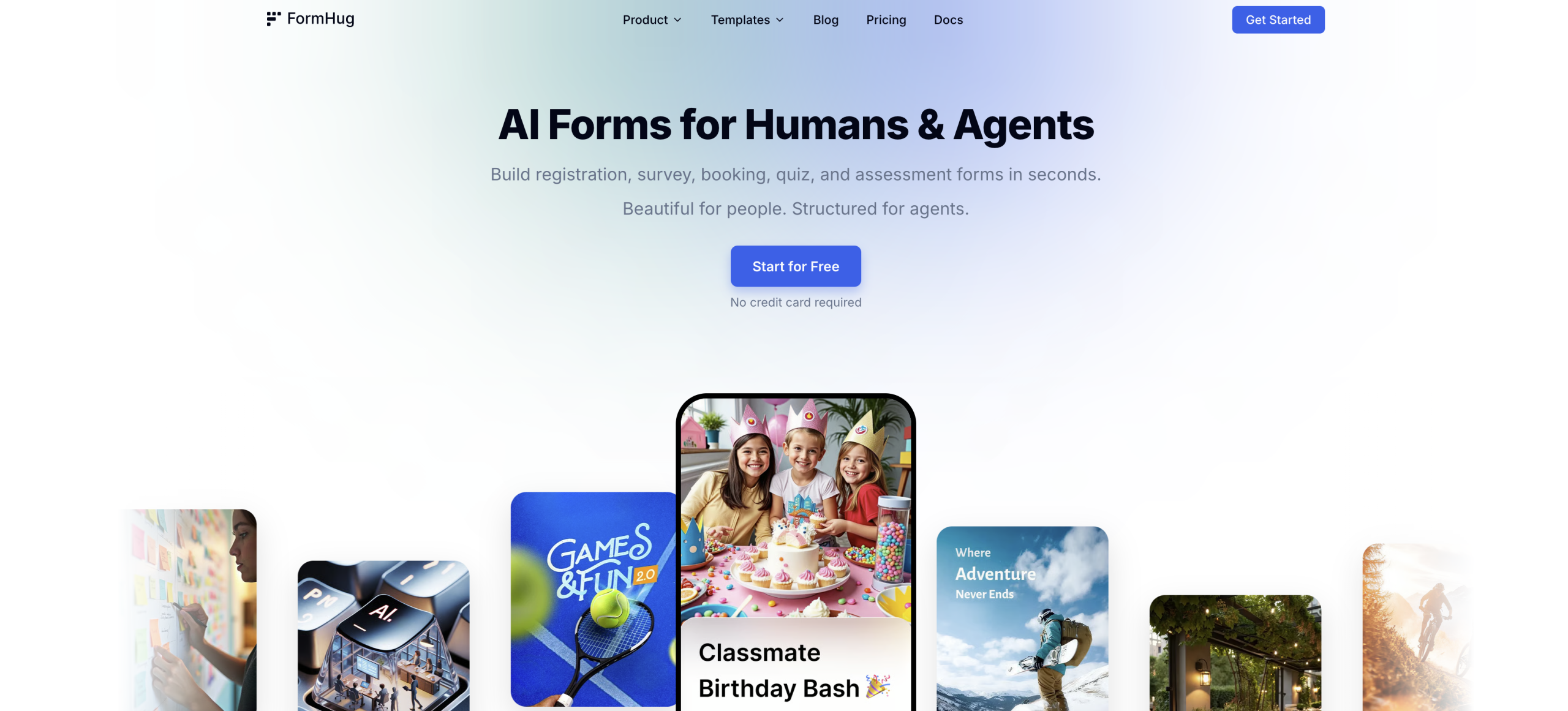
How can you build a complete form in seconds just by describing it? FormHug answers this by using artificial intelligence to transform your text descriptions into functional forms almost instantly. it’s meant to simplify the form creation process, saving you significant time compared to traditional manual builders.
AI-Powered Form Generation: Describe and Deploy
FormHug’s most compelling feature is its AI form builder. You won’t be starting from a blank canvas or sifting through generic templates. Instead, you’ll simply tell the AI what kind of form you need. For example, you might type, "I need a registration form for a coding workshop that collects name, email, skill level, and dietary restrictions." The AI then generates the form with appropriate fields, labels, and even helper text. It’s a powerful capability that dramatically reduces the initial setup time, letting you focus on content rather than structure. This transcends being just for simple forms; it’s capable of handling more complex requests across its various ‘Scenes’.
This AI capability transcends being just a gimmick; it’s a core differentiator. Unlike competing tools, FormHug’s approach means you’re getting a custom-generated form tailored to your specific request without manual field addition. It’s particularly useful for users who aren’t form-building experts or those who need to create many forms quickly. It’s incredibly efficient for tasks like setting up client intake forms or event registrations.
Purpose-Built Scenes for Diverse Needs
FormHug isn’t a one-size-fits-all solution; it’s got six purpose-built "Scenes" designed for different form types. These aren’t just templates; they’re optimized structures for specific use cases. You’ve got options like Registration, Survey, Booking, Quiz, Assessment, and Public Query. Each scene comes with its own set of considerations and features, making it easier to create a form that truly fits its purpose. For instance, the Quiz scene will likely include scoring options, while the Booking scene might integrate calendar functionalities. This specialized approach ensures that the forms aren’t just quick to build, but also effective for their intended function.
One particularly interesting scene is "Public Query." This feature allows users to look up results or information without needing to log in. It’s a self-service option that could be incredibly useful for event organizers sharing attendee lists or for businesses providing order status updates. This specific capability isn’t available in many other form builders, making it a unique selling point for FormHug.
What FormHug Offers and Where It Doesn’t Yet Excel
FormHug works on a credit system with a free tier, which is great for getting started. You can use the starter tier and get up to 3,000 submissions per month without needing a credit card. If your needs grow, paid options begin at $24/month, billed monthly. It’s worth noting that they don’t offer refunds, so you’ll want to be sure it’s the right fit prior to upgrading. It also prioritizes a clean, multi-field layout, which means you won’t be subjected to the often-frustrating one-question-per-page format common in some other builders. This design choice makes for a smoother user experience, as it’s less clicking and more completing for your respondents.
That said, Note that understand its current limitations. FormHug doesn’t offer a self-hosted option, and it currently lacks native integrations with popular tools like Zapier or Make. Essentially, if you’re heavily reliant on those platforms for automation, you might need to explore workarounds or consider the technical familiarity required for Multi-Cloud Platform (MCP) setup. Also, it doesn’t yet support team collaboration or multi-user roles, which could be a constraint for larger organizations. While it handles high submission volumes in paid plans, specific enterprise-level features or volume pricing details aren’t publicly available. You’ll want to keep these points in mind when evaluating if it’s the right tool for your specific workflow.
Your First Step with FormHug
Your most useful first action is to visit the official FormHug website and try out the starter tier. It’s the best way to experience its AI form generation firsthand and see if it aligns with your needs.