

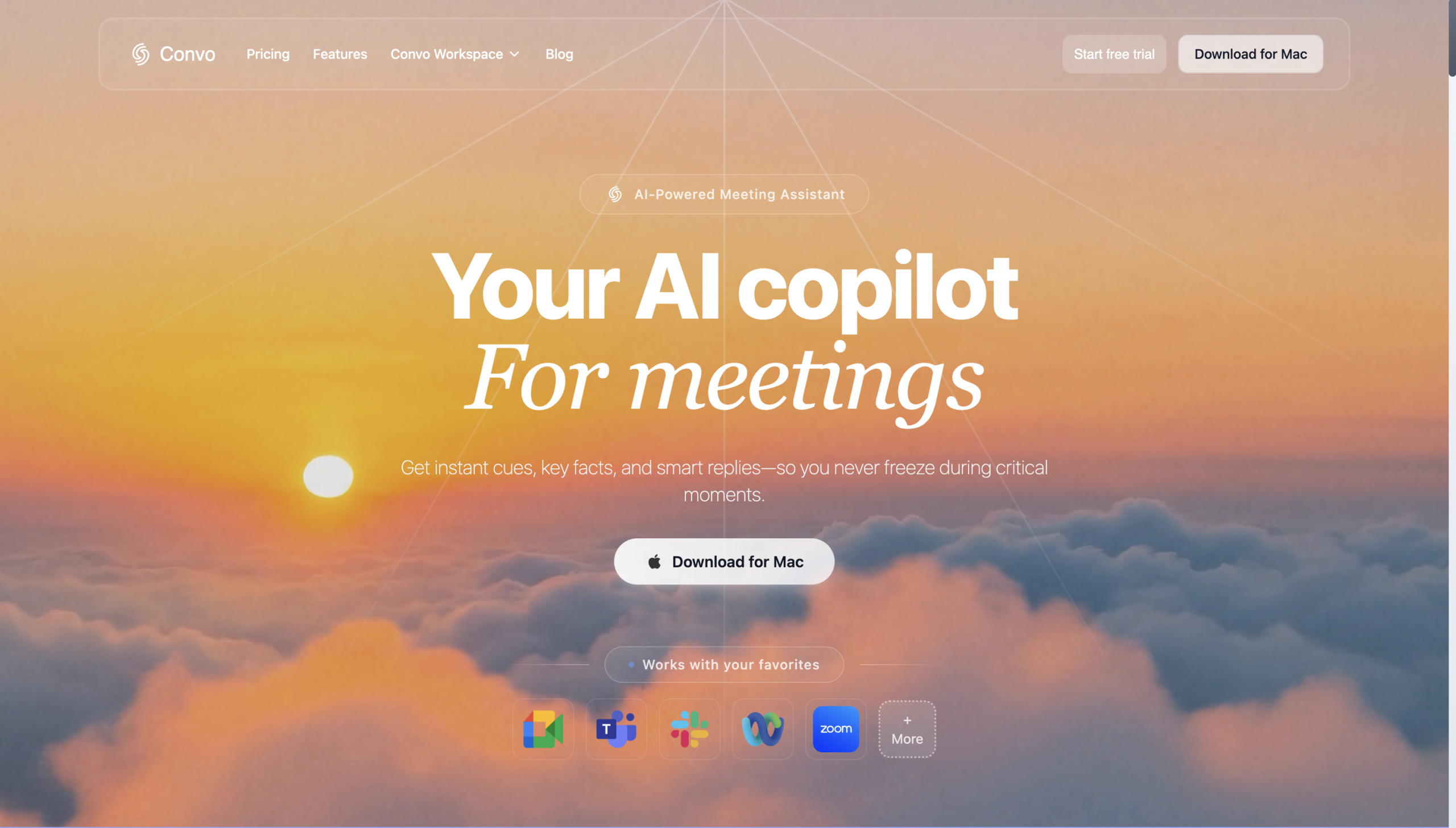
Convo, an AI meeting assistant, aims to solve the inefficiencies of virtual meetings, with users reporting real-time guidance and automated post-meeting tasks. what it does is help professionals, particularly in sales, customer success, consulting, and recruiting, stay focused on conversations rather than manual note-taking. This tool isn’t only a transcriber; it’s a proactive copilot that integrates into your daily workflow.
Setting Up Your AI Meeting Copilot
After deciding to try Convo, you’ll download and install the desktop application, available for Mac and Windows. It’s not a web-only tool, so you’ll need to grant necessary permissions during setup, including microphone access for your voice, system audio access for other participants, and accessibility permissions for its overlay features. This local processing architecture is key; it’s why your conversations stay private. If you’re planning on integrating with other tools, you’ll generate an API key from the desktop app’s settings. Before your first call, you can upload knowledge sources like websites or PDFs, or create "Live Answer Cards" to give Convo more context for its real-time suggestions. This preparation helps tailor the AI’s assistance to your specific needs.
Engaging Convo During a Call
Once you’re in a virtual meeting on platforms like Zoom, Google Meet, or Microsoft Teams, you’ll activate Convo with a simple toolbar button or keyboard shortcut (⌘L on Mac, Ctrl+L on Windows). It’s quite unobtrusive; Convo operates invisibly, processing audio locally on your device. You’ll see real-time suggestions and guidance appear on your screen, but other participants won’t know it’s there. This allows you to concentrate on the discussion, knowing Convo’s capturing details and offering prompts. It’s like having a silent, intelligent assistant whispering advice in your ear, helping you handle objections or apply strategic frameworks without interrupting the flow.
Post-Meeting Automation and Insights
After the call concludes, Convo isn’t limited to just stop there. It automatically generates summaries, drafts follow-up emails, and extracts action items. These are then routed to your integrated tools, whether it’s Salesforce for CRM updates, Asana for task management, or Gmail for email drafts. You’ll then review the insights and generated content, making any necessary adjustments. This automation significantly reduces the administrative burden that typically follows meetings. It’s a real time-saver, letting you move quickly to the next task without getting bogged down in manual documentation.
Integrating with Your Existing Stack
Convo isn’t an isolated tool; what it does is fit into your existing tech stack. It integrates with many platforms, including CRM systems like HubSpot and Pipedrive, project management tools such as Trello and ClickUp, and communication apps like Slack. It connects with documentation tools like Notion and Google Docs, too. For more advanced workflows, it offers a public REST API with 16-17 endpoints, allowing custom development and integration with Zapier or Make.com. This extensive integration capability means you won’t have to overhaul your current systems; Convo can plug right in.
The Mobile Limitation
While Convo offers significant benefits for desktop users, note a key limitation: the main application doesn’t support mobile devices. Users have reported that this lack of mobile support makes it difficult to stay connected and productive on the go. If you’re frequently taking calls from your phone or tablet, Convo’s real-time assistance isn’t available, which could be a significant hurdle for professionals who aren’t always at their desk.