

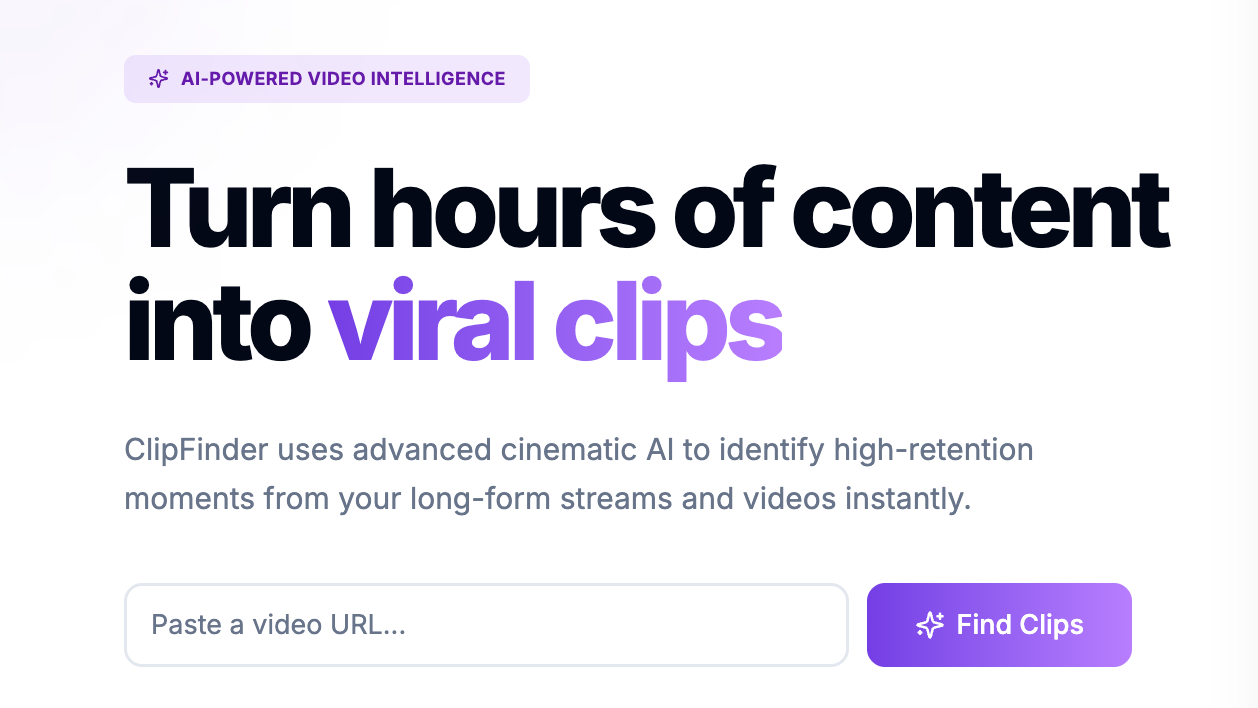
ClipFinder offers 1 hour of free usage for new users, letting them test its capabilities without a credit card. Despite this accessible entry point, a significant concern for potential users is the reported instability and lack of support. Users on various platforms have mentioned "a lot of bugs and zero user support," with one individual detailing a loss of account control due to an error message and no assistance, resulting in a wasted $9. It’s a critical drawback that could deter creators, even if the core technology is promising.
Still, for content creators who produce hours of video, ClipFinder addresses a genuine pain point: the laborious task of manually sifting through footage to find viral moments. it was created to automate the extraction of engaging segments from long-form content, such as Twitch VODs and YouTube videos, transforming them into short-form clips suitable for platforms like YouTube Shorts and TikTok. This automation can drastically reduce the time spent on post-production, allowing creators to focus more on content creation itself.
Automating Short-Form Content Production
ClipFinder’s primary function is to simplify the creation of short, engaging video content from longer sources. It intelligently identifies and formats clips, not just cutting them. The tool employs AI to analyze video content, pinpointing emotional peaks, assessing rewatch value, and gauging hook strength. Put simply, it’s not just randomly chopping up videos; it’s trying to find what’s most likely to resonate with an audience. For instance, it can filter clips into categories like "funny," "fail," or "wholesome," which is quite helpful for targeted content strategies.
AI-Driven Highlight Detection
When you feed ClipFinder a video URL, its AI goes to work, identifying compelling portions that have the potential to go viral. This process saves creators countless hours they’d otherwise spend scrubbing through 3-8 hour VODs. It’s a huge benefit for streamers and YouTubers who generate massive amounts of raw footage. The system scores each potential clip based on its perceived viral potential, giving creators a starting point for their edits. While human review is still necessary—as users note, it’ll provide "15-20 candidates to sort through" rather than a fully hands-off solution—it significantly narrows down the search.
Formatting for Social Platforms
Once potential clips are identified, ClipFinder does more than just stop there. It includes a full editing pipeline. It’ll automatically reframe videos for vertical formats, which is essential for platforms like TikTok and YouTube Shorts. It also adds built-in captions with multiple style options, a feature that’s crucial for accessibility and engagement on social media where many users watch without sound. Creators can also add hook text overlays to grab viewers’ attention immediately. For gaming content, there’s a dual-crop mode that allows for both facecam and gameplay to be displayed simultaneously, a common format for gaming highlights.
Integration and Accessibility
ClipFinder is a cloud-based tool, meaning you’ll access it through a web browser. There isn’t a dedicated mobile app, nor does it offer offline capability. This web-based approach simplifies access, as you won’t need to install any software or worry about specific hardware requirements; the heavy lifting of processing happens in the cloud. Still, it does mean you’re dependent on an internet connection for all operations.
Supported Sources and Publishing Destinations
It supports processing videos directly from Twitch VODs and YouTube video URLs. This direct integration with major streaming platforms is a key advantage for its target audience. Once clips are ready, you can publish them directly to YouTube Shorts and TikTok via OAuth, which simplifies the distribution workflow. This direct publishing capability means you won’t have to download the edited clip and then manually upload it to each platform, saving considerable time and effort.
Pricing Model
ClipFinder uses a pay-as-you-go pricing model after the initial free hour. Paid options start from $2 per unit, which translates to per hour of video processed. It’s a model that some users find more economical than traditional subscription services, with one user claiming it’s "3x cheaper than Opus Clip." There aren’t any watermarks on exported clips, nor are there hidden fees or subscriptions, which is a transparent approach many creators will appreciate.
Known Limitations and User Experience
While ClipFinder offers compelling features, it’s not without its drawbacks. The most significant issue, as mentioned, is the reported lack of user support and prevalence of bugs. An AI tool, no matter how smart, isn’t truly effective if users can’t rely on it or get help when things go wrong. This transcends being just an inconvenience; it’s a potential blocker for consistent content production.
Another limitation is the absence of a dedicated API. That means while it integrates well with Twitch and YouTube for sourcing and with YouTube Shorts and TikTok for publishing, it can’t easily connect with other tools in a creator’s workflow. For creators with complex setups, this might mean manual workarounds for other parts of their content pipeline. Also, processing long videos can take 10-15 minutes, which, while faster than manual editing, isn’t instantaneous.
For anyone considering ClipFinder, I’d suggest taking full advantage of that 1 hour of free usage. Test it with your typical video content, try out the editing features, and attempt to publish a clip. See if the reported bugs affect your workflow and if the AI’s clip suggestions align with your content style. It’s the best way to assess its fit for your specific needs before committing any funds.