
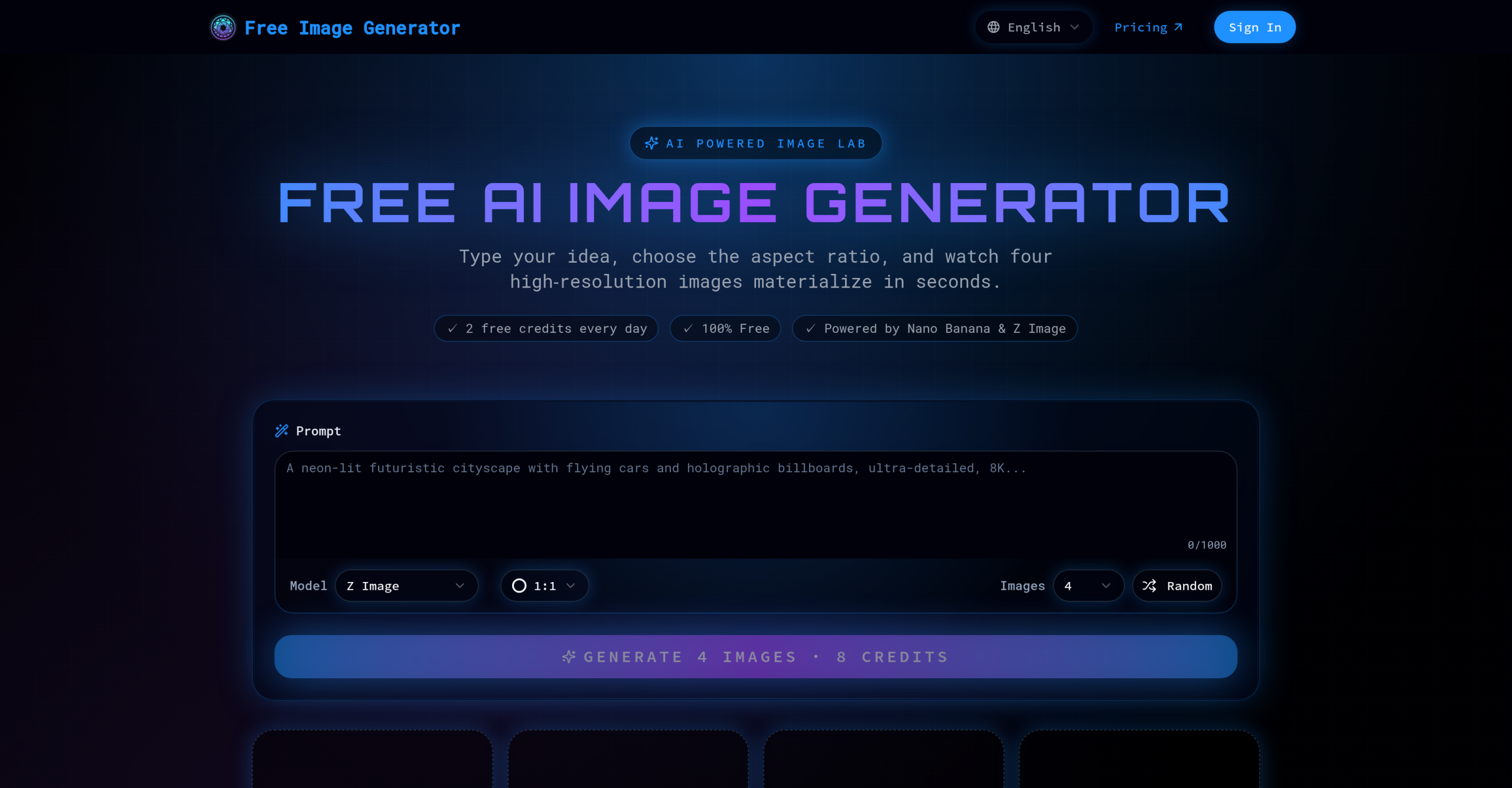
Free Image Generator creates AI images with multiple aspect ratios and resolutions up to 4K, including a Canvas Composer for custom layouts. it’s meant to generate these "stunning AI images in seconds," aiming to solve the problem of rapidly creating visuals without needing extensive technical skills. On the flip side, despite the promise of "Free & Unlimited" generation, there’s a significant caveat: free users will find their creations emblazoned with watermarks. You’ll need a premium subscription to remove them. That’s a common trade-off, but it’s one that often frustrates users expecting truly unrestricted output. It’s a tool that gives with one hand and takes with the other.
Generating Images: Speed vs. Output Quality
The tool’s primary function is converting text prompts into images. It’s quick, reportedly generating images in seconds. Users often praise what makes it capable is produce "high-quality images" and its support for various aspect ratios. This flexibility is certainly a plus, allowing for diverse applications from social media posts to marketing materials. It’s also got an "intuitive Canvas Composer" for custom layouts, which isn’t something every free generator offers.
On the flip side, the batch generation limit of 4 images at a time can slow down workflows for anyone needing many variations. While the recent update (v1.2.0) removed credit limits, it didn’t address this batch size, which some might find restrictive. It’s a curious omission when the goal is rapid creation.
The Cost of Clean Images
Free Image Generator follows a freemium structure. While it now offers "Free & Unlimited" image generation, that doesn’t mean completely unrestricted use. The main limitation for free users is the presence of watermarks on all generated images. If you’re looking for clean, professional-grade output, you’ll need to pay. Premium access starts from $20 per month, billed monthly, with a "No Refunds" policy. This pricing structure means you’re committing to a monthly fee for watermark removal, which isn’t ideal if you only need occasional clean images. It’s a clear distinction between casual use and professional application.
Limitations and Missing Features
Beyond the watermark, the tool doesn’t mention specific integrations with other platforms. That means you’re likely working within its ecosystem, then manually exporting and importing images elsewhere. There’s also no information provided about system requirements, browser support, or mobile access, which could be a concern for users with specific setups. It’s hard to tell if it’ll work well on older machines or mobile devices without that data. It’s not a deal-breaker for everyone, but it’s certainly information you’d expect from a modern web-based tool.
If you’re creating images for personal use where a watermark isn’t an issue, or if you’re willing to pay the monthly fee for clean output, Free Image Generator might suit your needs. On the flip side, if you require extensive batch processing, deep integrations with other design software, or a tool with a more transparent refund policy, you’d probably be better off considering alternatives like Midjourney or Stable Diffusion, which offer different pricing models and feature sets.