

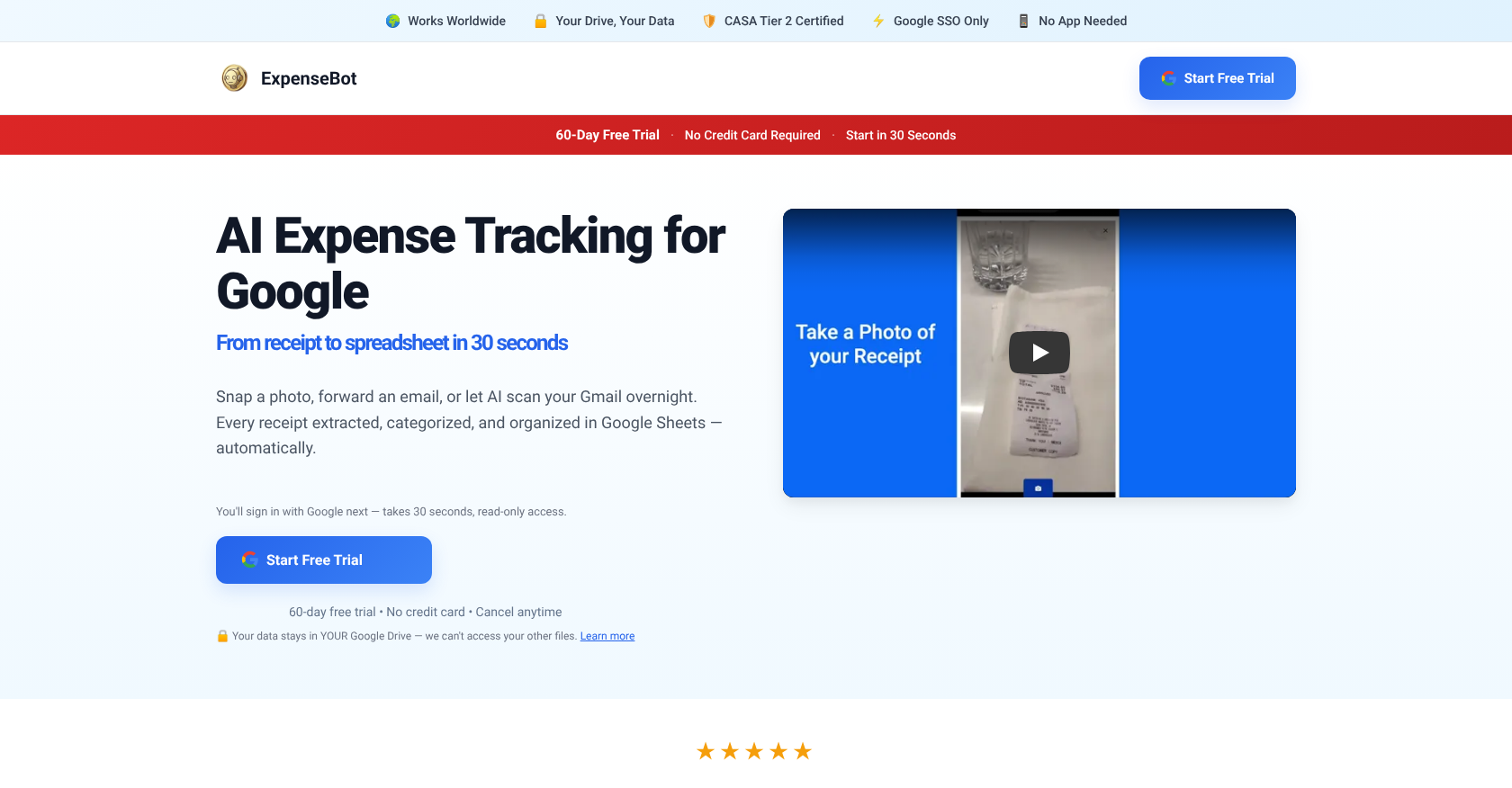
ExpenseBot Core Specifications
| Feature | Detail |
|---|---|
| Primary Function | AI expense tracking for Google |
| Target Users | Individuals, professionals, accountants |
| Free Trial | 60 days |
| Paid Plans Start | $10 per month, billed monthly |
| Integrations | Google Workspace ecosystem, QuickBooks (via export) |
| Core Automation | Gmail auto-capture of transactions |
| Key Capability | Expense categorization, spending monitoring |
Automating Expense Management in Google Workspace
It’s interesting how deep ExpenseBot goes into Google’s ecosystem; you’d think there’d be more direct competitors with similar Google-first approaches. This AI expense tracking tool focuses on simplifying financial data management. It handles the manual, time-consuming parts of expense tracking. You’re looking at automation directly within your familiar Google environment.
It identifies and records financial transactions from emails automatically. This Gmail auto-capture feature cuts down on manual data entry significantly. You can also reconcile expenses against credit card statements, which is crucial for accuracy. It makes financial tracking much more efficient.
Targeting Accountants and Professionals
Accountants, specifically, find this tool useful. It’s built for managing expenses efficiently within the Google environment. You’ll use it for tasks like categorizing expenses and monitoring spending. It keeps financial records organized without a lot of extra effort.
Understanding the Free Trial and Monthly Costs
ExpenseBot offers a free trial. That’s a decent period to kick the tires and see if it fits your workflow. After the trial, paid plans start from $10 per month. This is billed monthly, so you’re not locked into a long-term contract initially. It’s pretty straightforward with the pricing.
Integration Without Deep Technical Specs
This tool lives within Google Workspace. It suggests a web-based application or an add-on. Specifics on supported formats, API availability, or system requirements aren’t publicly detailed. This can be a limitation if you need deep, custom integrations outside of Google’s ecosystem. You’re essentially relying on its Google Workspace compatibility. It means you won’t find rate limits or explicit browser support details readily available. The JavaScript requirement for effective use is a minor note, but generally standard for web applications.