

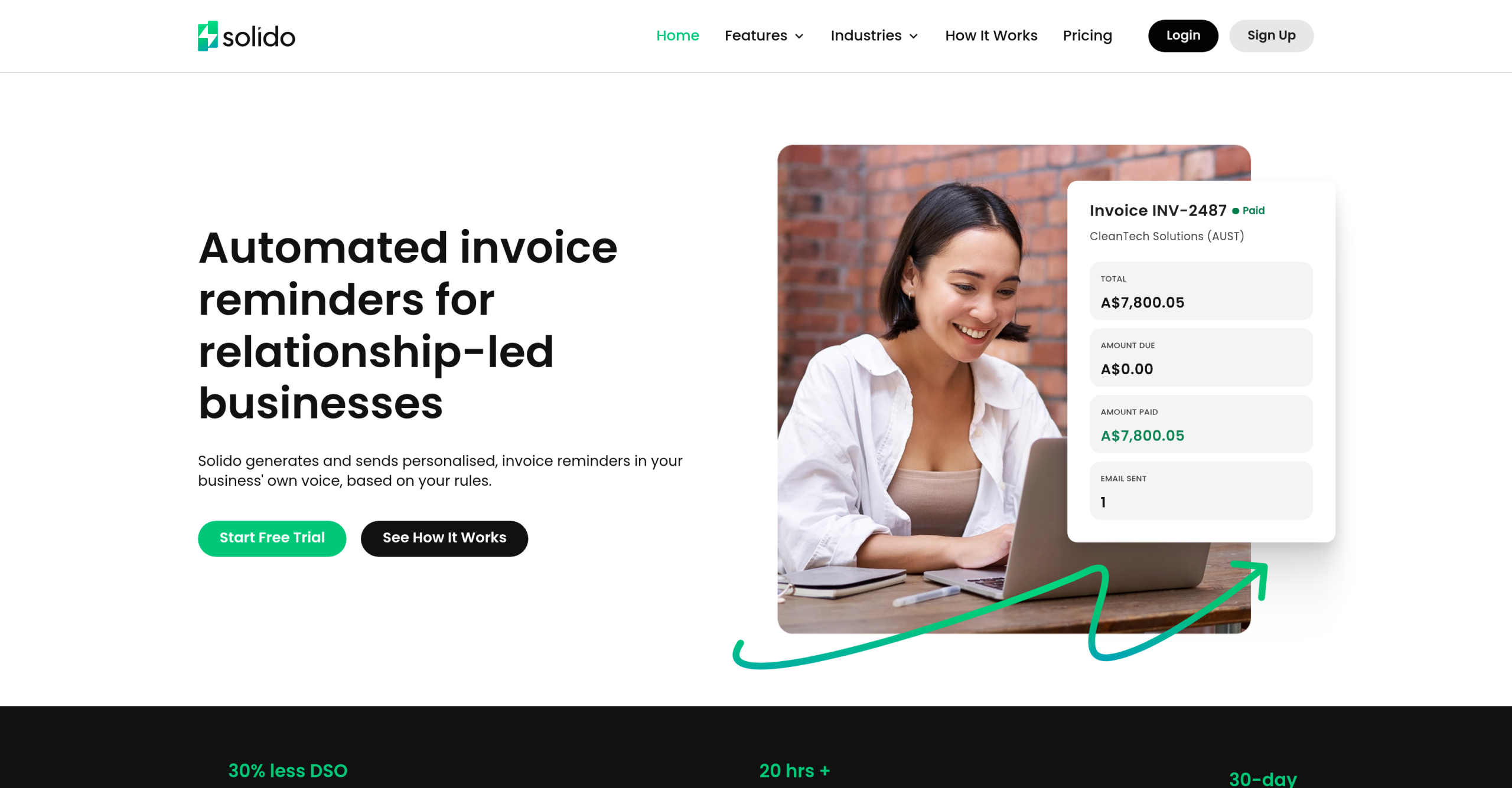
The absence of QuickBooks integration in this invoice reminder automation tool presents a significant hurdle for businesses not using Xero. This limitation, explicitly noted among the tool’s "Cons," means a substantial portion of the market can’t fully use its core features. This narrow focus on Xero users limits its potential for broader adoption and utility.
Limited Accounting Software Integrations: A Significant Constraint for Solido?
Solido’s reported lack of QuickBooks integration raises immediate questions about its practical applicability for many businesses. While QuickBooks integration is "in the pipeline," its current absence forces a reliance on manual data entry or precludes use entirely for those accounting platforms. An automation tool integrating only with Xero faces questions about its effectiveness for businesses using other accounting platforms.
This limited compatibility extends beyond QuickBooks, indicating a broader constraint on the tool’s utility. Businesses not using Xero face considerable friction in adopting the system, potentially undermining the efficiency gains it promises. This focus on a single integration point creates an unnecessary barrier for diverse accounting ecosystems.
The perceived benefits may be overstated for organizations operating outside the Xero ecosystem. The manual workarounds required for other accounting systems might negate the administrative burden reduction. This raises the question: the tool is primarily a specialized add-on for Xero users rather than a universal solution.
Automated Personalization: Maintaining Client Relationships While Chasing Payments
The platform automates personalized invoice reminders, allowing businesses to send communications directly from their own email addresses. The question is whether this approach truly maintains client relationships or if the AI-generated personalization is merely superficial.
- The system enables customizable rules for reminder cadences and tone, aiming to adapt to specific client relationships and payment behaviors. These rules may not fully replicate the detailed communication of a human accounts receivable professional.
- Emails are sent from the user’s Microsoft 365 or Google Workspace account, ensuring direct client replies and preventing communications from appearing system-generated. This method effectively masks the automation, preserving a personal touch in financial interactions.
- Users reportedly praise the ability to send automated yet professional reminders, suggesting a balance between efficiency and client consideration is achievable. Though, personalization granularity may require some manual oversight for every interaction.
- Automatic synchronization with Xero ensures reminders cease once payment is made, preventing awkward follow-ups for already settled invoices. This automated cessation reliably prevents most negative client experiences, though edge cases where manual intervention remains may exist.
Efficiency Gains: Tracking DSO and Reducing Administrative Overhead
Solido aims to provide clear visibility into outstanding invoices and track Days Sales Outstanding (DSO), thereby reducing administrative time. The platform performs these functions with varying accuracy, and actual administrative time savings for accounts receivable teams depend on invoice volume.
The platform’s dashboard offers insights into unpaid and overdue totals, along with scheduled activities, providing a snapshot of collection efficiency. The dashboard offers actionable intelligence, though some data may still require manual interpretation.
User reports suggest it can save administrative time, improving collection speed by automating reminder processes. Without specific metrics on time saved per invoice or per team, these claims are difficult to verify objectively — the perceived time-saving may be substantial or marginal depending on workflow complexity.
Integration with Xero means automatic syncing of invoices and payments, removing the need for manual updates within the reminder system. This feature clearly reduces data entry errors and simplifies workflows, but this benefit doesn’t extend to non-Xero users, who are still burdened with manual synchronization tasks.
The "No Refunds" Policy: A Commitment Without Recourse?
Solido’s explicit "No Refunds" policy for its paid plans, following a 30-day free trial, demands scrutiny. The implications for users discovering the tool doesn’t meet their needs after subscribing are significant.
While a 30-day free trial offers an opportunity for evaluation, complex accounts receivable processes might not reveal all incompatibilities within this timeframe. A one-month trial may not adequately prepare a user to commit to a non-refundable subscription for complex workflows.
This policy places the onus entirely on the user to thoroughly test the tool’s functionality, particularly its limited accounting software compatibility. Potential users should be concerned about this lack of recourse if integration issues or workflow limitations emerge post-purchase.
Considering the monthly subscription starts at $49, this policy imposes notable financial risk on small businesses or individual users with fluctuating needs or unexpected changes in their accounting infrastructure. The absence of a refund option could be a significant deterrent for cautious adopters, potentially limiting market penetration despite the tool’s intended benefits.
New users should carefully consider the "No Refunds" policy and limited accounting software integrations before subscribing. Businesses heavily reliant on QuickBooks or other non-Xero accounting platforms should avoid this tool until broader integration is firmly established, instead exploring solutions with wider compatibility. They might find more flexible subscription terms and integrations elsewhere.