

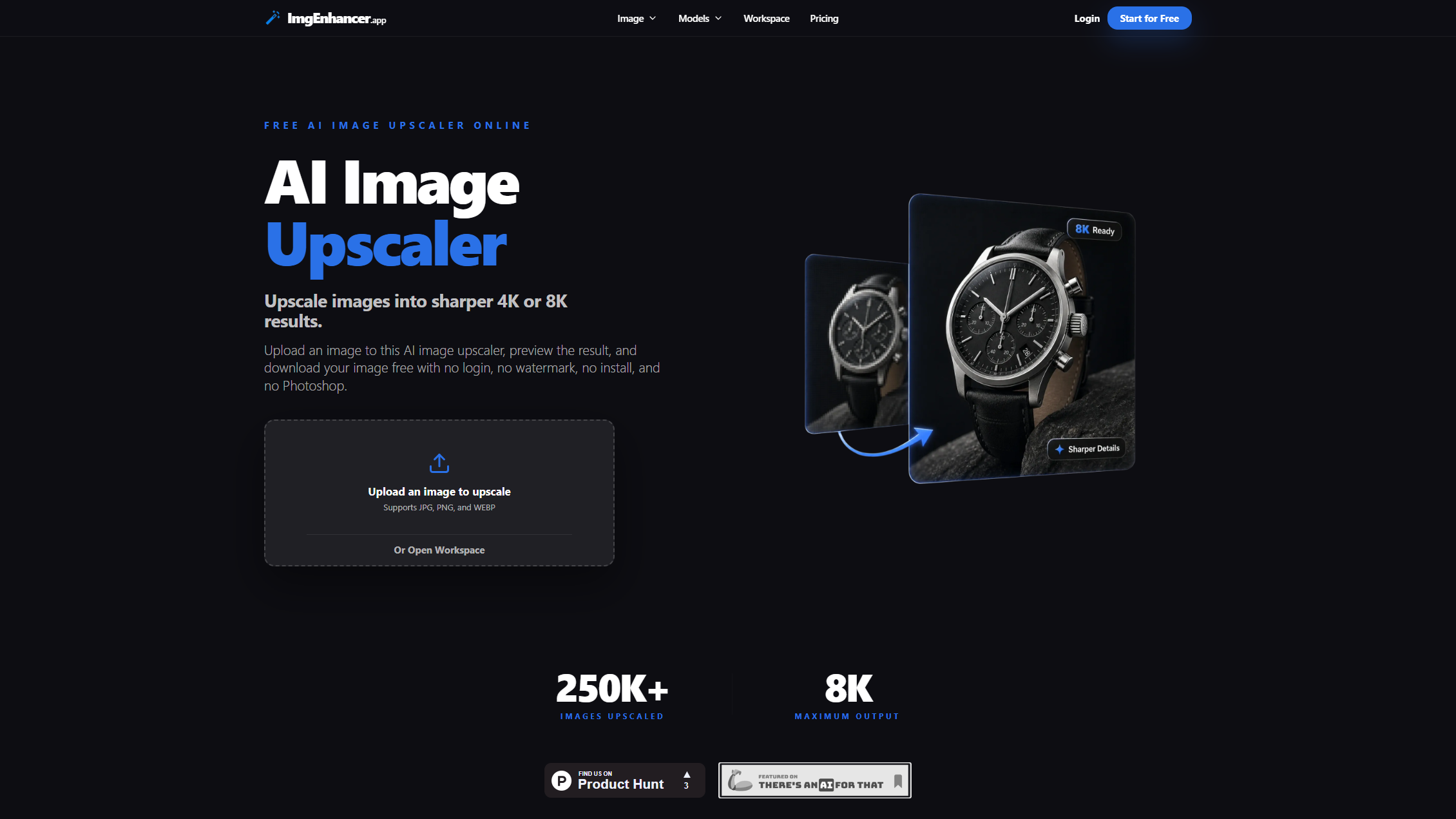
Low-resolution images are a persistent problem for e-commerce listings, social media posts, and print materials. ImgEnhancer.app upscales images to 1K, 2K, 4K, or 8K resolution using AI detail restoration, with no sign-up required to start. The tool has processed over 125,000 images and runs entirely in the browser — no desktop software download needed.
Try it at imgenhancer.app — free to start with no payment or account creation.
The Upscaling Problem: Why Resolution Matters
When you enlarge a small image, the pixels stretch and blur. Traditional upscaling (bilinear, bicubic interpolation) fills in the gaps mathematically, but the result looks soft. AI upscaling works differently: the model has been trained on millions of image pairs to predict what fine detail should look like at higher resolutions. The output is sharper edges, cleaner textures, and less visible pixelation.
The limitation: AI upscaling can’t create genuinely new information. If the source image is severely degraded, the AI will guess at details — sometimes accurately, sometimes introducing artifacts. The tool works best on images that are low-resolution but not heavily damaged.
Credit Cost by Resolution
ImgEnhancer uses a credit system where the cost depends on the target resolution:
| Target Resolution | Credits Per Image | Best For |
|---|---|---|
| 1K | 1 | Web thumbnails, social media posts |
| 2K | 4 | Standard web images, email marketing |
| 4K | 6 | High-quality product photos, presentations |
| 8K | 20 | Print materials, large-format displays |
The exact cost is shown before processing, and failed jobs are refunded automatically. This transparency lets you estimate costs before buying credits.
Use Cases
The tool targets several specific workflows:
- E-commerce — upscale product photos for cleaner edges and textures across online listings; sharper images correlate with higher buyer confidence
- Photography — fix noisy high-ISO photos and upscale without losing skin tones, fabric detail, or natural edges
- Print and HD — prepare low-resolution images for posters, presentations, and high-DPI screens without harsh over-sharpening
- Social media — create one high-quality master image, then export at different sizes for YouTube, TikTok, and Instagram after platform compression
- Real estate — upscale interior and exterior property shots so rooms look brighter and textures stay crisp
Free vs Paid
| Tier | Price | Upload Limit | Retention | Commercial Use |
|---|---|---|---|---|
| Free (no account) | $0 | 5MB | 24 hours | No, personal only |
| Free (logged in) | $0 | 5MB | 24 hours + daily credits | No, personal only |
| Paid | $9.90/month | 20-24MB | 30 days | Yes |
Paid plans include batch processing, faster queue priority, commercial usage rights, and extended file retention. The free tier auto-deletes processed images after 24 hours.
Supported formats: JPG, PNG, and WEBP for both input and output. No TIFF or RAW support, which limits professional photography workflows.
What to Watch Out For
- No TIFF or RAW support — professional photographers working with RAW files or TIFF archives need to convert formats before uploading
- Upload size caps — the 5MB free limit and 20-24MB paid limit restrict high-quality source images, particularly those intended for large-format commercial printing
- Cloud-only processing — all images are uploaded to external servers; users handling confidential or sensitive images face unavoidable privacy considerations
- No public API — no programmatic access for batch automation or third-party integration; all processing happens through the web interface
- Results depend on source quality — severely degraded images may produce visual artifacts rather than genuine improvements; the AI can’t create information that doesn’t exist in the source
- NSFW content blocked — the service prohibits processing adult content
Visit ImgEnhancer.app — https://imgenhancer.app/