

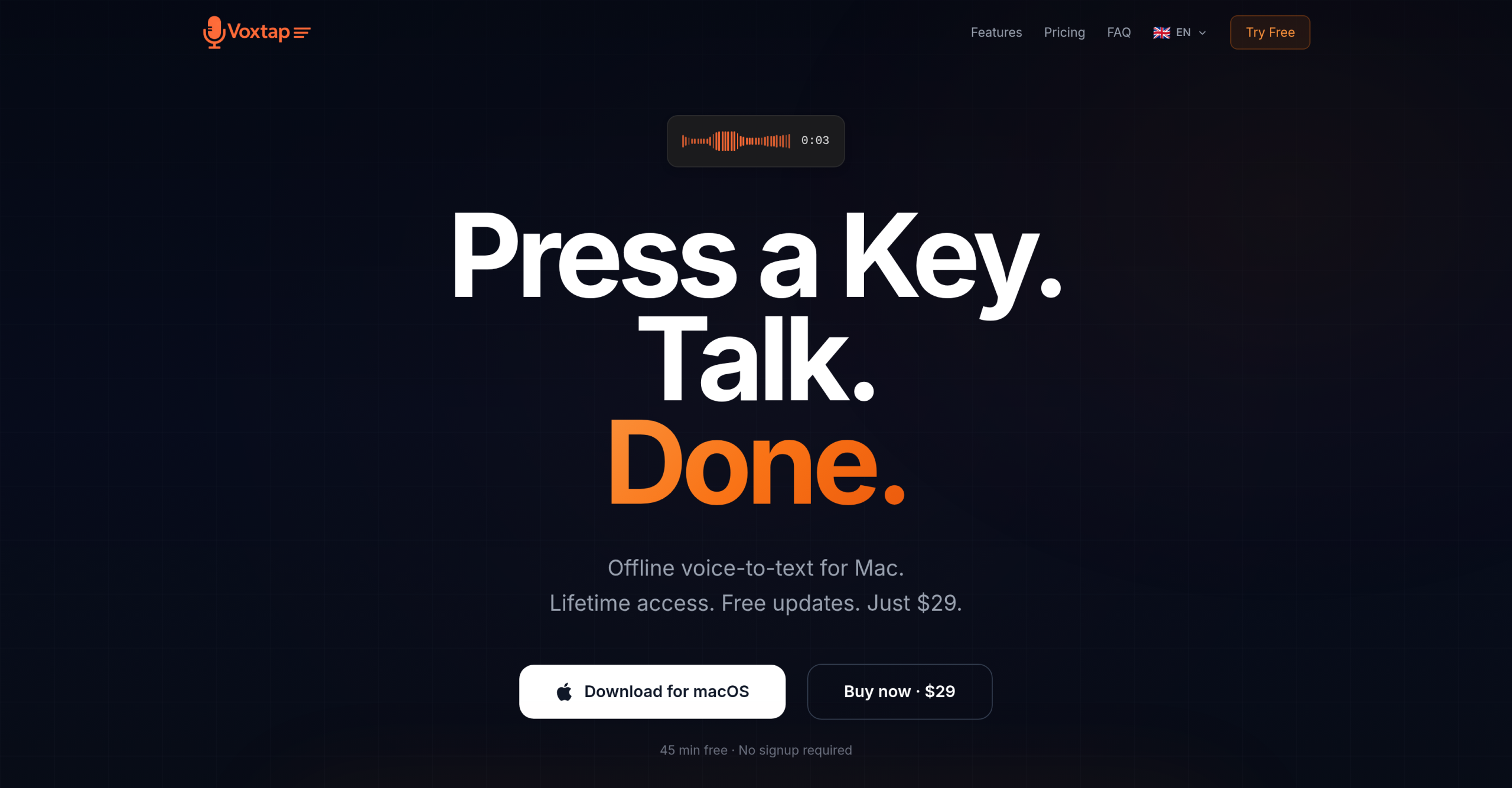
VoxTap is a macOS voice-to-text tool that processes speech entirely on-device using the Mac Neural Engine. Press a hotkey, speak, and text appears at the cursor position in any application — no internet connection required. The tool targets developers and heavy typists who spend hours at the keyboard each day.
At $29 for lifetime access with free updates, VoxTap positions itself against cloud-dependent alternatives that charge monthly subscriptions or cost hundreds for lifetime licenses. A 45-minute free trial is available with no signup or credit card required.
On-Device Processing vs. Cloud-Based Transcription
The core distinction between VoxTap and most voice-to-text tools is where the processing happens. Cloud tools upload audio to remote servers, introducing latency and privacy concerns. VoxTap runs everything locally on the Mac, which means:
- Zero data leaves the device — suitable for client work and proprietary code
- No internet dependency — works in offline environments like airplanes or secure offices
- No subscription fees — one-time purchase model instead of recurring billing
- Lower latency — the Mac Neural Engine handles processing without network round-trips
For developers working with AI coding agents like Claude Code or Cursor, voice input changes the interaction pattern. Instead of typing brief one-line prompts that produce mediocre results, developers can describe full bug contexts, architectural decisions, and edge cases in 30 seconds of speech. The AI receives richer input and produces better output on the first attempt, reducing iteration cycles.
The trade-off is hardware requirements. VoxTap requires macOS 14 (Sonoma) or later and performs best on Apple Silicon (M1 or newer). Intel Macs are supported but may experience slower transcription speeds.
Technical Speech and Developer Integration
VoxTap claims 95%+ accuracy for English, with particular strength in technical speech including code terms and mixed-language input. The tool integrates at the system level — if an application has a text cursor, VoxTap works there. This includes coding environments like Cursor, Claude Code, and VS Code, as well as Terminal, Notion, email clients, and word processors.
A user reported delivering 2.5x more code output in a week by using voice to give AI agents detailed prompts instead of brief typed instructions. The logic: voice allows richer context in 30 seconds than typing provides in several minutes, which produces better AI responses on the first attempt.
Feature Set Beyond Basic Transcription
| Feature | Details |
|---|---|
| Languages | 25 languages with auto-detect, no manual switching needed |
| Transcription history | Every transcription saved with timestamps and duration |
| Search | Full-text keyword search across all past transcriptions |
| Filler word removal | Automatically strips "um," "uh," and similar fillers |
| Copy | One-click copy from the history panel |
| Hotkey | Custom hotkey to start/stop recording |
The history panel is a persistent record of everything dictated through the tool. Users can browse by date, search by keyword, and copy any past transcription with a single click. This turns VoxTap into a searchable archive of spoken notes and ideas, not just a real-time transcription tool.
Things to Keep in Mind to Consider
The tool is macOS-only with no Windows, Linux, or mobile versions. Teams needing shared transcription or real-time collaborative editing will find the offline-only design limiting — there’s no cloud sync or multi-user capability.
The 45-minute trial provides enough time to evaluate accuracy on technical speech but may feel short for users who want to test it across multiple workdays. The 14-day money-back guarantee on the paid version provides a longer evaluation window after purchase.
Users who type fewer than 30 minutes per day may not see enough benefit to justify even the modest $29 cost. The tool delivers the most value for people who spend 4+ hours daily at the keyboard and need to reduce repetitive strain or increase output speed. The 14-day money-back guarantee on the paid version provides a longer evaluation window after purchase.
Visit VoxTap — https://voxtap.app/