

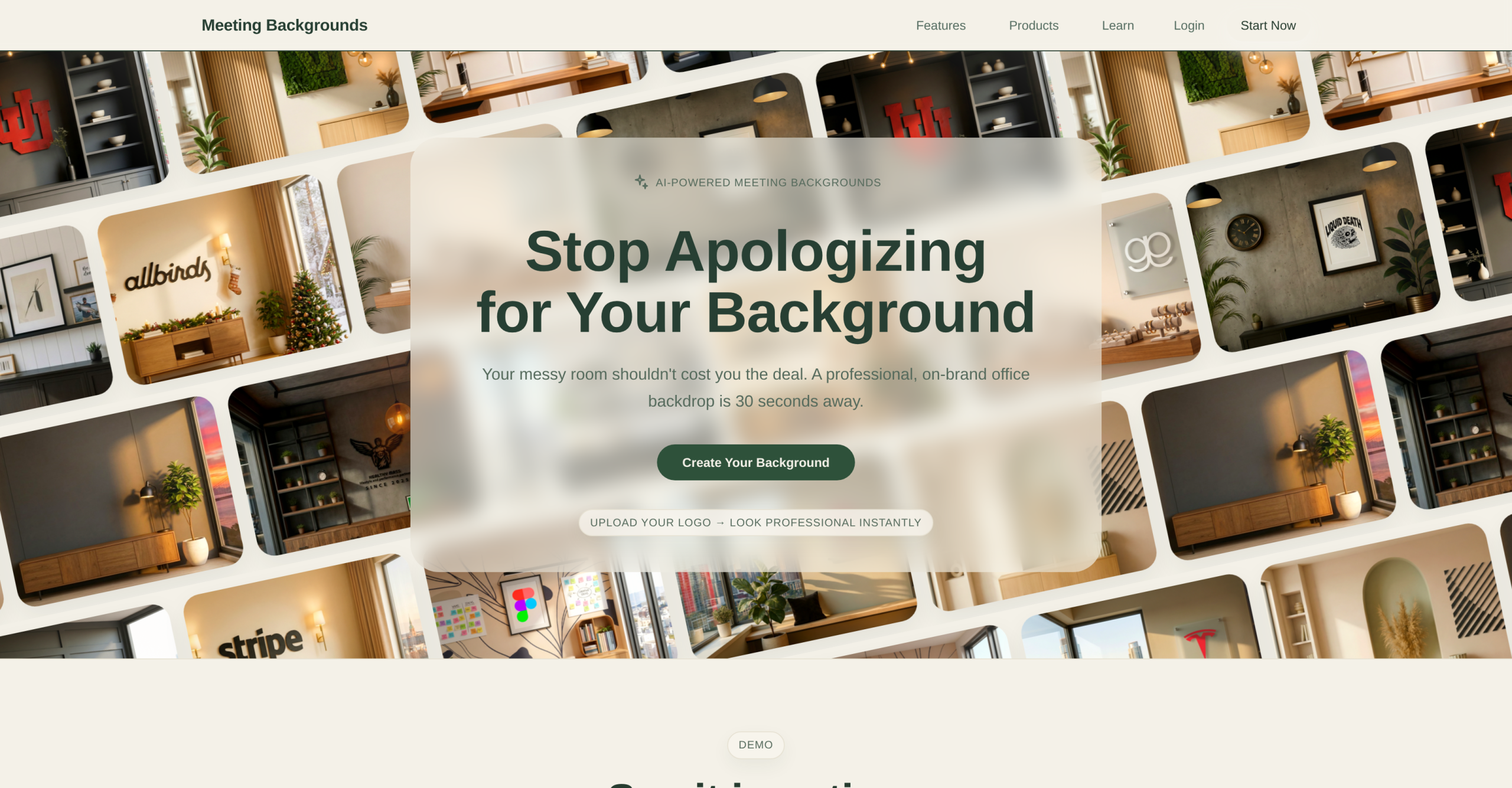
Meeting Backgrounds is an tool using artificial intelligence that generates professional virtual backgrounds for video calls on Zoom, Microsoft Teams, and Google Meet. Users upload a logo or describe their preferred environment, and the AI produces a realistic office backdrop in approximately 30 seconds — designed to look like a real room rather than an obvious virtual background.
Two Products: AI Backdrop Studio and Premium Library
The platform offers two complementary features. The AI Backdrop Studio lets users build custom backgrounds from scratch by controlling specific design parameters:
- Logo upload: Users place their company logo directly into the generated background, positioned naturally on a wall or desk
- Office style selection: Contemporary, Modern, Minimalist, and other style presets
- Lighting direction control: Users adjust where light enters the scene to match their actual webcam lighting
- Window and city views: Add realistic window views with city skylines or natural scenery
- Unlimited AI generation: Generate as many variations as needed until the result looks right
The Premium Background Library provides 60+ pre-designed backgrounds across multiple style categories, with 10 new designs added weekly. All images are 1920×1080 HD and licensed for commercial use. This library is useful for users who need a polished background quickly without customizing the AI parameters. According to the Meeting Backgrounds website, users describe the generated backgrounds as realistic enough that "clients never suspect it’s a virtual background."
How the Generation Process Works
The workflow is straightforward: users paste a description or upload their logo, it produces a background, they customize it (adjusting lighting, style, and views), and then download the final image. The entire process is designed to take under a minute. The output is a static image file compatible with any video conferencing platform that supports custom virtual backgrounds.
Who Uses This Tool
The platform targets professionals whose appearance on video calls matters for their work — sales managers who pitch over video, recruiters conducting interviews, founders raising capital, attorneys meeting clients, and consultants presenting to stakeholders. Reviews on the website mention specific use cases: embedding a company logo to create a talking point in sales meetings, building a background that reflects a technical field for job interviews, and creating branded environments for team-wide deployment.
Pricing: Single Weekly Plan
| Feature | Details |
|---|---|
| Price | $3.80/week |
| Billing | Weekly, cancel anytime |
| AI Backdrop Studio | Full access, unlimited generations |
| Premium Library | Full access, 60+ designs + 10 new weekly |
| Image Quality | 1920×1080 HD |
| Commercial Use | Included |
| Refund Policy | No refunds |
The platform uses a single pricing tier at $3.80/week (roughly $16.50/month) with no commitment. Both the AI studio and the premium library are included in the plan. There’s no free tier with watermarked backgrounds — users either subscribe or don’t have access.
Where the Tool Has Limits
The tool generates static images, not video backgrounds or animated environments. Users looking for dynamic elements (moving clouds, flickering fireplaces, animated window views) won’t find them here. The backgrounds are also purely visual — they don’t integrate with conferencing platforms directly, meaning users must manually set the downloaded image as their virtual background in Zoom, Teams, or Meet. Without a physical green screen, virtual backgrounds in any platform can produce edge artifacts around the user’s silhouette, particularly around hair and hands — this is a limitation of the conferencing software, not Meeting Backgrounds specifically. And while the AI produces realistic results, the generated environments are AI-synthesized rooms, not photographs of real offices, which may be noticeable to viewers who look closely at repeating textures or improbable architectural details.
Visit Meeting Backgrounds — https://www.meetingbackgrounds.com/