

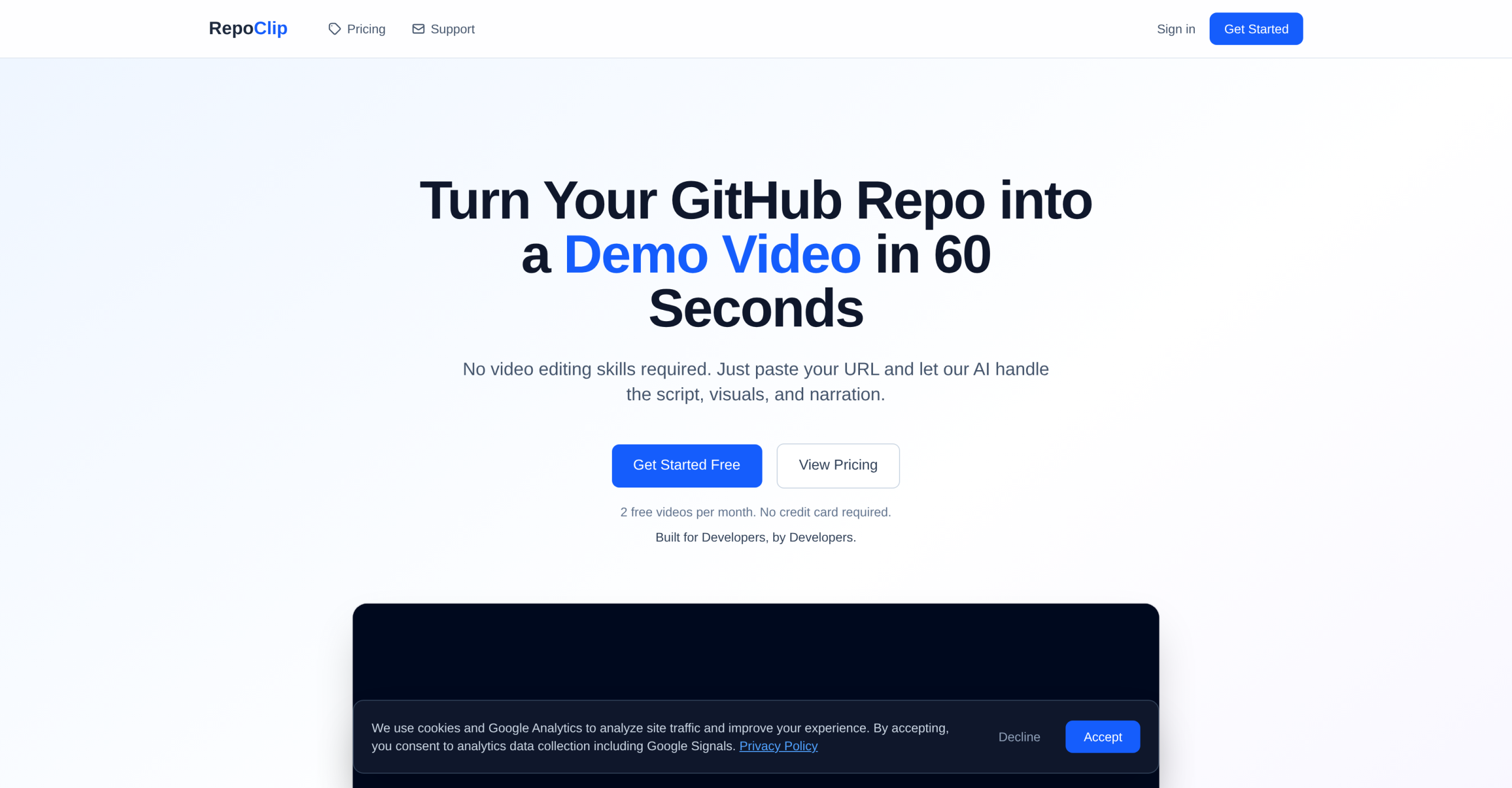
RepoClip converts GitHub repositories into narrated demo videos automatically. Developers paste a repo URL, and the tool generates a walkthrough video with AI narration, generated visuals, and background music — no video editing skills required. The platform has produced 363+ videos and counts a generation time of roughly 5 minutes per video.
The Generation Pipeline: From Code to Video in Three Steps
The process is straightforward. First, users paste any public or private GitHub repository URL. The AI then analyzes the codebase structure, features, and key components to create a narration script. Finally, it generates a professional video with AI-produced visuals and voiceover. Users can provide custom instructions to control the narration tone, visual style, voice selection, and content focus. According to the RepoClip website, the first video is free with try without payment.
Technology Stack Behind the Output
RepoClip uses multiple AI models for different production stages. Gemini 2.5 Flash handles code analysis — reading the repository structure and understanding what the code does. Nano Banana 2 generates still images for scene backgrounds. Kling 3.0 Pro (on paid plans) produces cinematic video clips with dynamic camera movements and animations, while LTX-2.3 handles video generation on lower tiers. OpenAI TTS provides the narration using a fixed set of preset synthetic voices. The platform doesn’t support voice cloning — all audio is generated from standard text-to-speech voices.
The tool supports repositories written in TypeScript, JavaScript, Python, Go, Rust, Java, Kotlin, Swift, and other languages with readable source files. Any well-structured codebase can be processed.
Credit-Based Pricing Across Four Tiers
| Feature | Free | Starter ($24/mo) | Pro ($66/mo) | Agency ($166/mo) |
|---|---|---|---|---|
| Monthly Credits | 1 image + 1 short | 50 | 200 | 800 |
| Approx. Videos/mo | 1-2 | ~5 | ~20 | 100+ |
| Resolution | 720p | 720p | 1080p | 4K |
| Watermark | Yes | Yes | No | No |
| Private Repos | No | Yes | Yes | Yes |
| Commercial License | No | No | Yes | Yes |
| Priority Rendering | No | No | No | Yes |
Credits are consumed based on content type: 10 credits for an image, 40 credits for a short video, and 300 credits for a long video. Credits refresh monthly and don’t roll over. One-time "Kling Packs" are available for users who need premium video quality or additional credits beyond their plan allocation.
CI/CD Integration via GitHub Action and Public API
RepoClip offers an official GitHub Action (repoclip/generate-video) that integrates directly into CI/CD pipelines, allowing automated video generation on every release or pull request. A Public API provides programmatic access for external systems. These integrations are useful for teams that want to keep demo videos synchronized with code changes without manual intervention.
Where the Tool Runs into Limits
The platform only processes GitHub repositories — projects hosted on GitLab, Bitbucket, or other version control platforms aren’t supported. Voice options are limited to OpenAI’s preset TTS voices with no option for custom voice models or voice cloning. Code that’s poorly structured or contains unreadable source files may produce lower-quality analysis. The watermark on Free and Starter plan videos makes those tiers unsuitable for commercial use without upgrading to Pro. And while it produces reasonable scripts, complex or niche codebases may require manual editing of the narration for accuracy.
For developers who need quick demo videos for feature announcements, investor pitches, or social media content, the tool delivers functional results at a fraction of the cost of hiring a video producer — the company estimates $500+ saved per video compared to freelancer rates. But it isn’t a replacement for professional video production when brand polish and precise creative control are priorities.
Visit RepoClip — https://repoclip.io/