

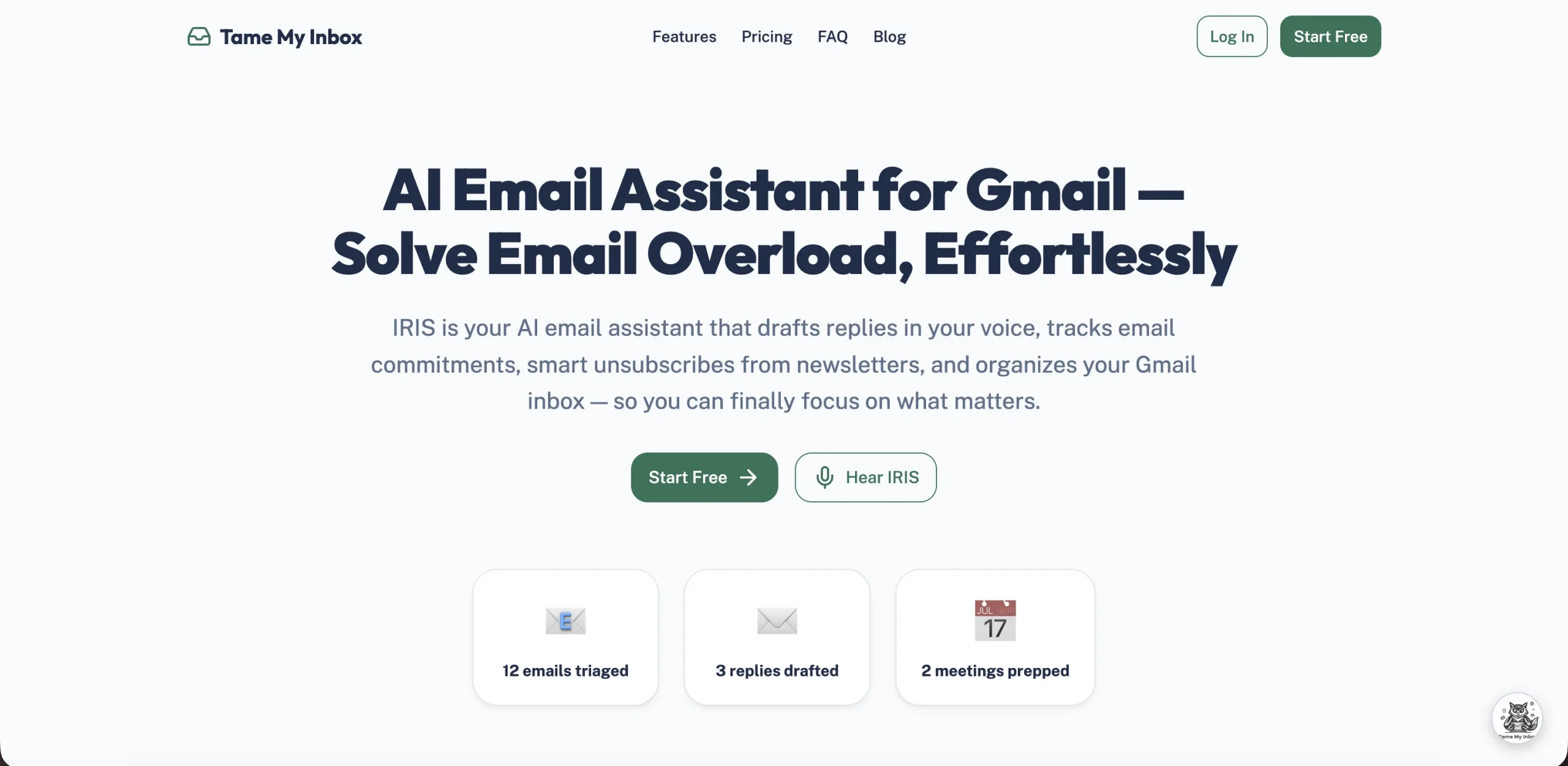
Tame My Inbox is an AI email assistant for Gmail powered by an AI agent called IRIS. It sorts incoming messages into priority categories, drafts replies that match your writing style, tracks commitments made in email threads, and prepares context for upcoming meetings. The tool works as a Gmail extension — not a separate email client.
The Email Overload Problem
The average professional receives 100+ emails per day. The triage work — reading, categorizing, deciding what needs a reply, remembering follow-ups — consumes an estimated 2–3 hours daily. Traditional email clients offer filters and labels, but they don’t read the content, understand intent, or track commitments buried in long threads.
Tame My Inbox addresses this by having IRIS read every incoming email, classify it, extract action items and deadlines, and surface what matters. The tool targets professionals and small teams who use Gmail or Google Workspace.
How IRIS Handles Your Inbox
IRIS processes emails through several layers:
- Categorization. Each incoming message is sorted into types: "Action Required," "Quick Reply," "FYI," "Newsletters," and others. This replaces manual skimming.
- Summarization. Long threads get condensed into brief summaries so you can understand the context without reading every message.
- Reply drafting. IRIS generates reply drafts that match your writing style, drawn from your past email patterns. You review and send — the AI doesn’t send anything automatically.
- Commitment tracking. IRIS identifies promises in both directions: what you owe others ("I’ll send the proposal by Friday") and what others owe you ("Let me check and get back to you"). Overdue items get nudged with full thread context.
- Meeting preparation. IRIS connects to your calendar and surfaces relevant emails before scheduled calls, so you walk in with context.
- Smart unsubscribe. Bulk newsletters and marketing emails can be managed with one-click unsubscribe.
What It Costs
| Plan | Price | Features |
|---|---|---|
| Free | $0 | Basic email management, limited usage |
| Pro | $12/month | Unlimited triage, AI replies, full IRIS assistant |
| Business | $29/month | Pro features + voice commands + web research + meeting intelligence |
Annual billing brings the effective monthly cost down. The free plan doesn’t require a credit card. No refund policy is listed for paid plans.
Security Claims
| Claim | Details |
|---|---|
| Data storage | States "never stores user data" |
| AI training | Zero data training policy — your emails aren’t used to train models |
| Encryption | Bank-level encryption for data in transit and at rest |
| Compliance | Google API compliant (audited and approved) |
These claims come from the vendor. Users with strict compliance requirements should verify current security certifications directly.
Not Ideal For
Tame My Inbox works exclusively with Gmail and Google Workspace. Outlook, Yahoo, Apple Mail, and other email providers aren’t supported. Teams on Microsoft 365 can’t use the tool.
Connecting a third-party AI to your email account requires trusting that vendor with full email access. Even with the stated zero data retention policy, the AI processes every email — including confidential communications, personal matters, and sensitive business information. Organizations with data governance policies may not allow this type of integration.
The commitment tracking feature identifies language patterns like "I’ll send you…" as commitments, but it isn’t perfect. Subtle or indirect promises may be missed, and conversational phrases can be incorrectly flagged as commitments. It reduces the problem; it doesn’t eliminate it.
IRIS operates within Gmail only. There’s no standalone mobile app, desktop app, or integration with project management tools (Asana, Jira, Notion). Teams that want email-derived tasks flowing into their project management system need to build that bridge separately.
Visit Tame My Inbox — https://www.tamemyinbox.com/