

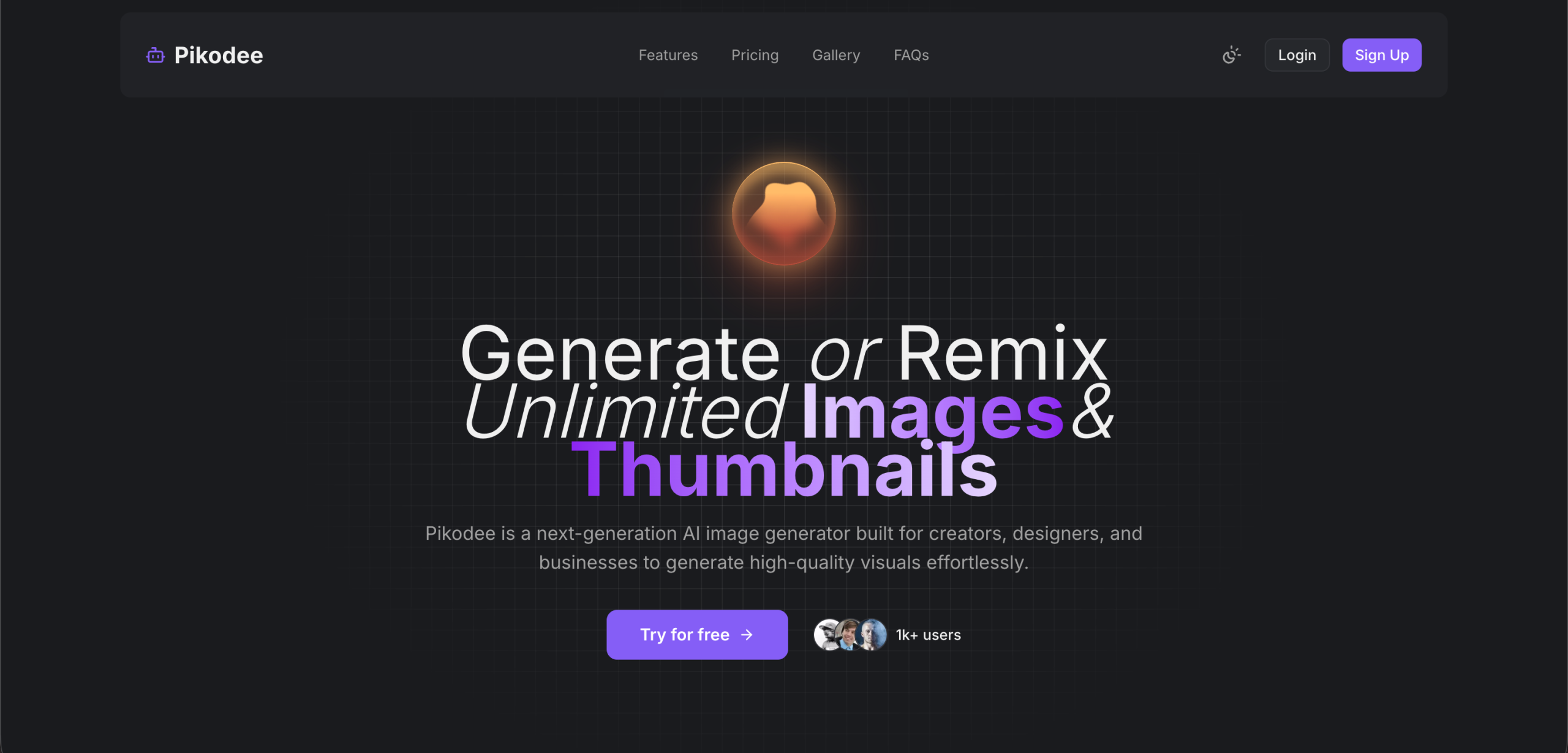
Pikodee is an AI image and video generation platform built by Pikora that turns text prompts and existing images into marketing visuals. The tool produces product shots, social media graphics, thumbnails, and short videos, targeting marketers, e-commerce sellers, and content creators who need visual assets without hiring designers or booking photoshoots. A free tier provides 3 credits per day for testing.
From Prompt to Published: A Typical Workflow
A marketer at a small e-commerce brand needs product images for a new candle line. Here’s how Pikodee handles the request:
-
Generate the base image. The marketer types "handmade soy candle with lavender sprig on white marble surface, soft natural lighting" into the AI Image Generator. Pikodee produces up to four variations in about 10 seconds. The marketer picks the best one.
-
Refine if needed. The Image Enhancer improves quality automatically. The Upscaler increases resolution without losing detail, preparing the image for product listing pages that require high-resolution assets.
-
Create a video version. The marketer clicks "turn into video" and Pikodee generates a short animated clip from the static image — useful for Instagram Reels, TikTok, or product page carousels.
-
Make a thumbnail. For YouTube product review content, the Thumbnail Creator generates an tuned thumbnail with the product image embedded.
-
Export and publish. The marketer downloads all assets with full commercial usage rights (on paid plans) and publishes across channels.
Tool Suite
| Tool | What it does | Status |
|---|---|---|
| AI Image Generator | Text-to-image with multi-image output (up to 4) | Available |
| AI Image to Video | Turn any image into a short animated clip | Available (new) |
| Image Enhancer | Auto-improve image quality and professionalism | Available |
| Upscaler | Increase resolution without quality loss | Available |
| Image Fusion | Blend multiple images into one result | Available |
| Thumbnail Creator | YouTube and social media tuned thumbnails | Available |
| Prompt Enhancer | Improve prompts automatically for better results | Available |
| AI Product Studio | Product mockups with realistic backgrounds | Coming soon |
The Image & Prompt Library stores all past generations and their prompts for quick reuse.
Subscription Options
| Plan | Price (monthly) | Price (annual, 50% off) | Credits | Key features |
|---|---|---|---|---|
| Free | $0 | — | 3/day | Image generator, prompt enhancer |
| Pro | $9/month | ~$4.50/month | 3,000/month | All tools, no watermarks, commercial rights |
| Unlimited | $29/month | ~$14.50/month | Unlimited | Priority queue, fastest speed, early access |
Annual billing saves 50% on both paid plans. An additional 27% discount code (50OFF) was listed on the website at the time of writing. Pro includes up to 3,000 images and 300 videos per month. Unlimited removes all generation caps. All paid plans include image ownership and commercial usage rights. No refunds on any plan.
Things to Keep in Mind
Pikodee is a generation tool, not an editing suite. It doesn’t offer pixel-level adjustments, layer editing, or precise masking tools. Users who need fine-grained control over their visuals — the kind Photoshop or Figma provides — will find the editing capabilities too limited. Pikodee works best for rapid iteration and bulk generation, not for refining a single image to perfection.
The AI Product Studio, which would generate product mockups with realistic backgrounds, is listed as coming soon and not yet available. E-commerce sellers looking specifically for AI product photography tools should verify whether this feature has launched before subscribing.
Free tier outputs may include watermarks and don’t explicitly grant commercial usage rights. Users who need clean, commercially licensed images must subscribe to a paid plan.
Video generation quality is basic — short clips with limited motion effects. Pikodee doesn’t compete with dedicated AI video tools (Runway, Pika, Kling) for longer or more complex video production. The video feature is best understood as a social media clip generator, not a full video production tool.
Visit Pikodee — https://www.pikodee.com/