

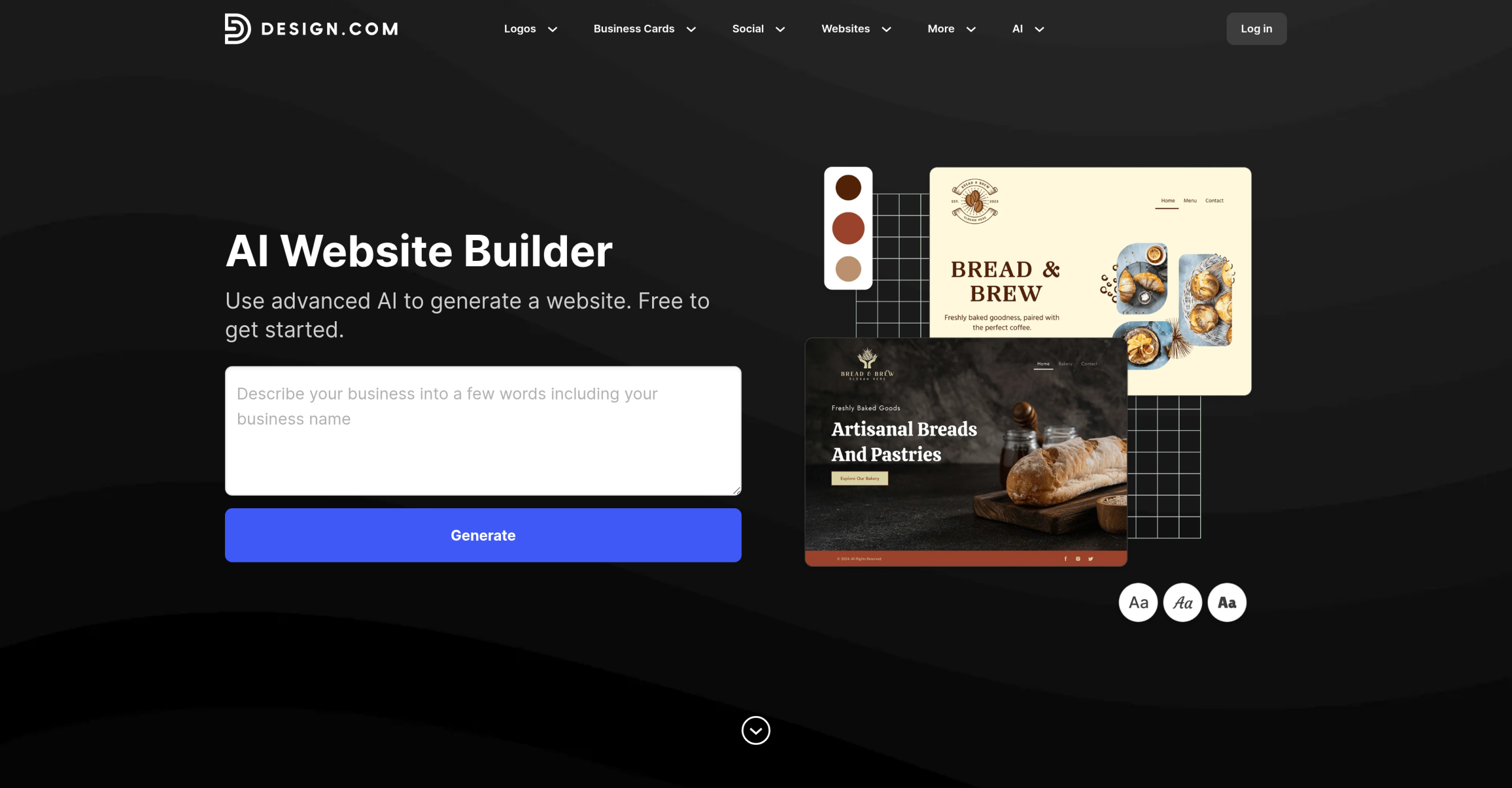
Design.com is an AI-driven branding and website platform that generates complete websites, logos, and marketing assets from a business name and short description. The platform combines AI generation with a template library of 3,000+ website templates and 631,000+ brand design templates, targeting entrepreneurs and small businesses that need a cohesive brand presence without hiring designers.
What You Get Beyond the Website
Design.com isn’t just a website builder — it’s a full branding suite. When you generate a website, the platform simultaneously creates matching brand assets:
| Asset type | Details |
|---|---|
| Website | AI-generated from prompt; responsive; one-click publish |
| Logo | AI-generated with premium quality; vector and high-res downloads |
| Brand kit | Auto-applies logo and colors across all templates |
| Business cards | Print-ready designs matching website style |
| Digital business card | Shareable link with contact info and socials |
| Social media graphics | 30+ tools for Instagram, TikTok, Facebook, LinkedIn, YouTube |
| Link-in-bio page | AI-generated landing page for social profiles |
| QR codes | Branded QR codes for print, packaging, payments |
| Email signature | Matches site theme and logo |
| Print materials | Flyers, posters, letterheads, t-shirts, invoices, menus |
All assets share the same visual identity. The color palette and logo propagate automatically across the 631,000+ template library.
Website Builder Features
The website generator works in three steps: enter your business name and a description, browse AI-generated options, then customize and publish. The editor lets you adjust fonts, colors, layouts, spacing, and design elements. Sites include built-in contact forms that send leads to your inbox, email list capture, payment acceptance for selling online, and media blocks for images, video, and galleries.
Every site is mobile-responsive by default. Hosting is included — no external hosting provider needed. You can connect a custom domain or publish on a free Design.com branded URL.
Access Levels
| Plan | Price | Website pages | Custom domain | Key differences |
|---|---|---|---|---|
| Free | $0 | Up to 3 | No (branded URL) | Logo templates, 50+ design tools, basic hosting |
| Value (annual) | $6/month | Unlimited | Yes | Full design asset access, unlimited pages |
| Value (monthly) | ~$9/month | Unlimited | Yes | Same features, no annual commitment |
The free plan doesn’t require a credit card. All plans include AI-powered hosting and 24/7 live chat support. There’s no refund policy — fees are non-refundable once charged.
Shortcomings
Design.com prioritizes speed and ease of use over design depth. The editor doesn’t offer the granular control over typography, layout, or CSS that platforms like WordPress, Webflow, or Framer provide. Users who want pixel-level precision or custom code injection will find the editing tools too restrictive.
E-commerce capabilities are basic. While the platform supports payment acceptance, it doesn’t match dedicated e-commerce platforms (Shopify, WooCommerce) for inventory management, shipping integrations, product variants, or multi-channel selling. It works for simple product sales and service bookings, not full-scale online stores.
No third-party app marketplace exists. Unlike Wix or Squarespace, Design.com doesn’t offer plugins or integrations beyond its native tools. You can’t connect external CRM, email marketing, or analytics platforms through an app store.
The platform is best suited for single-page or small multi-page sites (brochure sites, landing pages, brand portfolios). Large content-heavy websites with complex guidance, user accounts, or dynamic content are outside its scope.
Visit Design.com | AI Website Builder — https://www.design.com/ai-website-generator