

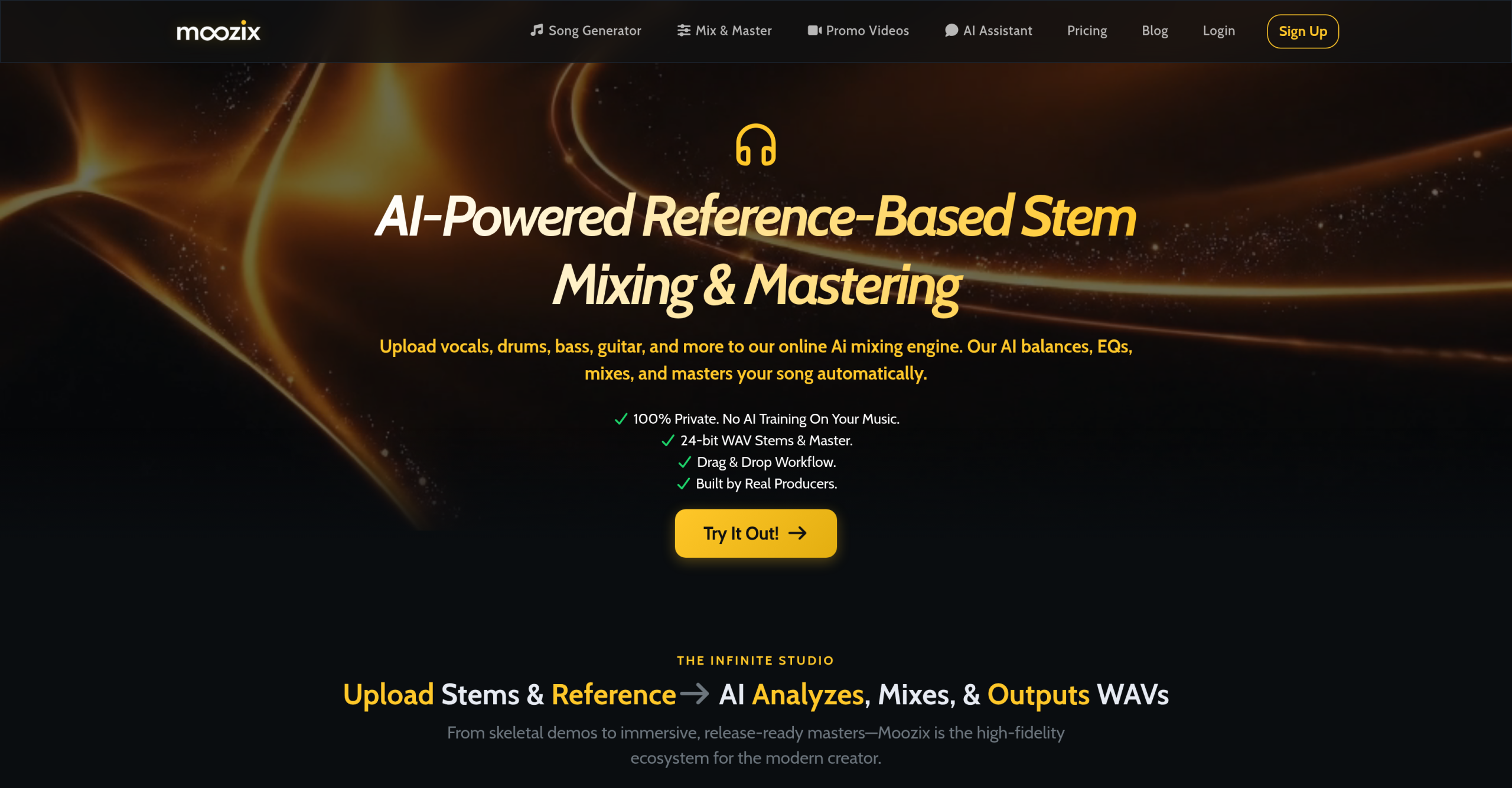
Moozix is an AI music production platform that covers the full creative pipeline: song generation from text prompts, stem mixing and mastering with reference matching, lyric writing, and promo video creation. It operates entirely in the browser with no software installation. This review examines what each feature actually delivers and where the platform falls short compared to traditional production tools.
Moozix vs. Traditional Production Workflow
| Stage | Traditional Approach | Moozix Approach |
|---|---|---|
| Songwriting | Write in a DAW, record parts | Describe mood/genre/instruments via text prompt, AI generates full track with stems |
| Lyrics | Manual writing | AI lyric engine prioritizes imagery over predictable rhymes |
| Mixing | Manual EQ, compression, balancing per stem | Upload stems, choose from 60+ style references, AI auto-mixes |
| Mastering | Separate plugin chain or engineer | Reference track matching — upload a commercial track, AI clones its EQ and dynamics |
| Vocals | Record or hire session singer | AI generates realistic vocal performances |
| Promotion | Separate video editing tool | Generate beat-synced music videos with consistent characters |
| DAW work | Full-featured DAW (Ableton, Logic) | Browser-based Smart DAW with track FX, automation, EQ, mastering, and export |
The key trade-off: Moozix replaces depth with speed. Each stage is faster than the traditional approach but offers less granular control.
Tool Highlights
Prompt-to-Production song generation. Describe a mood, genre, or specific instrument arrangement in text. The AI generates a complete track with distinct stems — not a stereo file, but individual parts you can mix separately. The platform describes this as going "from concept to stem" without opening a DAW. High-fidelity stereo output for every generation.
Sonic DNA mastering with reference matching. Upload a reference track (a commercial release you want your mix to sound like) and Moozix extracts its frequency profile and dynamic characteristics. The AI then applies those qualities to your project. This is the core mastering feature — match the tonal balance and loudness of professional releases rather than guessing at settings.
Smart DAW. A browser-based digital audio workstation with track effects, automation lanes, EQ matching, a mastering chain, and export. Not as deep as Ableton or Logic Pro, but sufficient for adjusting AI-generated mixes. Includes real-time loudness and tonal balance feedback while you work. Export to MP3 or 24-bit WAV directly in the browser.
Precision Stem Studio. Upload any audio file and Moozix separates it into phase-aligned stems — vocals, drums, bass, instruments. Once isolated, use the AI mixing tools to re-balance, clean up spectral issues, and give each element its own space in the mix. Supports common formats: MP3, WAV, M4A, FLAC, AAC, OGG, AIFF.
Virtual Co-Producer (AI assistant). A chat-based AI that listens to your mix and provides specific feedback — not generic advice but actionable suggestions like "Cut 3dB at 400Hz on the vocal." It can suggest chord progressions, bridge variations, songwriting ideas, and even provide DAW-specific plugin settings.
Vivid Lyric Architecture. AI lyric generation engine that prioritizes sensory imagery over predictable rhyme schemes. Designed to produce "show don’t tell" lyrics with physical detail rather than abstract cliches.
AI Music Video Creator. Turn finished tracks into scene-based music videos with beat-synced clips, consistent characters across scenes, automatic storyboard generation from the song, reference images for character consistency, and a final-cut export workflow.
Automatic mixing with 60+ genre styles. Choose from over 60 genres and styles. The AI applies style-specific processing differently for each song, and you can tweak the tonal balance of individual styles.
Plan Details
| Plan | Price | Key Features |
|---|---|---|
| Free | $0/month | Limited mixing/mastering, limited uploads, watermark on videos, personal use only |
| Pro | $20/month | 3,000 generative credits/month, unlimited mixing & mastering, unlimited 24-bit WAV downloads, multi-stem reference matching, 60+ mix styles, unlimited mix analysis & chat, unlimited promo videos, no watermark, commercial rights |
Credits refresh monthly on the Pro plan. Additional credits are available for purchase beyond the monthly allocation. The free tier is functional for evaluation but restricts exports and adds watermarks.
What Could Be Better
No offline capability. All features require a constant internet connection — uploading, processing, mixing, and exporting all happen in the cloud. Users in environments with unreliable internet will face disruptions.
The Smart DAW is less capable than professional DAWs like Ableton, Logic Pro, or FL Studio. It handles mixing, EQ, and mastering tasks but lacks advanced MIDI editing, virtual instrument hosting, complex routing, and deep plugin support. Users with existing DAW workflows should treat Moozix as a complement rather than a replacement.
AI-generated vocals and lyrics are improving but remain identifiable as synthetic. For genres or contexts where authentic human performance matters (singer-songwriter, jazz, live performance), the AI output won’t pass as human. The lyric engine avoids obvious rhymes but can still produce generic imagery without human editing.
Granular control over individual mixing parameters is limited compared to manual mixing. The AI handles processing automatically, and while you can tweak tonal balance, you can’t adjust specific compressor attack times, reverb decay lengths, or other fine parameters that experienced mix engineers rely on.
Uploaded audio files are automatically removed from servers after 24 hours. While this is a privacy feature, it means you can’t return to a previous session’s processed files after that window closes without re-uploading and re-processing.
Visit Moozix — https://moozix.com/