

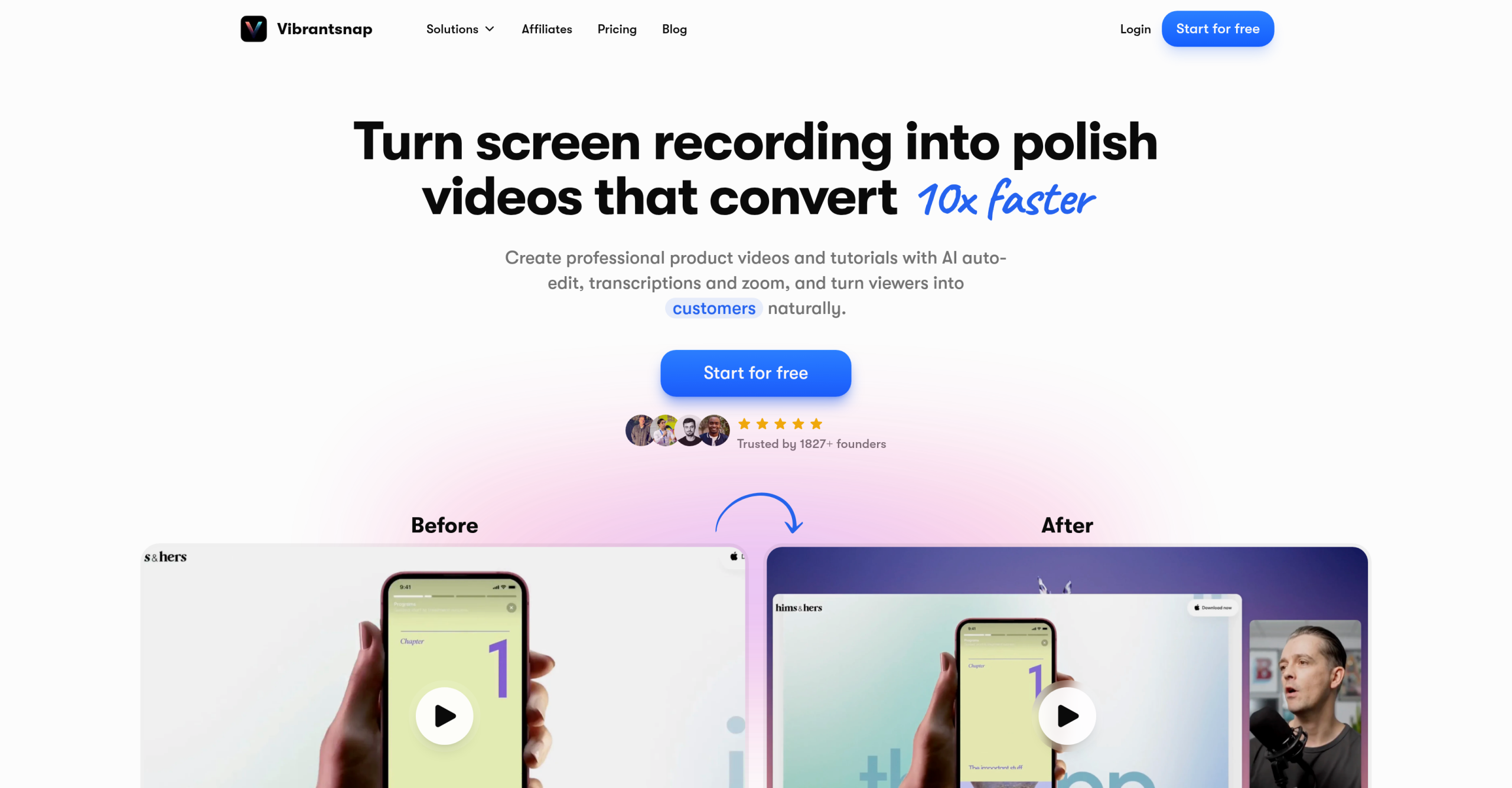
VibrantSnap is a browser-based screen recording and video editing tool that turns raw screen captures into polished product demos, tutorials, and sales videos. The AI handles post-production tasks — removing silences, adding zoom effects, generating captions, and inserting voiceovers — so users can produce shareable videos in minutes rather than hours.
Who Uses This Tool
VibrantSnap targets three primary audiences:
Product teams and founders. Create product demo videos for landing pages, app stores, and investor presentations. Record the screen once, and the AI polishes the recording into a conversion-focused video with CTAs (calls-to-action) embedded directly in the player.
Sales and marketing teams. Produce outreach videos, onboarding tutorials, and social media content. The AI removes dead air and filler words, adds dynamic cursor zoom to highlight key areas, and outputs in multiple aspect ratios for different platforms.
Educators and course creators. Turn walkthrough recordings into structured tutorial videos with auto-generated captions and professional backgrounds.
How Recording and Editing Works
The workflow has three stages:
-
Record. Use the browser-based screen recorder to capture the screen, webcam, or both. Recording is free with no time limits on capture.
-
AI edit. After recording, the AI processes the video automatically:
- Silence removal — detects and cuts dead air and long pauses
- Filler word detection — identifies and flags "um," "uh," and similar fillers
- Smart cursor zoom — dynamically zooms into the area around the cursor to highlight specific UI elements or actions
- Auto captions — generates subtitles synced to the audio
- AI voiceover — replace or supplement the original audio with 30+ AI voice options in various languages and tones
- Dynamic backgrounds — apply professional templates and backgrounds without manual design work
-
Export. Choose from multiple aspect ratios and resolutions:
- 16:9 (field for YouTube, websites)
- 9:16 (vertical for TikTok, Instagram Reels, YouTube Shorts)
- 1:1 (square for Instagram, LinkedIn)
- 4:5 (portrait for Facebook, Instagram feed)
- Export up to 4K resolution on paid plans
CTAs and Engagement Tracking
VibrantSnap allows embedding customizable calls-to-action directly within the video player — not overlaid on the video itself, but as interactive elements that viewers can click. This targets sales and marketing use cases where videos drive specific actions (book a demo, sign up, visit a page). The platform tracks engagement metrics on these CTAs.
Subscription Options
Recording and editing are free. Payment is required only at export:
| Plan | Price | Features |
|---|---|---|
| Free | $0 | Record, edit, and preview. Watermark on exports. |
| Weekly | $9/week | Unlimited exports, AI editing, 4K, no watermark |
| Monthly | $24/month | Same features, better value for regular use |
The free tier allows full recording and editing — the paywall is specifically at the export step. This means users can evaluate the AI editing quality before subscribing. Refunds are available within 7 days of payment.
Shortcomings
The AI editing is automated with limited manual override. Users who need frame-by-frame control, precise cut points, or advanced color grading will find the tool insufficient. Complex branding overlays and custom graphics beyond the built-in templates aren’t supported. Desktop applications for macOS and Windows are listed as "in development" — currently, all recording and editing happens in the browser. Browser-based recording can’t capture system audio on all platforms, which may limit certain use cases like demonstrating audio-producing applications. The $9/week pricing is expensive for occasional users; the $24/month plan is significantly better value but requires commitment.
Visit VibrantSnap — https://www.vibrantsnap.com/