
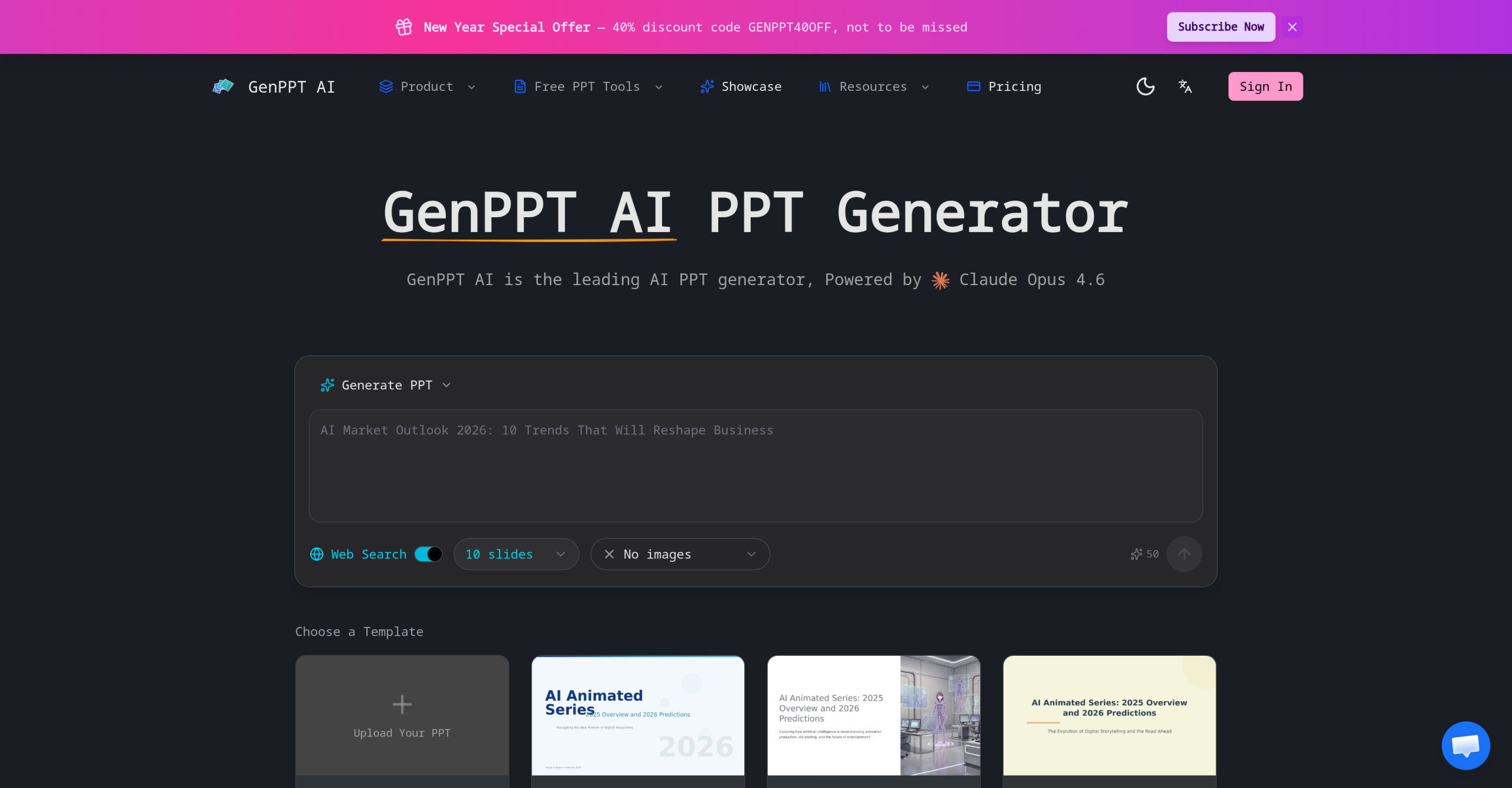
GenPPT AI is a web-based AI presentation generator that creates slide decks from text descriptions. Users type a topic or paste content, and the tool produces a structured presentation with layouts, images, and charts. The platform currently runs on Claude Opus 4.6 as its primary AI model.
Quick Feature Reference
| Feature | Details |
|---|---|
| Input method | Text prompt, existing content, or uploaded slides |
| AI model | Claude Opus 4.6 |
| Output format | PPTX (compatible with PowerPoint, Google Slides, Keynote) |
| Chart generation | Automatic charts and graphs from data |
| Image suggestions | AI-recommended images per slide |
| Layout selection | Automatic based on content type |
| Languages | Multiple languages with proper typography |
| Templates | Approximately 15 available |
| Free tier | 2 presentations on sign-up |
How It Works
The generation process has four steps:
-
Input. Provide a topic, paste notes, or upload existing slides. The AI uses this as the foundation for generating a new deck.
-
Processing. Claude Opus 4.6 structures the content into logical slides with titles, key talking points, and overall flow. The system automatically selects appropriate layouts for each content type (text-heavy, data-driven, image-focused).
-
Content addition. The AI generates relevant image suggestions, creates charts and graphs from any data in the input, and applies visual styling from its template library.
-
Preview and export. Review the generated deck in real time, make adjustments, and export as PPTX.
What GenPPT AI Does Well
Speed. A complete presentation draft generates in under a minute from a text description. This is faster than building slides manually or using template-only tools.
Structure. The AI organizes raw content into a logical slide flow — introduction, key points, supporting data, and conclusion — without requiring the user to plan the structure in advance.
Chart generation. Data included in the input automatically converts into styled charts and graphs within the presentation, saving separate data visualization work.
Multilingual output. Presentations can be generated in multiple languages with appropriate formatting and typography.
What to Watch Out For
Template variety. With only approximately 15 templates, the visual options are limited. Users requiring branded or highly customized designs will need to do significant post-export editing in PowerPoint or Google Slides.
Formatting on export. PPTX files exported from GenPPT AI may not render identically in all applications. Font substitutions, spacing shifts, and lost styling elements are reported issues. Manual adjustment after export is common.
Visual editing. The platform lacks drag-and-drop editing. Users can’t precisely position elements, resize images freely, or fine-tune layouts within the tool. Changes require export to PowerPoint first.
AI-generated images. Image placement can be sparse — sometimes only one or two images appear in slide corners rather than integrated throughout the deck.
Access Levels
| Plan | Price | Key Features |
|---|---|---|
| Free | $0 | 2 presentations on sign-up, watermark on exports |
| Basic | $9/month | Core features, limited exports |
| Growth | $19/month (or $99/year) | More presentations, expanded features |
| Higher tiers | Up to $79 | Maximum capacity |
Pricing varies by usage volume. The free tier’s 2 presentations are sufficient for a single evaluation but not for ongoing use. All exports on the free tier include a watermark. The no-refund policy means users should test thoroughly during the free tier before subscribing.
What Could Be Better
The 15-template constraint means frequent users will produce visually repetitive decks. The lack of in-tool visual editing forces a two-step workflow: generate in GenPPT, then refine in PowerPoint. Complex presentations with custom animations, embedded media, or detailed layouts aren’t well served by the platform’s automated approach. The AI’s content structuring is logical but generic — it doesn’t account for specific presentation contexts like investor pitches, academic lectures, or technical training without extensive prompt engineering.
Visit GenPPT AI — https://genppt.ai/