

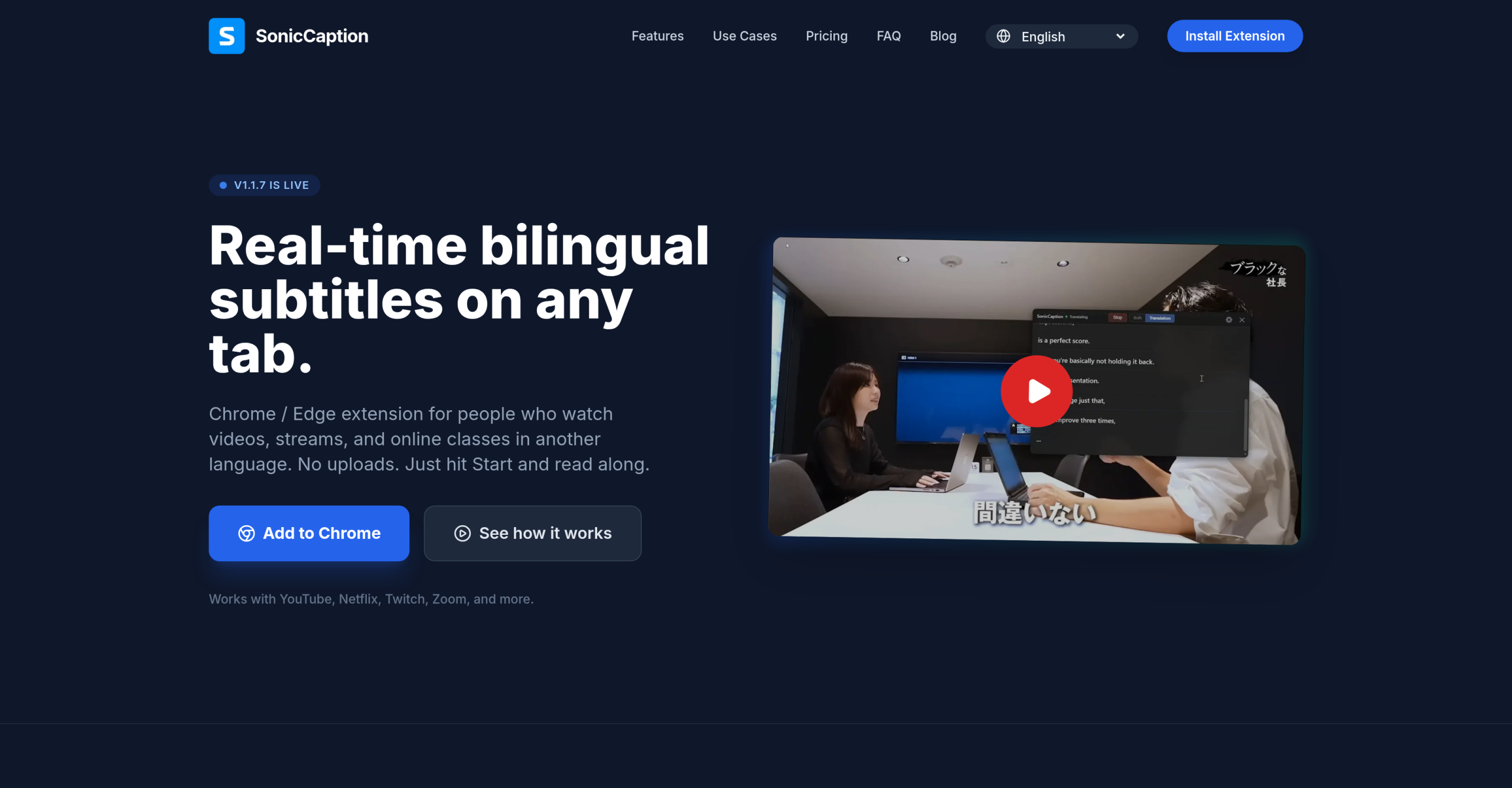
SonicCaption is a Chrome and Edge browser extension that adds real-time bilingual subtitles to any tab playing audio or video. It works with YouTube, Netflix, Twitch, Zoom, Google Meet, online courses, and any other site — if the tab plays audio, SonicCaption can listen and translate. The extension was built by Ethan Hu, a software engineer who created the tool for his own use as a non-native speaker working and studying in a foreign language.
How It Compares to Other Subtitle Solutions
| Feature | Native Captions (YouTube, etc.) | Dedicated Translation Apps | SonicCaption |
|---|---|---|---|
| Works on any site | No (platform-dependent) | Limited | Yes (any tab with audio) |
| Dual-language display | Rare | Some | Yes (original + translation) |
| Live stream support | Limited | Varies | Yes |
| Latency | Varies | 1-3 seconds | ~0.5 seconds |
| Manual upload required | Sometimes | Yes | No |
| Privacy | Varies | Cloud processing | Audio stays in browser |
| Export format | Varies | SRT/VTT | SRT |
| Price | Free (if available) | $5-30/month | Free tier available |
The main advantage: SonicCaption doesn’t depend on the source platform providing captions. It processes audio directly from the browser tab, making it work on sites without built-in subtitle support.
What Happens When You Hit Start
The workflow is three steps:
- Install and pin the extension in Chrome or Edge.
- Open any tab with audio — a YouTube video, a Zoom meeting, a Twitch stream, an online course.
- Hit Start and pick source and target languages. Subtitles appear as an overlay within approximately 0.5 seconds.
Audio processing happens in the browser. Only text segments are sent for transcription and translation — the raw audio doesn’t leave the user’s device. Both the original language and the translated text display simultaneously.
Practical Use Cases
Live meetings and video calls. Non-native speakers in international teams can follow Zoom, Google Meet, or Microsoft Teams (web) calls with real-time bilingual subtitles. The ~0.5-second latency is low enough for live conversation context.
Foreign language media. Watch Japanese anime, Korean dramas, Spanish films, or any content with simultaneous original and translated captions. No need to wait for official subtitle releases.
Online courses. Follow lectures on Coursera, Udemy, or any platform in a non-native language with dual subtitles to catch formulas, terminology, and examples.
Language learning. See original and translation side by side to build vocabulary and listening comprehension without pausing and rewinding.
Pricing by Usage
| Plan | Price | Hours/Month | Use Case |
|---|---|---|---|
| Free | $0 | 20 minutes | Testing the extension |
| Starter | $10/month | 8 hours | Occasional learners |
| Pro | $19/month | 20 hours | Weekly classes and meetings |
| Power | $39/month | 50 hours | Daily learning |
| Ultra | $79/month | 120 hours | Heavy professional use |
| Team | Custom | Shared pool | Organizations with central billing |
All paid plans include priority caption quality and latency over the free tier. Subscriptions can be cancelled anytime through Stripe. The free tier provides enough time to evaluate whether the accuracy meets specific needs before subscribing to a paid plan.
Not Ideal For
AI transcription and translation accuracy is estimated at approximately 80% for common language pairs — adequate for comprehension but insufficient for contexts requiring precise translation (legal, medical, technical documentation). Accuracy varies significantly by language pair, audio quality, and speaker clarity. The extension only works in Chrome and Edge — no Firefox, Safari, or mobile app support. No offline mode exists since transcription requires server-side AI processing. The free tier’s 20 minutes per month is a trial, not a sustainable free option. Audio from DRM-protected content may not be capturable depending on browser security settings.
Visit SonicCaption — https://soniccaption.com/