

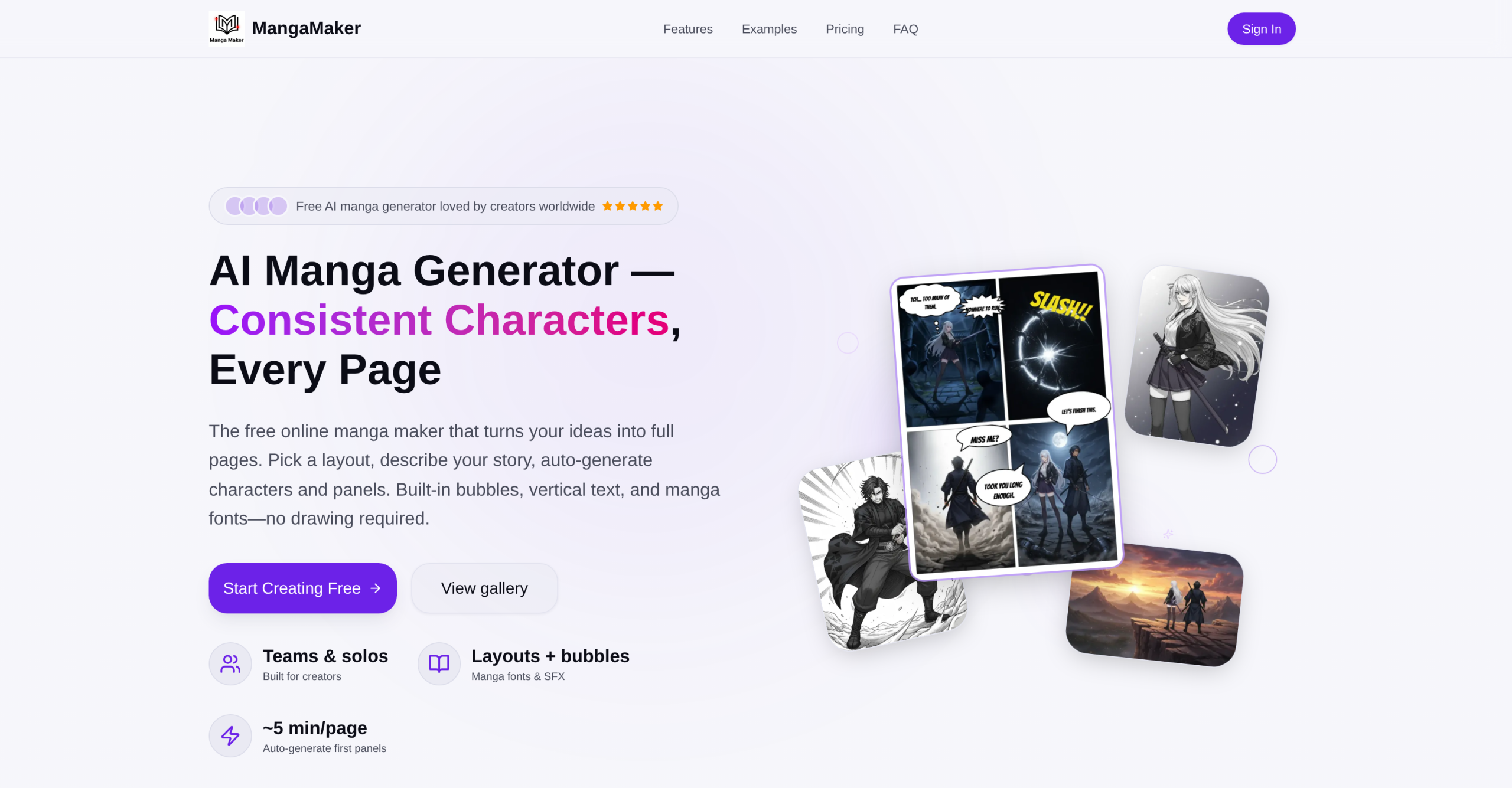
MangaMaker is a web-based AI tool that converts text descriptions into manga and comic pages. It targets creators without drawing skills by handling panel layout, character generation, and text placement automatically. The platform claims 10,000+ active creators and 50,000+ comics created as of 2025.
How Traditional Manga Tools Compare
| Feature | Traditional (Clip Studio, etc.) | AI Generators (Midjourney, etc.) | MangaMaker |
|---|---|---|---|
| Drawing skill required | Yes | No (prompt-based) | No (prompt-based) |
| Character consistency | Manual | Low (varies per prompt) | Built-in reference system |
| Panel layout | Manual | Not available | Preset grids + custom |
| Speech bubbles/text | Manual | Not included | Built-in with manga fonts |
| Time per page | 2-8 hours | N/A (single images only) | ~5 minutes |
| Output format | PSD, layered | PNG, JPG | PNG (web/print) |
| Cost | $50-300 one-time | $10-60/month | Free tier available |
The table above highlights where MangaMaker fits: it combines the panel-and-bubble workflow of traditional comic tools with AI image generation, filling a gap that general-purpose AI art tools don’t address.
Creating a Page: The 3-Step Process
The workflow breaks down into three stages:
-
Choose a layout. Pick a grid preset (including 4-koma) or draw custom panel breaks. Panels snap to gutter guides and can be resized by dragging. Favorite layouts can be saved for reuse.
-
Generate with AI. Describe the story or scene. MangaMaker auto-creates character references and generates panel prompts. Users can prompt per panel for tighter control or batch-generate an entire page. Characters defined once maintain their appearance across panels through the AI reference system. Individual panels can be re-rolled or upscaled without leaving the editor.
-
Edit and export. Add speech bubbles, thought clouds, and SFX text using built-in manga fonts with vertical text support. Fine-tune panel order and spacing. Export as PNG for web sharing or print-ready files.
The platform provides 700+ AI models and 20+ art styles including shonen, shojo, and cinematic presets.
Character Consistency System
MangaMaker’s main technical differentiator is its character reference technology. Users define a character once — appearance, clothing, traits — and the AI applies that reference across all panels. If a character design is updated, it propagates throughout the comic automatically.
In practice, AI-generated characters can still show subtle variation between frames. Faces, expressions, and small details may shift, particularly over longer multi-page sequences. The reference system reduces inconsistency compared to prompting from scratch each time, but it doesn’t guarantee pixel-perfect repetition.
Pricing and Credit System
| Tier | Price | Credits | Key Features |
|---|---|---|---|
| Free | $0 (no payment card) | 10 credits included | 1 workspace, core templates, standard export, community support |
| Pro | $29.9/month (discounted from $39.9) | 1,000 credits/month | Unlimited workspaces, multiple AI models, high-res PNG export, early access, priority support |
Credits are consumed per generation. The free tier’s 10 credits allow testing the full workflow but won’t sustain ongoing creation. The Pro plan’s 1,000 monthly credits support regular use. The service states no refunds, so users should evaluate the free tier thoroughly before subscribing to a paid plan.
Where It Struggles
MangaMaker doesn’t export layered files (PSD, Clip Studio format). This prevents detailed post-generation editing in professional tools. The AI can’t match the precision of a skilled artist — complex poses, detailed backgrounds, and nuanced facial expressions often fall short of hand-drawn quality. Collaborative editing isn’t supported, making it impractical for team-based projects. Output resolution on the free tier is standard quality, which may not meet print requirements. The credit system means heavy users can exhaust their monthly allocation before the billing cycle resets.
Visit MangaMaker — https://mangamaker.app/