

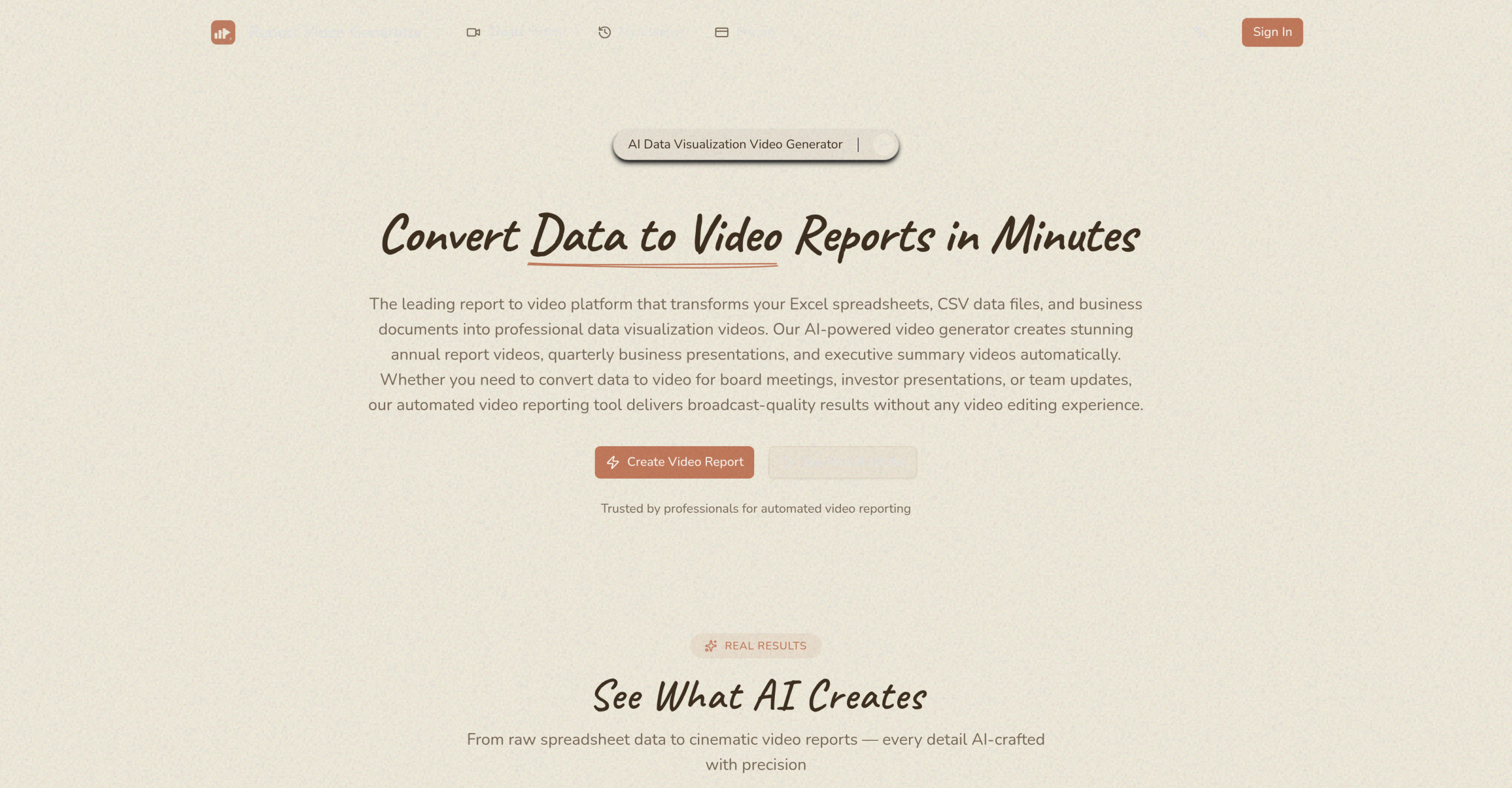
Report Video Generator converts spreadsheets and documents into AI-narrated video reports with animated charts and data visualizations. Upload a data file, describe what you want to communicate, and the tool produces an MP4 video with synchronized voiceover.
Feature Summary
| Feature | Details |
|---|---|
| Input formats | Excel (.xlsx, .xls), CSV, JSON, Word (.docx), PowerPoint (.pptx) |
| Output | 1080p HD MP4 video with animated charts and narration |
| Narration languages | English and Chinese |
| Style presets | Apple Keynote (dark, bold numbers), Minimal Corporate, Bold Tech |
| AI data analysis | Auto-detects trends, calculates comparisons, selects chart types |
| Generation time | Minutes per report |
The Four-Step Workflow
- Upload data: Submit a spreadsheet or document. The AI detects column headers, data types, and structure automatically — no manual data mapping required.
- Describe goals: Tell the AI what story to communicate: which metrics to highlight, who the audience is, and what insights matter most.
- Select style: Choose between three presets — Apple Keynote (dark backgrounds with bold numbers), Minimal Corporate (clean, formal), or Bold Tech (modern gradients and dynamic animations). Each preset includes coordinated colors, fonts, transitions, and motion design.
- Download video: The AI generates the video with narration synchronized to animated data visualizations. Output is 1080p HD in MP4 format, ready for presentations or distribution.
What the AI Handles Automatically
The platform analyzes uploaded data to identify trends, calculate period-over-period comparisons, and determine the most effective chart types for each dataset. It writes a narration script based on the data, generates voiceover audio, and synchronizes the audio with animated visual elements. Users can describe their objectives in natural language, and the AI structures the narrative accordingly.
Tier Comparison
| Tier | Cost | Access |
|---|---|---|
| Free trial | $0 | First video with no payment card required |
| Paid | $9 one-time | Full quality export, additional features |
The free trial lets users evaluate output quality. Paid options start at $9 as a one-time purchase. Free-tier exports may include watermarks and resolution limits for commercial use.
Trade-offs to Consider
The AI sometimes misspells words in text overlays — a known issue with AI-generated video content that requires manual review. The automation limits granular control over individual visual elements; users who need pixel-level design precision will find the presets too rigid. The narration, while professional in tone, can sound robotic for sensitive or emotionally nuanced content. The tool is tuned for structured data presentations — it doesn’t handle unstructured content like interviews or free-form storytelling.
Visit Report Video Generator — https://reporttovideo.com/