

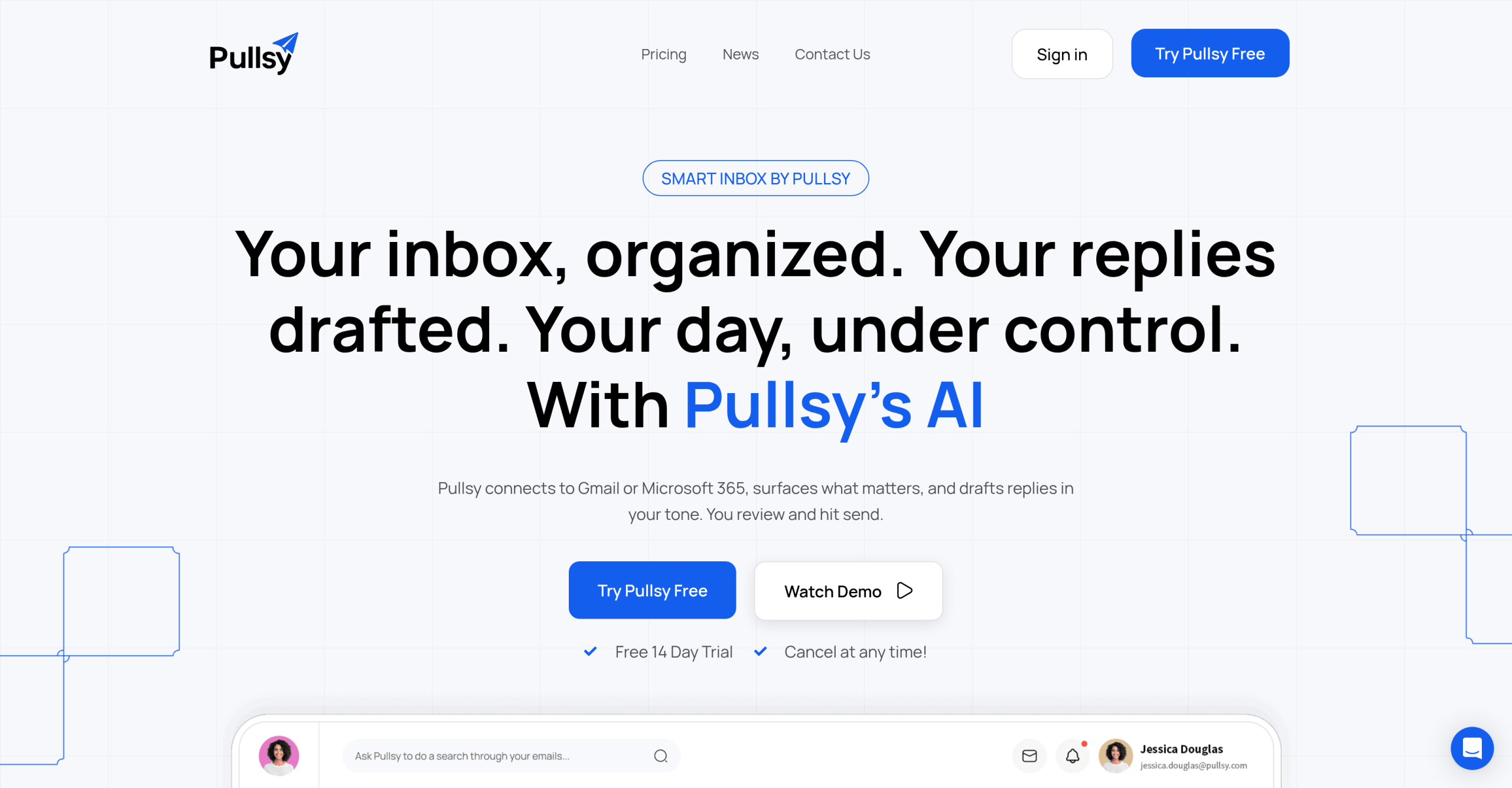
Pullsy is an AI email assistant that connects to Gmail or Microsoft 365, sorts incoming messages by priority, and drafts replies in the user’s writing style. It targets professionals who spend significant time managing high-volume inboxes.
Feature Overview
| Feature | What It Does |
|---|---|
| Smart Drafts | AI-drafted replies in your tone; choose Professional, Friendly, or Quick |
| Inbox Prioritization | Auto-identifies important messages and filters noise |
| Ask Pullsy | Chat-based inbox search — ask questions about your emails in natural language |
| Day Overview | Personalized morning summary of new messages, top tasks, and upcoming meetings |
| Integrations | Gmail, Outlook, Calendar, Slack, LinkedIn, Google Meet |
| Security | Google OAuth Verified, CASA certified, GDPR compliant, SOC Type 2 in progress |
How the AI Drafts Work
Pullsy reads your past emails to learn your writing style, tone, and vocabulary. When a new message arrives, it produces a draft reply based on the conversation context. Users choose between three tone presets — Professional, Friendly, or Quick — and can edit the draft before sending. The system handles routine replies well (meeting confirmations, status updates, simple requests) but may produce generic output for nuanced or sensitive communications.
Ask Pullsy: Chatting with Your Inbox
The "Ask Pullsy" feature lets users query their inbox conversationally. Instead of searching by keyword or scrolling through threads, a user types a question like "what did Sarah say about the Q4 contract?" and Pullsy returns the relevant emails with a summary. This works best for recent threads — the AI pulls context from active conversations rather than archived messages.
Day Overview and Task Management
Each morning, Pullsy generates a summary of what needs attention: new messages categorized by importance, top-priority tasks extracted from email threads, and upcoming meetings with associated context (agenda items, participants, linked documents). This replaces the manual scan-through that most professionals do at the start of each day.
What It Costs
| Tier | Cost | Access |
|---|---|---|
| Free trial | $0 | Test core features with limited usage |
| Paid | $15/month | Full drafting, prioritization, and inbox search |
| Pro | $19/month | Additional features and higher usage limits |
| Enterprise | Custom | Team-wide deployment with admin controls |
The free trial covers basic functionality. The paid tier at $15/month unlocks full drafting and prioritization. The Pro plan at $19/month adds extended features. Enterprise pricing is available for teams. The platform has a strict no-refunds policy.
What Could Be Better
AI-drafted replies for complex negotiations, sensitive HR matters, or legally significant communications require thorough human review — the drafts are a starting point, not a finished product. The writing style adaptation improves over time but may not capture industry-specific jargon or subtle conversational patterns immediately. Users with privacy concerns about an AI tool reading all their correspondence should evaluate the security certifications (Google OAuth Verified, CASA, GDPR compliance) before connecting their inbox.
Visit Pullsy — https://pullsy.com/