

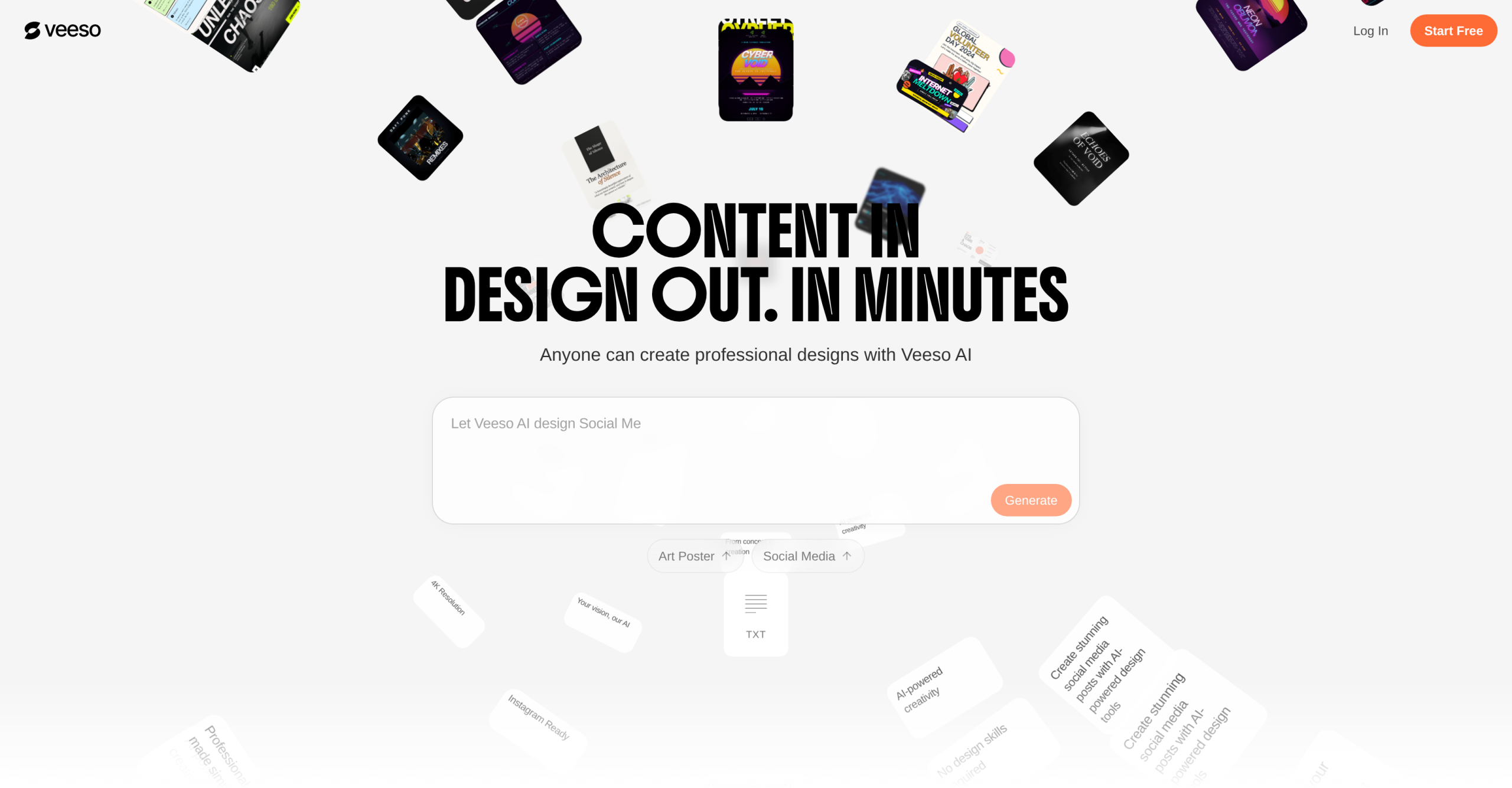
Veeso AI is a content-first design tool: paste your text, and it generates production-ready designs with proper layout, typography, and visual hierarchy. It’s not an image generator — it produces editable design files where every text block is selectable and modifiable.
The core idea is "content in, design out." No prompts, no template hunting, no design skills required.
How Veeso Differs from Template-Based Tools
| Aspect | Veeso AI | Canva / Template Tools |
|---|---|---|
| Input | Raw text, documents, ideas | Template selection + drag-and-drop |
| Layout generation | Automatic, adapts to content length and hierarchy | Manual — you fit content into fixed layouts |
| Text editing | Direct on canvas, layout updates in real-time | Manual text box placement |
| Multi-format output | Same content → presentations, social posts, brochures, reports | Each format requires separate template |
| Skill requirement | Low | Moderate |
| Batch generation | Yes — generate multiple designs from one content source | One at a time |
The "Magic Template" system dynamically adapts layout structure based on content length, information hierarchy, tone, and output format — rather than forcing your content into a rigid, static template.
Output Types
Veeso supports a wide range of design outputs from a single content source:
- Social media: Posts, carousels, stories (Instagram, Facebook, LinkedIn, YouTube thumbnails)
- Presentations: Pitch decks, marketing decks, slides
- Print materials: Posters, flyers, brochures, invitation cards, pull-up banners
- Documents: Reports, newsletters, case studies, ebooks, resumes
- E-commerce: Product detail pages, ad campaigns, restaurant menus
Export formats include PDF, images, PSD, PPT, SVG, and HTML (advanced formats on paid plans only).
Image Tools
Veeso bundles three image editing features:
| Tool | Capability |
|---|---|
| Background removal | Precise cutout for products, portraits, complex scenes |
| HD upscaling | Enhance resolution up to 4x with AI detail restoration |
| Image styles | Transform any image with 15+ AI styles (painting, realistic, cyberpunk, neon, line art, webcomic, etc.) |
Available Plans
| Plan | Price | Credits | Key Limits |
|---|---|---|---|
| Free | $0 | Daily refresh credits | Veeso badge (watermark) on exports |
| Paid tiers | From $25/mo | 2,500-30,000 credits/mo + 100 daily refresh | No watermark, commercial license, PSD/PPT/SVG/HTML export, higher-quality AI assets |
Unused credits roll over for one month on monthly plans. No refunds.
Known Limitations
- Not for artistic or bespoke design: The automation prioritizes speed and consistency over creative originality. If you need highly unique, hand-crafted visual identities, Veeso’s template-driven outputs will feel generic.
- Text-heavy content struggles: Very long documents can cause auto-layout challenges within the viewport, requiring manual adjustments.
- No design skill development: Because Veeso automates layout decisions, it doesn’t teach users design principles. It’s a production tool, not a learning platform.
- Pricing opacity: The website doesn’t clearly show all tier prices or credit consumption rates per design type. Users report needing to sign up to see actual plan details.
- Relatively new product: Veeso AI launched in 2025-2026. Long-term reliability, update cadence, and support quality are unproven.
- Competitor pricing is lower: Canva Free offers a substantial free tier with similar output types. Veeso’s paid plans ($25/mo starting) are priced above Canva Pro ($13/mo), though the auto-layout value proposition is different.
Visit Veeso AI — https://veeso.ai/