

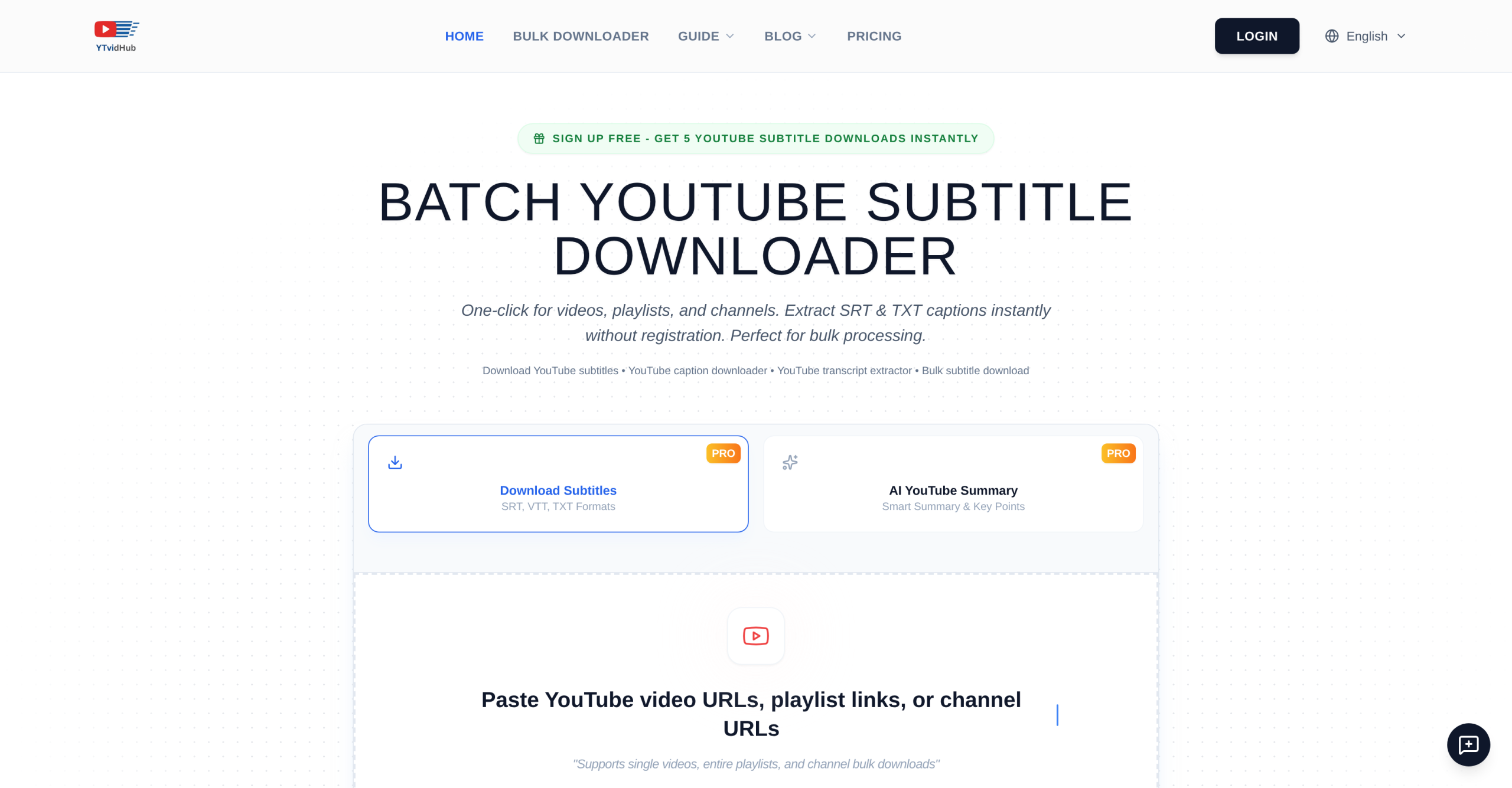
A single YouTube playlist can contain hundreds of videos, each with subtitles hidden behind an API that Google never made friendly for batch extraction. YTVidHub (ytvidhub.com) takes a list of URLs, a playlist link, or an entire channel URL and returns subtitles as SRT, VTT, or clean TXT in one ZIP file — no per-video clicking required.
Output Formats and What They’re Good For
| Format | Best For | Includes Timestamps | Typical File Size |
|---|---|---|---|
| SRT | Video editing (Premiere, DaVinci), captioning | Yes | ~15 KB per 10-min video |
| VTT | Web players, accessibility compliance | Yes | ~14 KB per 10-min video |
| TXT | LLM training data, RAG pipelines, text analysis | No (clean text) | ~8 KB per 10-min video |
The TXT output is the differentiator. YTVidHub strips timestamps, formatting codes, and non-speech markers, producing plain text ready for ingestion into ChatGPT, Claude, or custom RAG pipelines. This is what makes it useful beyond simple subtitle extraction — it doubles as a data-prep tool for anyone building language model training sets from YouTube content.
How the Bulk Workflow Works
- Paste URLs or upload a .txt file. Supports individual video links, full playlist URLs, and channel URLs. You can also upload a text file containing hundreds of links.
- Select language. Any language available on the YouTube video works — both auto-generated captions and manually uploaded subtitles.
- Choose output format. SRT for editing, VTT for web, TXT for analysis.
- Download as ZIP. All files consolidated into a single archive.
The entire process runs in the browser with no installation required. There’s also a Chrome extension (rated 4.9/5 from 2,400+ reviews on the Chrome Web Store) for one-click extraction from any YouTube page.
AI Summarizer
Beyond raw subtitle extraction, YTVidHub includes an AI-powered summarizer that generates content overviews from video transcripts. This is useful for creating video descriptions, blog posts from video content, or quick overviews of long-form material without watching the full video.
Pricing and Free Limits
| Tier | Cost | Bulk Credits | Single Downloads |
|---|---|---|---|
| Free | $0 | 5 URLs/day (bulk) | Unlimited |
| Guest | $0 | 2 tries per 24h (no sign-in) | Unlimited |
| Pro | From $5 (one-time) | Unlimited bulk | Unlimited |
Single-video subtitle downloads are always free, regardless of plan. The 5 daily bulk credits reset every 24 hours. Pro pricing details aren’t publicly listed — the $5 entry point appears to be a credit pack, not a subscription.
Known Limitations
- YouTube only. No support for Vimeo, Twitch, Bilibili, or any other platform. If your source video isn’t on YouTube, YTVidHub can’t help.
- Auto-generated caption quality varies. YouTube’s auto-captions run 85-95% accuracy under good conditions but can drop to 60-70% with accents, background noise, or technical jargon. YTVidHub downloads these as-is without correction.
- No translation. You get subtitles in the original language only. No built-in translation to other languages.
- Registration required for bulk. Guests get 2 tries per day; signed-in free users get 5. Advanced features require an account.
- Pricing opacity. Pro plan details aren’t published on the website. You’ll need to sign up to see actual pricing for unlimited bulk.
Visit YTVidHub — https://ytvidhub.com/