

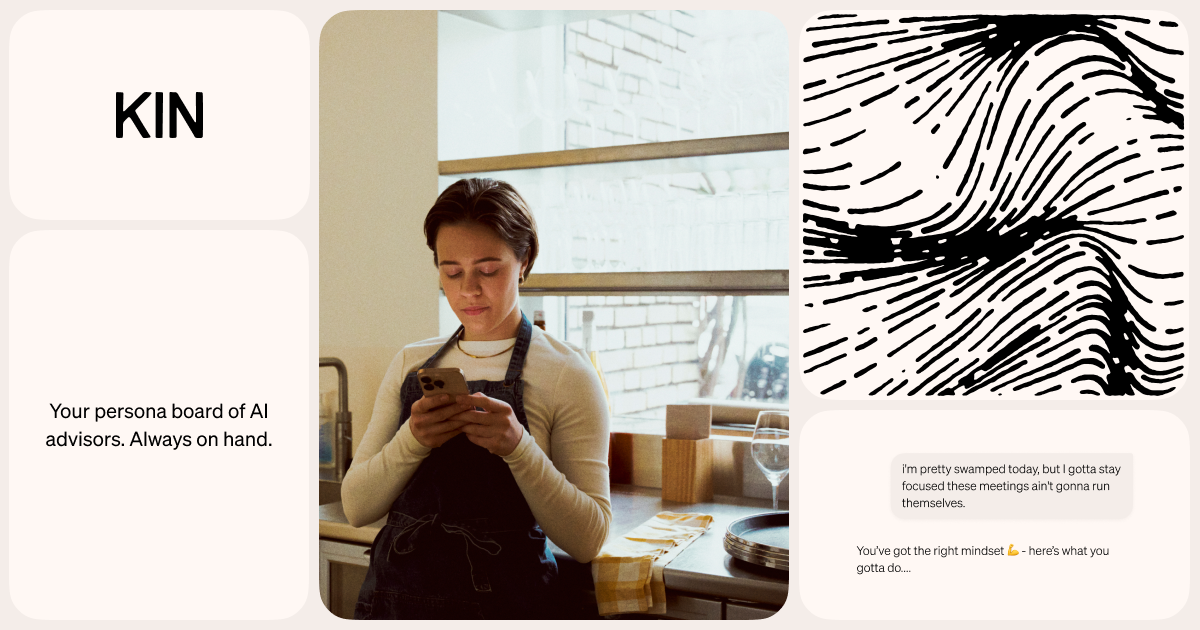
60,000+ installs, 5 million messages exchanged, and a 4.8-star rating on the App Store. Kin positions itself as an alternative to scattered journaling apps and generic AI chatbots by offering five specialized AI advisors — each covering a different area of life — all sharing a single on-device memory that builds context across every conversation, journal entry, and voice note. The app uses a "local-first" architecture with Self-Sovereign Identity (SSI) components, meaning your data never leaves your device.
On-Device Privacy Architecture
Kin stores conversations, journal entries, and advisor memory directly on the user’s device with private-key encryption. There’s no cloud backend — the company behind Kin has no server-side access to user content. This eliminates server-side data breaches entirely.
The trade-offs:
- No cross-device sync — data created on one phone stays on that phone
- No desktop or web access — mobile-only (iOS and Android)
- Internet still required — AI models need connectivity despite local storage
Users can edit, delete, or export stored memory at any time.
Five Advisors with Shared Context
| Advisor | Focus Area | Example Use Cases |
|---|---|---|
| Sage | Work & Productivity | Promotion negotiation, career pivot analysis |
| Harmony | Relationships | Conflict resolution scripts, communication framing |
| Aura | Values & Meaning | Direction clarity, priority alignment |
| Pulse | Body & Energy | Burnout detection, energy pattern tracking |
| Ember | Social Confidence | Pre-event preparation, networking anxiety |
The shared memory differentiates Kin from five separate chatbots. A conversation with Harmony about a workplace conflict on Tuesday informs Sage’s career advice on Wednesday — the advisors reference each other’s context rather than starting from scratch.
Sessions, Voice, Insights, and Journal
Recent updates expanded Kin beyond basic chat:
- Sessions: guided conversation flows for morning check-ins, weekly reviews, or targeted deep-dives
- Voice: speak your thoughts instead of typing; the AI responds in kind
- Insights: pattern analysis across journal entries and conversations, surfacing mood and energy trends
- Journal: entries feed directly into advisors’ memory. The v0.7.1.1 release (February 2026) added morning, evening, and weekly templates, plus back-dating
What It Costs
| Tier | Cost | Included |
|---|---|---|
| Free | $0 | Basic journaling, limited advisor conversations |
| Premium | In-app purchase | Full advisor access, Sessions, Voice, extended memory |
Kin launched as fully free and later shifted to freemium. The Kin website doesn’t publish specific premium pricing. Early adopters report frustration that previously free features now require payment.
Who Should Skip Kin
- People who switch devices regularly — the lack of sync means you’re locked to one phone
- Users seeking clinical mental health support — Kin provides structured coaching prompts, not therapy
- Anyone needing desktop access — no web app, browser version, or desktop client
- Users wary of freemium shifts — the pricing model has already changed once
- Those concerned about data persistence — reports of data loss after app updates undermine the value of accumulated memory
Visit Kin – Personal AI Advisorsv0.7.1.1 — https://mykin.ai/