

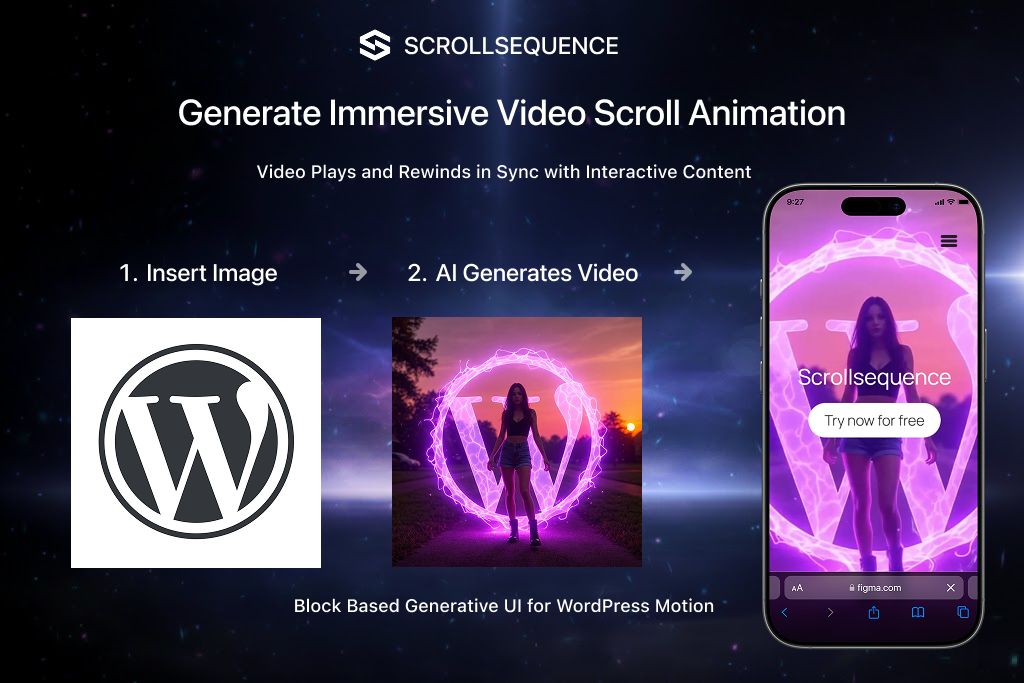
Apple’s product pages made scroll-driven animation famous — the way the iPhone rotates as you scroll, revealing each detail on cue. Scrollsequence brings that same effect to WordPress. Over 18,000 sites use it to turn image sequences into scroll-synchronized animations, with a script footprint of just 129 kB and smart lazy-loading that fetches images only as needed.
What Scrollsequence Actually Does
Upload a series of images (or convert a video to frames), and the plugin plays them frame-by-frame as the visitor scrolls. You can overlay HTML elements — headings, captions, call-to-action buttons — and sync their fade, move, or scale animations to specific scroll positions. The result is a cinematic narrative that runs entirely client-side, no canvas or WebGL required.
Page builder compatibility covers Gutenberg, Elementor, Divi, Oxygen, and Beaver Builder. You embed sequences via shortcode, and scripts load only on pages that contain one — zero overhead elsewhere.
Free vs. Paid: Where the Limits Kick In
| Feature | Free (WordPress.org) | Single ($5.83/mo annual) | Pro ($11.66/mo annual) | Business ($38.33/mo annual) |
|---|---|---|---|---|
| Images per scene | 100 | Unlimited | Unlimited | Unlimited |
| Scenes | 3 | Unlimited | Unlimited | Unlimited |
| Content animation | No | Yes | Yes | Yes |
| Sites | 1 | 1 | Up to 10 | Up to 100 |
| AI Frame Former | No | No | No | Yes |
| Video-to-image converter | No | No | No | Yes |
| Cloud media tools | No | No | No | Yes |
Monthly billing is also available at higher rates (Single $7.99, Pro $15.99, Business $49.99). A 14-day free trial start for free on Single and Pro plans. The company offers a 30-day no-questions-asked refund.
The Video-to-Images Bottleneck
Scrollsequence animates image sequences, not video files directly. If your source material is a video clip, you need to convert it to individual frames first. The Business plan includes a built-in video-to-image converter, but everyone else relies on external tools like Ezgif or FFmpeg — a manual step that adds friction for projects with frequent content updates.
The WordPress media uploader can also misorder frames during import, requiring manual resequencing. For large projects with hundreds of frames, this is a real time sink.
Areas for Improvement
- WordPress-only: No standalone JavaScript library or Shopify/Webflow integration. If your site isn’t on WordPress, this plugin won’t help.
- Video conversion friction: Free and Single/Pro users must convert video to image sequences externally before uploading.
- Design ceiling: The animation engine handles fade, move, and scale well, but complex 3D changes or parallax depth effects require custom coding.
- v2 Alpha instability: The next major version is in open Alpha testing — features may break or disappear, and it’s explicitly not production-ready.
- Image-heavy bandwidth: Long sequences with high-resolution frames can bloat page weight despite lazy-loading, especially on mobile connections.
Visit Scrollsequence — https://v2.scrollsequence.com/