

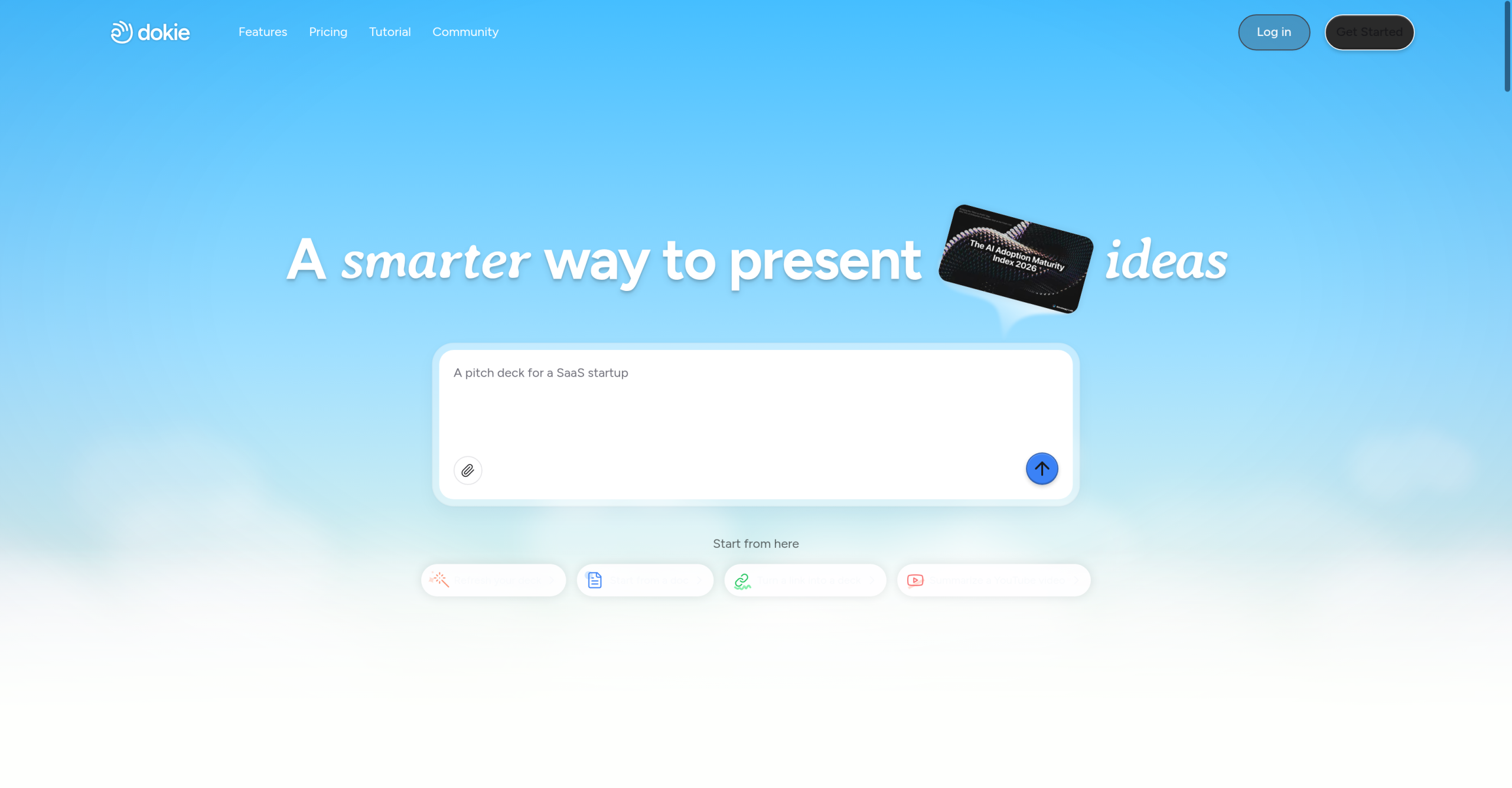
Most presentation tools expect you to start from scratch. Dokie works backwards: paste a PDF, upload a Word doc, drop in an Excel sheet, or paste a YouTube link, and it generates an editable .pptx file with automatic layout, visuals, and structure. New users get 300 welcome credits plus 200 daily credits — roughly enough for 3 presentations per month on the free plan.
From Document to Deck: The Workflow
- Choose your input: Paste text, upload a PDF/Word/Excel/Markdown/HTML file, provide a YouTube URL, or drop in images. Dokie supports multi-language content.
- Generate: The AI creates a structured deck — selecting layouts, sizing visuals, and restructuring text into slide-ready chunks. A new presentation costs approximately 100 credits.
- Edit with AI: Describe changes in natural language ("make slide 3 a comparison chart," "add a timeline to slide 5"). Each modification costs about 20 credits.
- Export: Download as .pptx (compatible with PowerPoint, Google Slides, and Keynote). Free-tier exports include a watermark; paid plans remove it.
Brand Alignment: How Well Does It Work?
| Aspect | Dokie’s Capability | Reality Check |
|---|---|---|
| Brand consistency | Custom templates on paid plans, AI tries to match brand style | Users report inconsistent alignment — slides can look generic |
| Design variety | Basic themes + custom templates (Plus and above) | Competitors like Gamma offer more design-forward themes |
| Layout quality | Clean, well-structured layouts by default | Good for first drafts; often needs manual refinement for phrasing and slide order |
Dokie generates strong first drafts for meeting slides, internal reports, and client decks. But users who need highly creative or unique visual designs — think pitch decks for VC firms or keynote presentations — will find the aesthetic options limited.
Credit System and Pricing
| Plan | Price | Credits | Key Perks |
|---|---|---|---|
| Starter | Free | 300 welcome + 200 daily | Basic themes, watermarked exports |
| Plus | $19/month | 2,000/month | Custom templates, no watermark, export options |
| Pro | $59/month | 6,000/month | Faster support, product co-creation opportunities |
| Ultra | $199/month | 20,000/month | Priority support, early feature access |
| Enterprise | Custom | Custom limits | Dedicated support, tailored solutions |
One user reported an issue with "upgrading without confirmation, direct deduction" — check your billing settings before testing paid features.
Not Ideal For
- Design monotony: The output leans functional rather than creative. If you need a visually striking deck, expect to spend significant time in PowerPoint or Google Slides afterward.
- Content originality: The AI restructures existing text but doesn’t generate original content from scratch. If your source material is thin, the slides will be thin too.
- Limited editing tools: Fine-grained control over individual elements (precise positioning, grouping, overlays) isn’t available within Dokie itself.
- Credit expiration: Daily credits expire after 24 hours. Welcome credits last a year, but if you don’t use the tool regularly, you’re losing free credits daily.
- No refund policy: The pricing page explicitly states no refunds. Test thoroughly on the free plan before upgrading.
Visit Dokie: AI Presentation Maker — https://dokie.ai/