

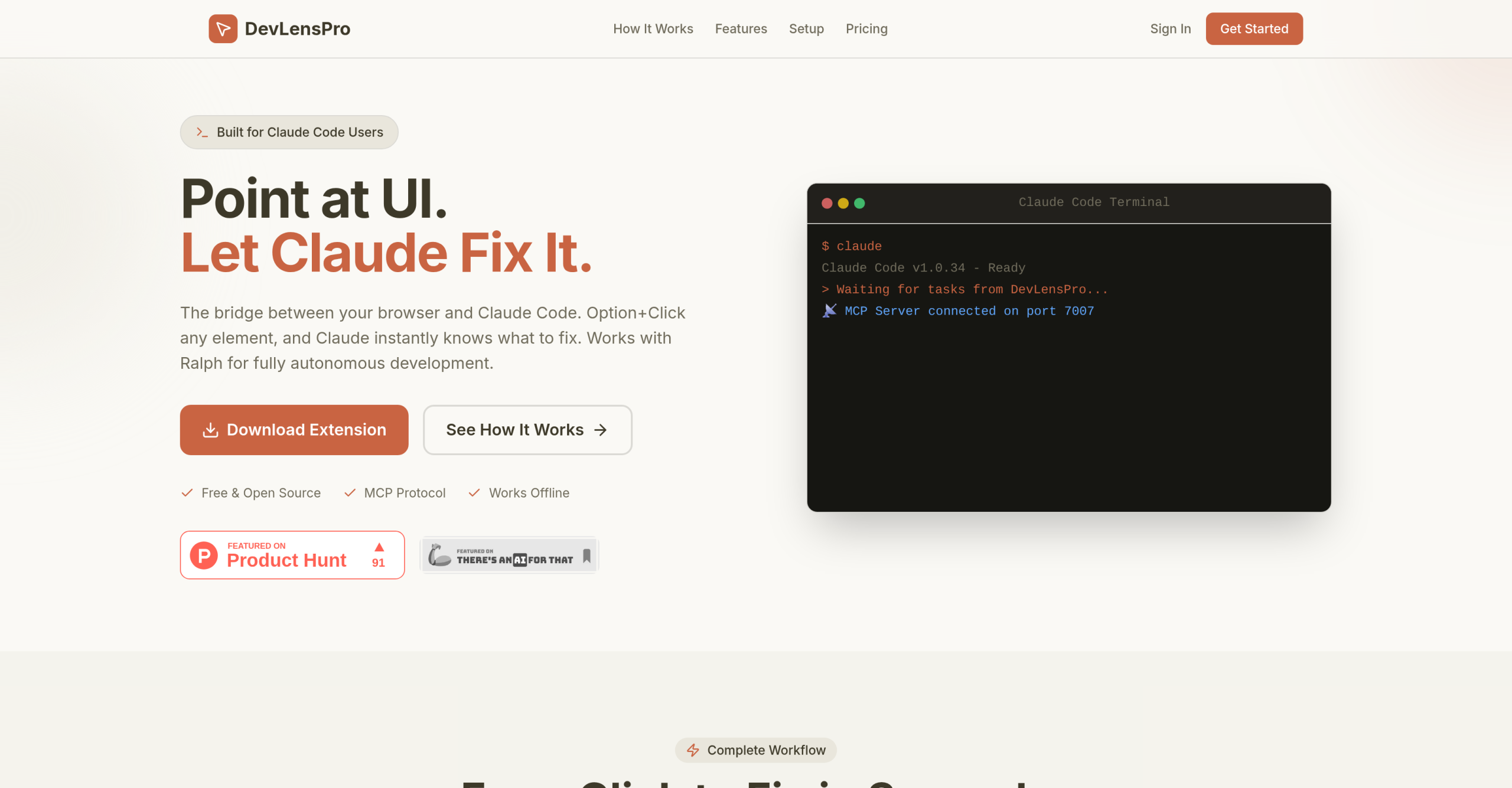
Debugging user interface problems can often feel like a constant battle between what you see and the code you’re working with. DevLensPro aims to simplify this by creating a direct link between your web browser and the Claude Code AI model. It lets developers click on any UI element and immediately gather detailed context for AI analysis, leading to automated code fixes.
How Does DevLensPro Bridge Your UI and AI?
This tool functions as a Chrome Extension, directly integrating with Claude Code through the Model Context Protocol (MCP) via a real-time WebSocket connection. When you click on a UI element, DevLensPro captures a rich set of data points. This includes screenshots of the interface, along with all associated CSS and computed styles.
It also gathers structural information like element selectors, text content, and position. Browser diagnostics such as URLs, errors, warnings, or console logs are included. For React applications, it automatically detects components and pinpoints source file locations using Fiber inspection. This thorough context then goes to Claude for analysis, allowing the AI to suggest or automatically apply code fixes. DevLensPro can also work with the autonomous agent "Ralph" to support fully autonomous development and pull request generation.
Who Benefits Most from This Tool?
DevLensPro is designed primarily for developers, especially those focused on front-end development, UI/UX debugging, and agentic development workflows. It’s particularly useful for quickly resolving CSS bugs, layout issues, or other visual glitches. The tool can also help with the initial setup of new features, providing assistance in feature scaffolding. Beyond debugging, it supports full project development cycles and code refactoring efforts. Its main advantage is reducing the manual effort of explaining UI issues to an AI or searching through code to find the root of a visual problem, thereby speeding up debugging and development.
Your Data Stays Local: Privacy and Performance
A key advantage of DevLensPro is its 100% local operation. All data processing occurs directly on your machine, meaning no data is stored in the cloud. This design significantly enhances privacy, as your information never leaves your device. It also contributes to faster response times and allows the tool to function offline, offering greater flexibility for developers working in various environments.
What Does DevLensPro Cost?
DevLensPro uses a freemium model to make its capabilities accessible. The free tier allows for up to 5 tasks per month. For more extensive use, paid options begin at $11.95 per month (or €9.99 per month for early adopters), billed monthly.
What DevLensPro Doesn’t Offer (Yet)
As a relatively new tool, DevLensPro has specific areas where it’s still growing. Users describe it as "pretty barebones," meaning it currently lacks extensive features, dashboards, or project management tools beyond its core function of UI-to-AI connection. Detailed documentation or tutorials, beyond its basic concept, are also limited, which might present a learning curve for new users trying to explore its full potential. Additionally, specific comparisons between paid tiers aren’t readily available, making it hard to evaluate the full value of different subscription levels. You’ll want to check the current feature set and documentation directly on the official website: https://www.devlens.pro/.