

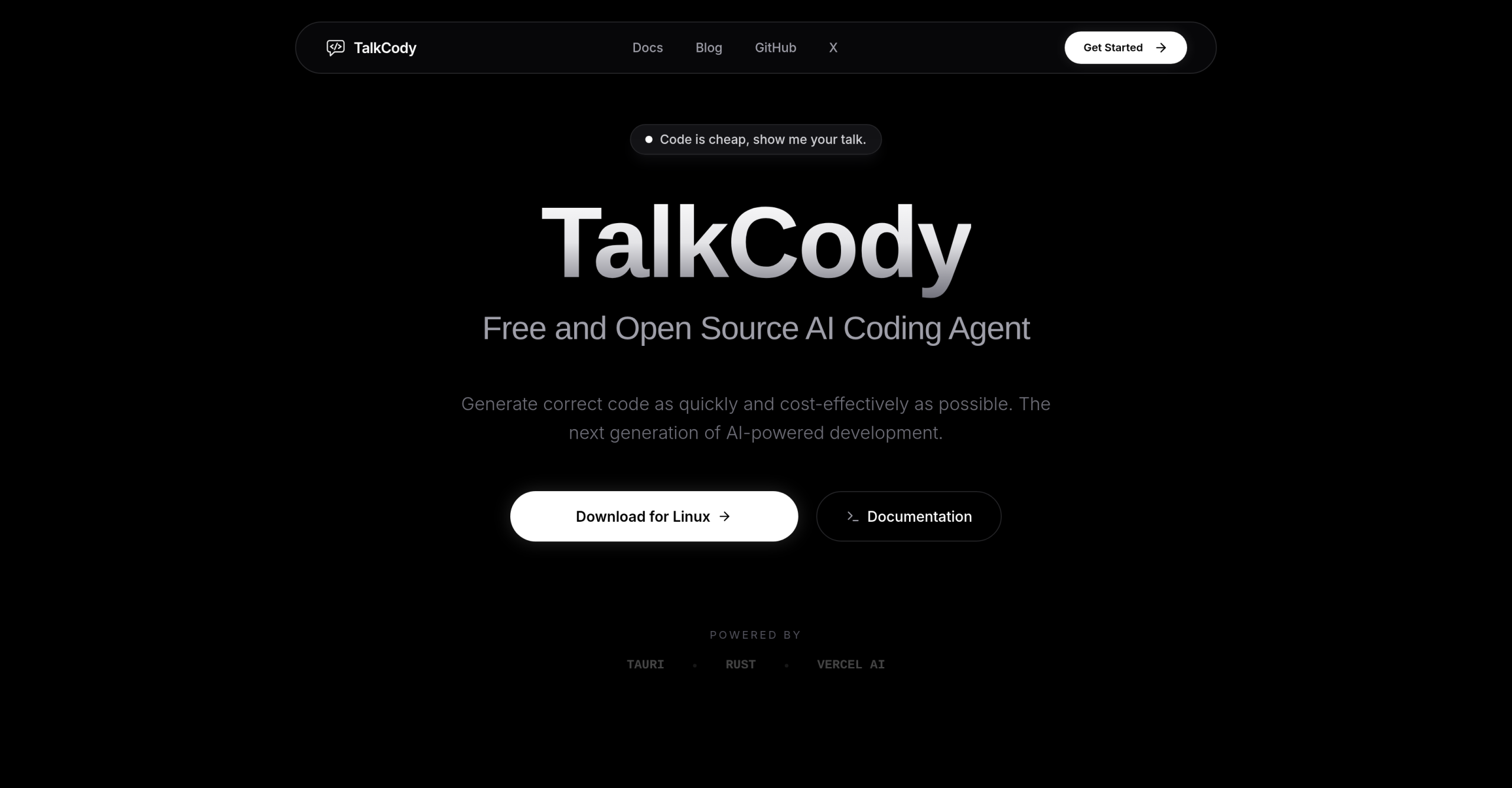
Need a faster, more private way to write code? TalkCody offers developers a free and open-source AI coding assistant designed to streamline workflows, generate code, and automate routine tasks right from your desktop.
Speeding Up Your Development Process
TalkCody isn’t just another coding tool; it’s built for speed and adaptability. It accepts various inputs like text, voice, images, and files, making it easy to fit into your existing workflow. What truly sets it apart is its unique four-level parallelism, executing tasks simultaneously across project, task, agent, and tool levels for quicker results. You’ll also find a built-in terminal and an Agents & Skills Marketplace where you can access community-created workflows.
Is TalkCody Right for Your Coding Projects?
This tool targets developers who value speed, cost savings, control, and privacy in their AI coding solutions. It supports a broad spectrum of development activities, helping with everything from web development in HTML, CSS, and JavaScript to more specialized areas. You can use it for boilerplate code, unit tests in software engineering, or writing Python and R scripts for data science. It also assists with mobile app development for iOS and Android, API integration, code learning, rapid prototyping, code refactoring, bug fixing, and even generating documentation.
Your Code Stays Yours: Privacy and Cost Savings
TalkCody puts your privacy first by ensuring all your data, conversations, and code remain 100% local on your machine. This means your sensitive code never leaves your device, and you can even work completely offline if you’re using local AI models. The tool is entirely free and open-source, following a "bring-your-own-keys" (BYOK) approach. This allows you to use your existing subscriptions like ChatGPT Plus/Pro or GitHub Copilot, or tap into free tiers from providers such as Google AI Studio, Ollama, and OpenRouter, avoiding extra platform fees.
How TalkCody is Built
Underneath its user-friendly interface, TalkCody is engineered for performance and broad compatibility. It uses Rust and Tauri for its native application foundation, delivering a desktop-grade experience. The frontend is built with React 19 and TypeScript, while the backend relies on Tauri 2 and Rust. This setup allows it to support over 50 mainstream AI models from major providers like OpenAI, Anthropic, and Google, alongside local models you can run via Ollama and LM Studio.
Ready to Install? Platform Availability
You can get TalkCody running on most popular desktop operating systems. It’s available for macOS (supporting both Apple Silicon and Intel processors), Windows (x64 architecture), and Linux (as an x86_64 AppImage).
Important Considerations Before You Start
While TalkCody offers significant advantages in privacy and cost, there are a few things to keep in mind. You’ll need to set up your own API keys for most external AI models you wish to use. The performance you get from local models will depend entirely on your computer’s hardware. Additionally, some free tiers from external AI providers might have daily or weekly usage limits you’ll need to work within. The community is also actively requesting features like mobile porting, multi-device syncing, and better agent and skill management for future updates. For more details, visit the official website: TalkCody