
You don’t need years of musical training or expensive studio gear to produce original, royalty-free music anymore. AI Song Maker v1.3.0 simplifies this process, transforming your text, ideas, or lyrics into complete songs, featuring AI-generated melodies, instruments, and vocals.
Who Can Create Music with AI Song Maker?
Whether you’re a complete beginner with no musical background or an experienced composer, AI Song Maker is built for a wide range of users. Content creators, podcasters, game developers, and advertisers can quickly generate background music for their projects. It’s also a valuable tool for brainstorming new ideas, creating karaoke tracks, designing ad jingles, or just having fun experimenting with sound. The platform supports creative testing and building early song demos without needing instruments.
Turning Ideas into Tunes: Key Features
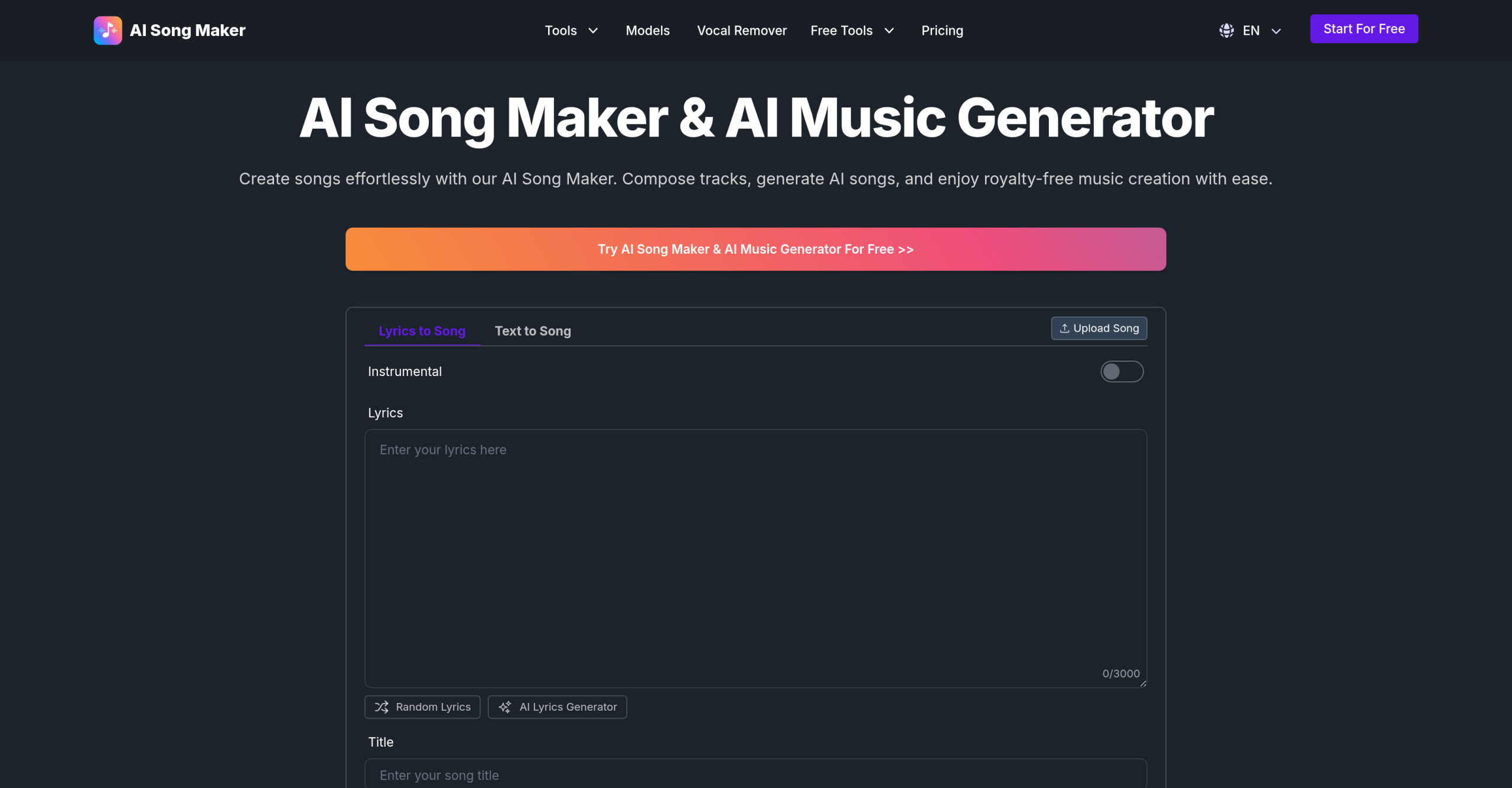
AI Song Maker provides several functions to help you build your music. You can directly convert written input into musical compositions using the Text to Song or Lyrics to Song features. If you need words for your tune, an AI Lyrics Generator can help you craft them. For existing pieces, you can Extend Song to lengthen sections or use the Vocal Remover to isolate instrumental tracks.
Beyond just audio, the tool also helps with visual elements. An AI Song Cover Generator lets you design artwork for your creations, and the AI Singing Photo Generator can animate pictures to sing along with your tracks. You have control over the final sound, allowing you to adjust the song style, genre, tempo, and even choose between male or female vocal types. A unique feature called VibeSeed lets you capture the mood and style from your favorite songs and apply them to new creations.
How Does AI Song Maker Generate Sound?
The platform uses advanced AI models to produce its varied musical outputs. These include systems like Musicgen, Riffusion, DiffRhythm, and ACE-Step, working together to create diverse sounds. Once your song is ready, you can download it in common audio formats: MP3, WAV, and MIDI. Paid subscriptions offer additional benefits, such as unlimited cloud storage for your projects, the option for private generation, and the ability to run multiple generations simultaneously.
What Does It Cost to Make Music?
AI Song Maker offers a free trial, allowing you to test it out before committing. This free plan includes daily credits and has limitations on song length. For more extensive use, several paid subscription tiers are available, which generally come with a commercial license for any music you create.
| Plan | Price | Key Details |
|---|---|---|
| Free | Free | Daily credits, limited song length |
| Basic | From $14.99/month | More credits, additional features |
| Standard | Varies | Increased credits and features |
| Pro | Varies | Most credits, full feature set |
If you’re not satisfied, there’s a refund policy in place. You can request a refund within 7 days of purchase, provided you’ve created fewer than 5 songs.
Important Notes Before You Start
While AI Song Maker streamlines music creation, it’s good to be aware of some potential limitations. Some users have occasionally reported inconsistent quality in generated songs, and sometimes tracks might be incomplete or trigger content flagging. Others have noted issues with subscription renewals or unexpected charges. The free plan, as mentioned, has daily credit limits and restricts song length. Currently, there isn’t a dedicated desktop application; it’s a web-based tool. Crucially, if you’re a musician looking to incorporate your own custom melodies or specific chord progressions, this tool won’t support that directly; some alternative music generation tools offer this capability. Always check the current pricing and feature sets directly on the official website: https://www.aisongmaker.io/.