

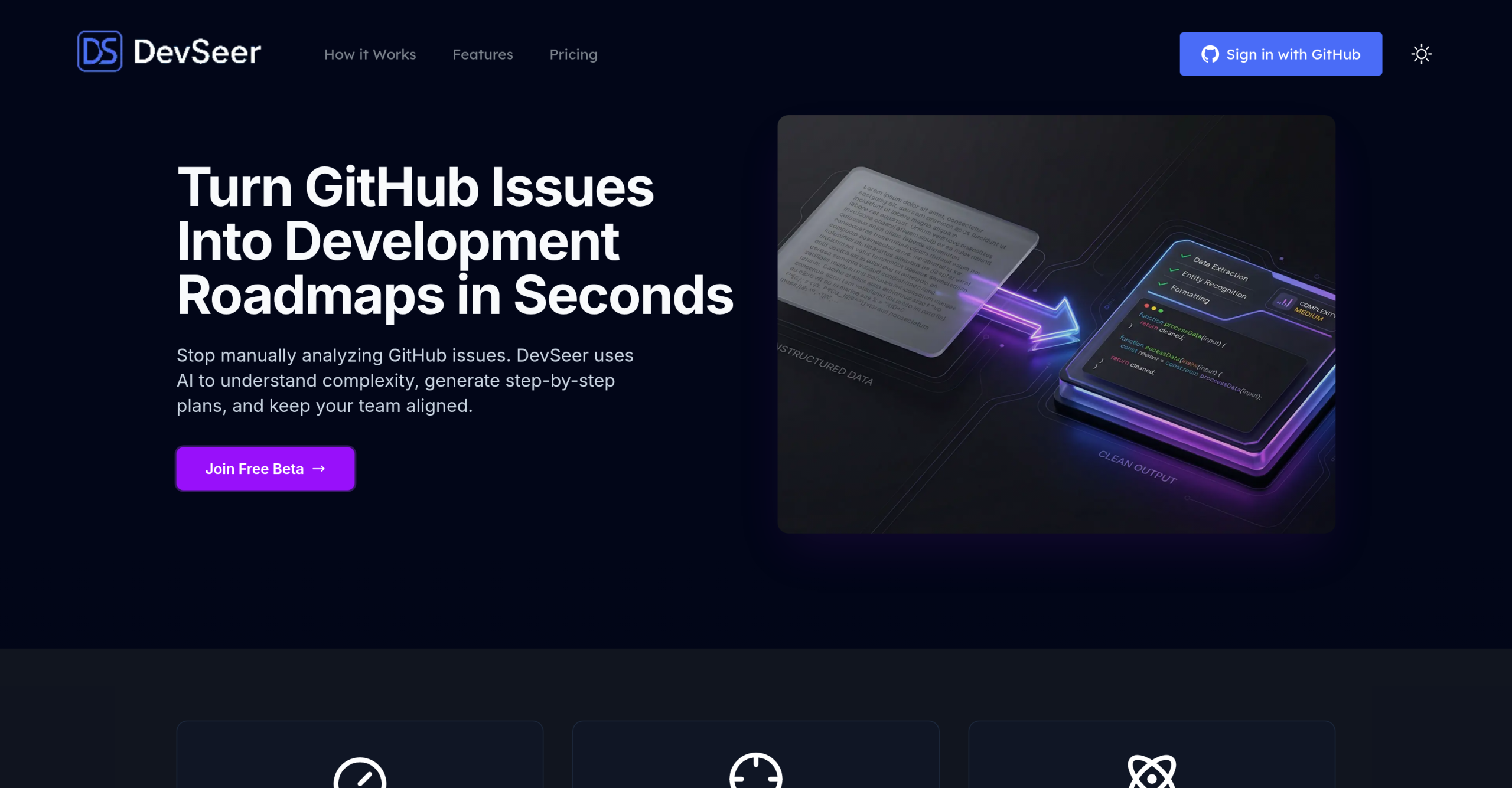
Engineering teams often find themselves bogged down by the manual effort of dissecting GitHub issues and mapping out development tasks. This is where DevSeerAI steps in, using artificial intelligence to transform raw GitHub issues into structured, detailed development roadmaps, aiming to speed up the planning process.
From Issue to Actionable Plan
DevSeerAI analyzes your GitHub issues and pull requests, then breaks them down into task lists, proposes development strategies, and offers specific recommendations. It doesn’t just stop at suggestions; the tool automatically provides time estimates, assigns a complexity score (Low, Medium, or High), identifies dependencies between tasks, and even suggests step-by-step implementation guides. All of this information appears as comments directly within your GitHub issues. The tool’s ability to compare issue descriptions against your actual codebase helps it provide insights that are relevant to your project’s context.
This automated assistant is designed for various roles within engineering teams, including individual developers, engineering managers, and product managers. It helps by:
- Automating Analysis: Significantly cutting down the manual work involved in understanding and planning GitHub issues.
- Improving Estimates: Delivering more accurate predictions for task time and complexity.
- Mapping Dependencies: Showing how tasks and repositories are linked.
- Visualizing Workload: Offering a clearer picture of current work distribution for better planning.
- Identifying Technical Debt: Highlighting potential areas of code that might need attention.
- Aligning Scope: Ensuring everyone—from product managers to developers—is on the same page regarding project scope and potential complexities, helping to prevent "scope creep."
How to Get Started
Integrating DevSeerAI is straightforward, as it connects directly with GitHub. To initiate an analysis, users simply add a comment like @devseerai analyze within a GitHub issue. The tool then posts its findings back as subsequent comments. DevSeerAI claims to deliver 80% faster issue analysis and 40% more accurate estimations. For developers, there’s also a semantic code search feature that helps quickly locate relevant files and functions within the codebase.
Keeping Your Data Safe
DevSeerAI prioritizes user privacy. It’s hosted within the EU and protects data both at rest and in transit using SSL/TLS encryption. Vector data is stored securely in the Cloud with infrastructure provided by vendors that are SOC 2 Type II compliant. The service only analyzes issues that are explicitly tagged for analysis; it doesn’t implicitly scan your code, nor does it use your code to train its AI models. It requests only read-only access to repositories, meaning it can’t write to your user code. However, it’s worth noting that DevSeerAI might use third-party AI providers, and their individual terms and privacy policies will apply to those interactions.
Current Availability and Cost
DevSeerAI is currently in a public beta phase and is available for free. The free beta plan supports a single GitHub repository and allows for 15 AI analyses per month.
What to Expect (and What’s Coming)
The free beta plan has a few limitations: you’re restricted to one GitHub repository and a monthly cap of 15 AI analyses. Additionally, while the tool aims to automate much of the planning process, its reliance on external AI providers means you should review those providers’ terms. Future plans for DevSeerAI include integrations with popular tools like Slack, Jira, and Linear, as well as the ability to use custom prompts, but these features are not yet available.