

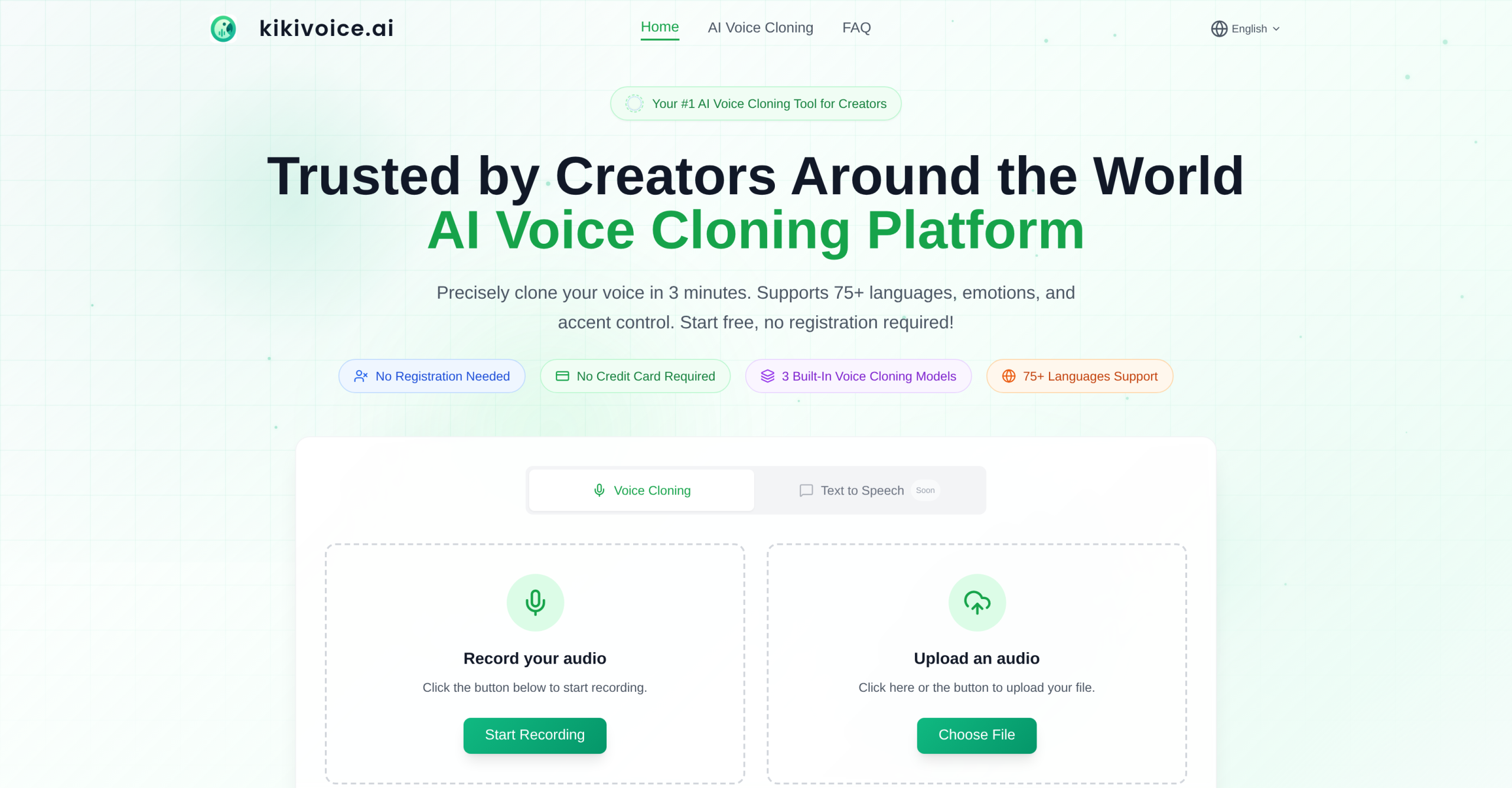
Ever wished you could create a custom voice for your project, or even clone your own, without signing up for anything or paying a fee? KikiVoice offers a completely free, browser-based platform for generating highly realistic synthetic voices. It’s a tool designed for various creators, from podcasters to game developers, who need quick voice cloning or want to design original AI voices.
How to Craft Your Custom Sound
KikiVoice’s main function lets you clone a voice from a short audio sample. You simply upload an audio clip, ideally between 3 and 15 seconds long, and the platform will then generate new speech in that cloned voice based on text you provide. This process usually finishes in under three minutes. Beyond cloning, KikiVoice also includes an "AI Voice Design" tool. This feature allows you to build entirely new AI voices from scratch by simply describing them in text.
Picking the Right Voice Engine for Your Project
The platform includes three distinct AI models, each optimized for different tasks:
- Kiki Core: This model balances speed with stability, making it a good choice for general content creation. It supports over 10 primary languages.
- Kiki Pro: Aimed at professional-grade output, Kiki Pro delivers ultra-realistic voice generation. It offers more than 15 emotional controls, making it suitable for studio-quality work, and supports over 8 languages.
- Kiki Multilingual: If your project needs a global reach, this model focuses on localization. It supports over 75 languages and provides fast generation speeds.
Who Can Use These AI Voices?
KikiVoice serves a wide range of creators, including content creators, video editors, podcasters, narrators, and developers. Its applications stretch across many areas:
For example, you can create narration and dubbing for platforms like YouTube and TikTok. If you’re working on global content, the tool supports over 75 languages for localization. It’s also suitable for producing audio content such as podcasts and audiobooks, generating narration for e-learning materials, or creating voiceovers for advertising campaigns. Game developers can use it to develop unique character voices. Additionally, it offers uses for AI-driven brand communication and preserving voices for brand support.
Technical Details and Supported Formats
KikiVoice works with a broad selection of input audio and video formats. For audio, you can upload WAV, MP3, OGG, OPUS, AAC, M4A, FLAC, WMA, ALAC, AIFF, and AMR files. It also accepts video formats like MP4, MOV, MKV, AVI, and WEBM, with a file size limit of 50MB.
Once your audio is generated, you can download it in MP3, WAV, OGG, AAC, or OPUS formats, with options for standard or high quality. The platform also offers browser-based recording and allows for unlimited previews and downloads. You’re permitted to use the generated voices commercially, provided you hold the necessary copyright and usage rights for the original voice sample.
Is KikiVoice Truly Free to Use?
Yes, KikiVoice is 100% free to use. It doesn’t require any sign-up, credit card information, or subscriptions, and there are no hidden fees.
A Few Things to Remember
While KikiVoice provides impressive capabilities, there are some points users should know. The quality of a cloned voice largely depends on how clear the input audio is; background noise or music can reduce the results. The free service has a text length limit per conversion, usually between 500 and 2000 characters, which can vary depending on the chosen AI model. Although the platform aims for natural-sounding output, the final quality can be affected by the quality of your prompt and the model parameters.
Users have noted that without an account, your work isn’t saved persistently. Also, ethical considerations around potential misuse, such as identity theft or impersonation, are part of voice cloning technology. Users are responsible for getting consent for any voice usage. For more information, visit the official website: kikivoice.ai.