
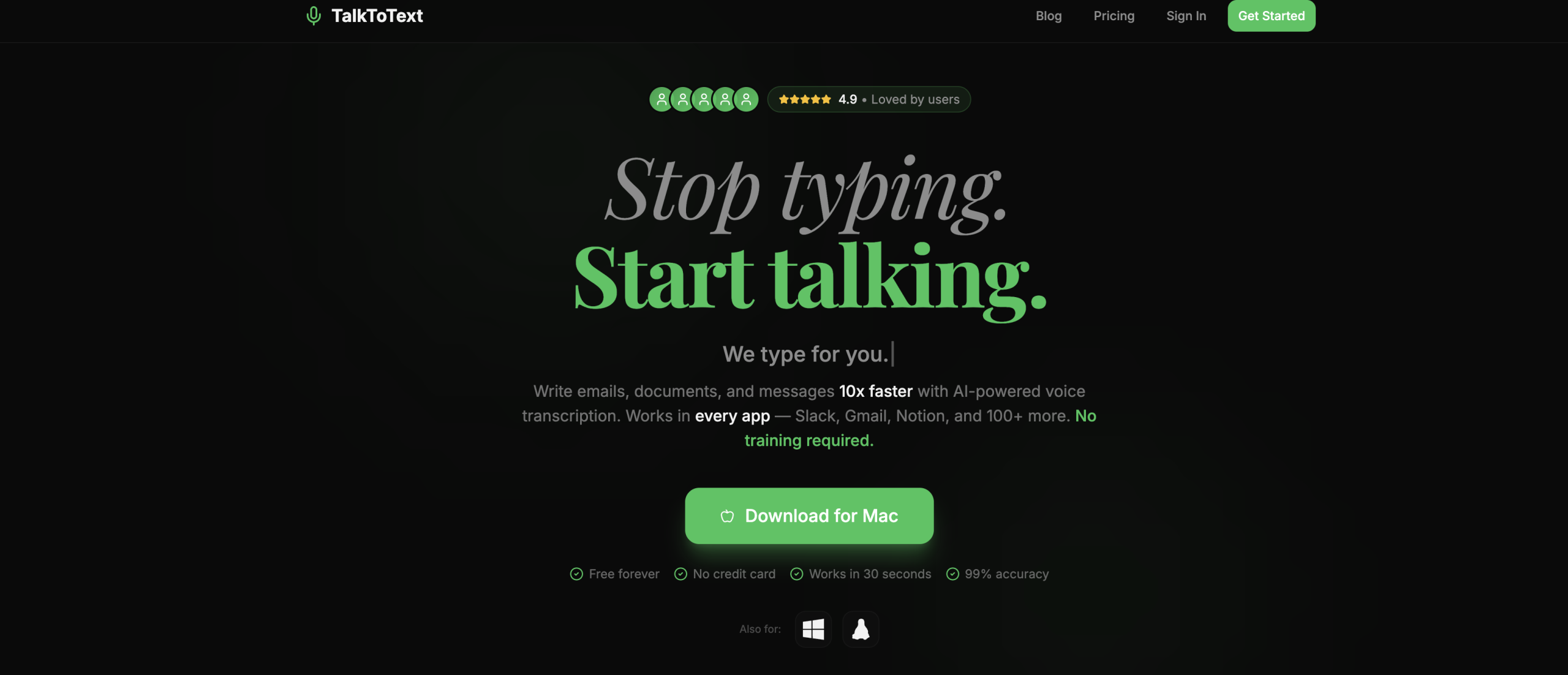
Do you find yourself spending too much time typing, or perhaps experiencing discomfort from repetitive strain? TalkToText offers a solution that lets you speak your thoughts into almost any desktop application, turning your words into written text instantly. Whether you’re drafting an email, coding, or chatting, this tool aims to make your digital interactions quicker and easier.
How Your Voice Becomes Text
TalkToText integrates directly into your computer’s workflow. With a simple global hotkey, you can dictate into apps like Slack, Gmail, VS Code, Notion, or ChatGPT. It offers two distinct ways to convert your speech:
- "Type for Me" Mode: This is pure dictation. The tool listens and transcribes your spoken words with a claimed 99% accuracy, adding punctuation automatically. The text appears right where your cursor is, perfect for quick messages, notes, or drafting longer documents.
- "Write for Me" Mode: Go beyond simple transcription with this mode. It doesn’t just type what you say; it can also refine, enhance, adjust the tone, improve grammar, or even rewrite your spoken ideas into polished text. This is ideal when you need more than just a raw transcript.
Who Benefits from Speaking Their Mind?
Anyone who spends a significant portion of their day typing could find TalkToText valuable. It’s built for:
- Professionals drafting reports or emails.
- Writers outlining stories or articles.
- Developers writing code or documentation.
- Anyone needing to take notes during meetings or streamline team communication.
The goal is to reduce physical strain and speed up your overall productivity by letting you use your voice.
What’s Under the Hood and How’s Your Privacy Handled?
TalkToText isn’t just about convenience; it’s also built with some clever engineering and a focus on keeping your data private.
- Accuracy: It boasts a 99% transcription accuracy rate.
- Language Support: The tool supports over 100 languages, with paid plans offering an enhanced selection of 28+ languages.
- Cross-Platform: You can use it on macOS, Windows, and Linux. Android and iOS versions are also in the works.
- Lightweight: The installation file is small, at just 50MB.
- Privacy First: A key feature is its privacy design; your voice data stays on your device and isn’t sent to the cloud.
- System-Wide Access: It works in any text field across your desktop applications, activated by a global hotkey.
What Does TalkToText Cost?
You’ve got a few options depending on your needs:
- Free Tier: Get started with 3 credits at no cost.
- Pro Subscription: For $9 per month per device, you get full access. There’s also a yearly option that offers some savings.
- Lifetime License: A one-time payment of $299 secures the tool for one device forever.
- Lifetime Team License: If you need it for multiple devices, a team license costs $199 per device when you purchase two or more.
Important Notes Before You Start
While TalkToText strives for high accuracy, it’s provided "as is." The developers recommend reviewing transcripts for any critical use cases, as perfect transcription can’t be guaranteed. Like many AI transcription tools, it might face challenges with:
- Loud background noise.
- Strong or unusual accents.
- Uncommon speech patterns.
- Understanding emotional nuances or complex context.
Ready to Give Your Fingers a Break?
If you’re looking to integrate voice input directly into your daily computer use, you can learn more and download the tool at https://talktotext.ai/.