

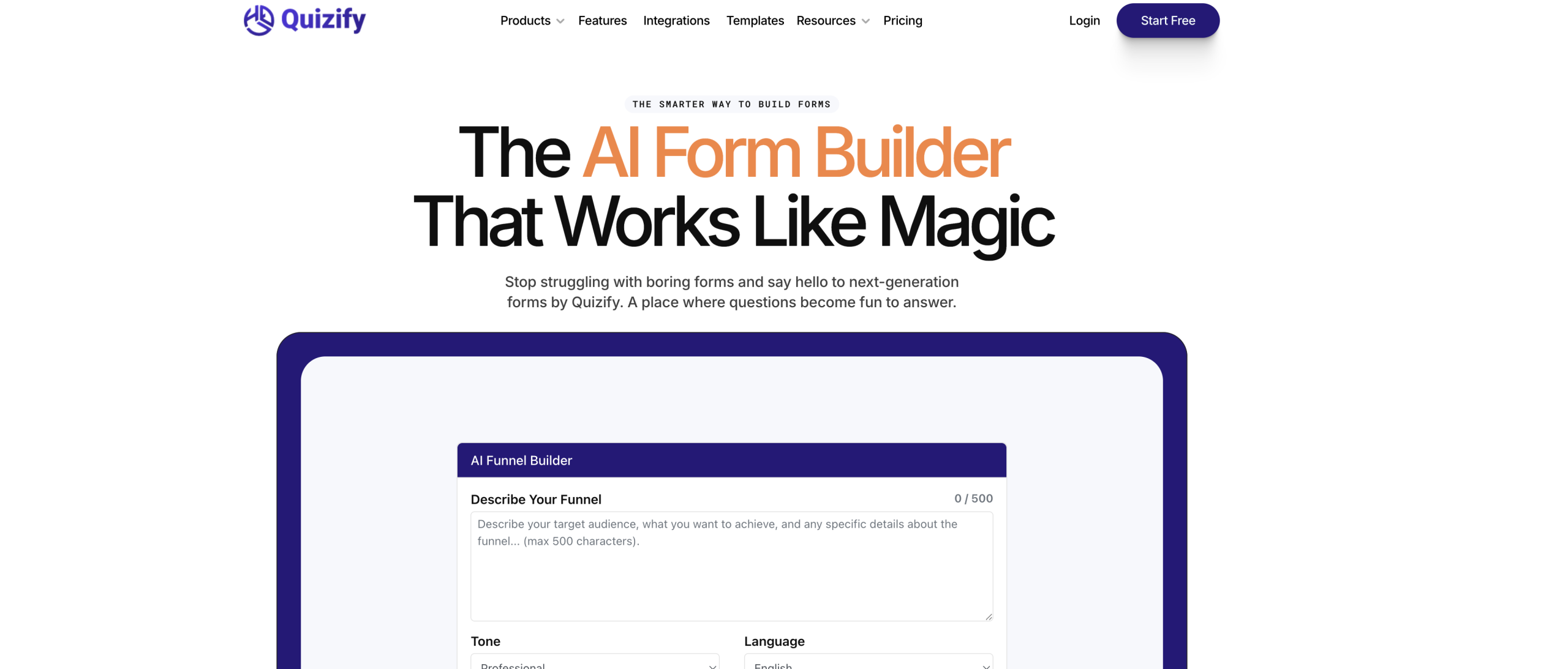
Crafting engaging quizzes, forms, or surveys often means spending hours on design and logic. Quizify AI Form Builder aims to drastically cut that time by letting artificial intelligence generate entire interactive experiences from just a topic or some source material. It’s built to create personalized user paths and automate how questions unfold.
How Quizify Builds Dynamic Content
This tool uses AI to design interactive quizzes, forms, and surveys. You provide a topic or content, and Quizify can generate the introduction, questions, answers, and even the final result pages. What makes these forms dynamic are "logic jumps" – these show or hide questions based on a user’s previous responses, making the experience feel tailored and boosting completion rates. The platform also gives you real-time analytics and notifications as responses come in.
Who Finds Quizify Useful?
A wide range of professionals can benefit from Quizify. This includes marketers looking to capture leads, business owners gathering customer feedback, coaches and course creators building assessments, and consultants creating client intake forms. It’s also a good fit for agencies, educators, and small businesses needing tools for:
- Generating new leads
- Collecting customer opinions
- Creating surveys and educational tests
- Developing personality quizzes or product recommendation tools
- Setting up client intake, opt-in forms, and waitlists
- Handling general inquiries
Key Features for Interactive Forms
Quizify isn’t just about generating text; it offers several ways to make your forms functional and visually appealing.
The AI can generate all text components, from intros to results, in over 20 languages and across 13 different tones. This content can be created from various inputs: you can paste text, upload documents, link to web pages, YouTube videos, PDFs, or even images.
For user interaction, the tool focuses on a conversational, one-question-at-a-time interface, guided by those logic jumps to create unique paths for each respondent. You can also customize the look with various templates, design settings, and branding options, and choose from different question types.
Beyond creation, Quizify helps you manage the data. An intelligent dashboard provides real-time analysis of responses, tracks funnel performance, and identifies where users might be dropping off. You can export all your results in CSV format.
It also connects with many other platforms:
- Marketing & CRM: Mailchimp, Klaviyo, HubSpot, ActiveCampaign, Salesforce
- Analytics & Automation: Google Analytics, Meta Pixel, Zapier, Make
- Scheduling & Data: Slack, Calendly, Google Sheets, Kajabi
For quick form creation, there’s even a Chrome toolbar extension available. The forms are designed to be responsive on mobile devices and support keyboard navigation. Quizify also states it uses top-tier encryption to protect your data.
Accessing Quizify: Plans and Pricing
Quizify offers a free trial and a permanent free plan. If you need more capacity and features, you’ll find several paid options.
| Plan | Price (per month) | Key Details |
|---|---|---|
| Free | $0 | 1 funnel, up to 5 questions, 100 submissions/month, Quizify branding |
| Basic | $7 | (Details not specified beyond price in search results) |
| Standard | $9 | 500 submissions/month |
| Pro | $29 | 1500 submissions/month, removes branding, includes integrations |
| Business | $49 | 5000 submissions/month, advanced integrations, premium support |
Important Considerations Before Using
While Quizify offers a lot of power, there are a few things you should know:
- Company Background Concerns: Some users have noted a lack of transparency regarding the company itself. There isn’t named leadership, the "About" page is empty, and social media channels appear inactive. This could signal a potential "ghost ship" situation, which might be a concern for long-term reliability.
- Data Portability: The Terms of Service don’t explicitly mention data export or portability. This could mean your data might be difficult to move if you decide to switch tools later, potentially leading to vendor lock-in.
- AI Generation Limits: Even paid plans, and definitely the free trial, come with daily or monthly quotas for AI question generation.
- App-Specific Issues: Users of the Google Play app have reported problems, such as questions generating only in English despite requests for other languages, and occasional app crashes.
- Template Style: One user mentioned that the available themes might not always look the most modern, though customization options are available to adjust their appearance.
Quizify AI Form Builder is a solid choice for anyone who needs to quickly create personalized, interactive quizzes and forms without writing code. It’s especially good for generating leads and gathering detailed information thanks to its conversational style and logic jumps. You can learn more at their official website: https://quizify.io/ai-form-builder