

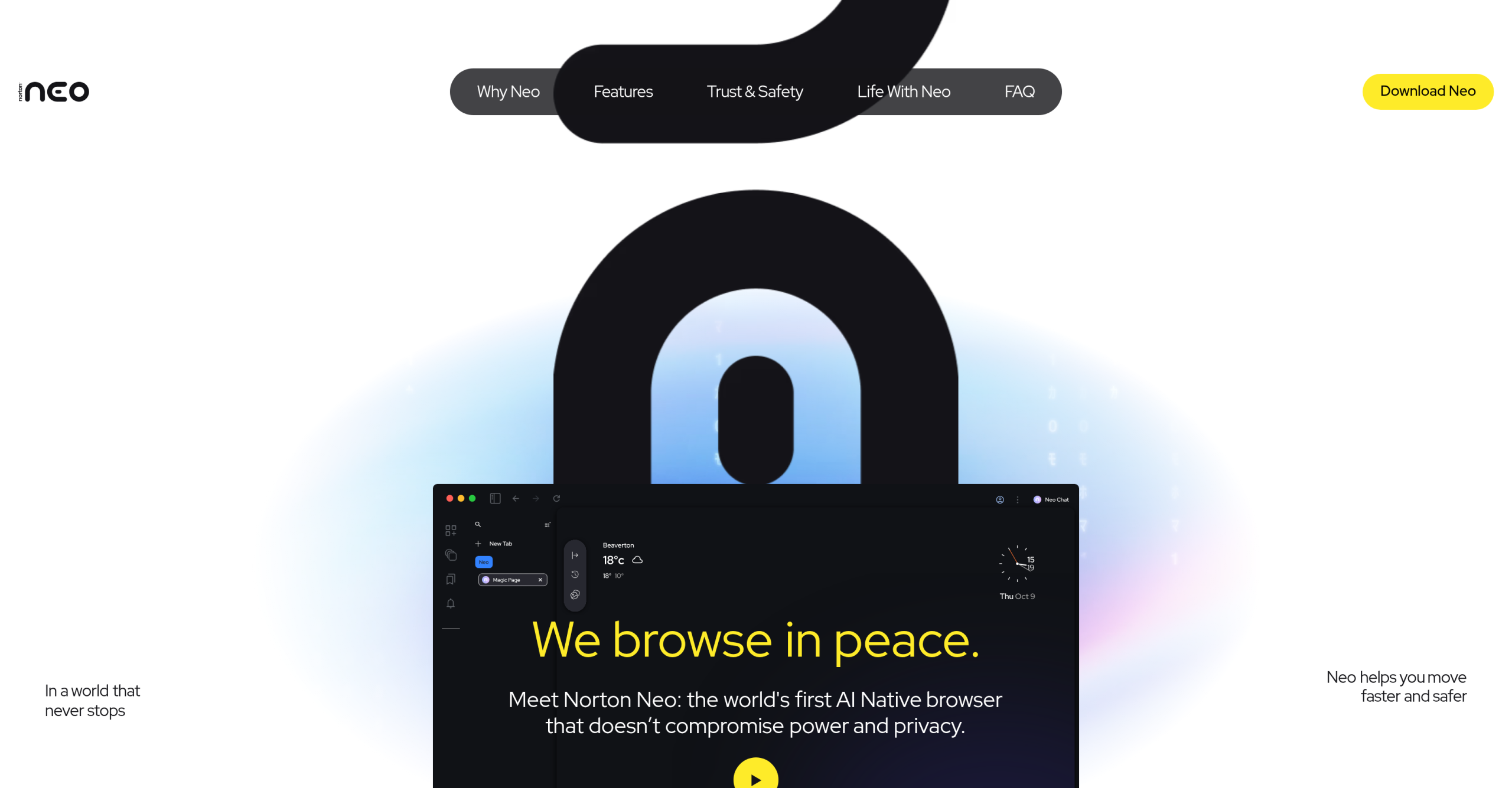
Tired of juggling dozens of browser tabs, constantly switching between search engines and AI chatbots, all while worrying about online threats? Norton Neo Browser, developed by Norton (part of Gen Digital), aims to simplify your digital life by blending artificial intelligence directly into your web experience.
A New Way to Browse: AI and Security Combined
Unlike typical browsers, Neo Browser deeply embeds AI and Norton’s cybersecurity knowledge right into its core functions. It’s built to cut down on "tab overload" and make finding information easier. You’ll get immediate answers and summaries without leaving your browser, eliminating the need to jump between different apps. Its design puts privacy first, storing data locally and letting you manage memory settings, which sets it apart from many AI tools that track user behavior. The built-in security features—like WebShield, ad and tracker blocking, and a VPN—offer more dependable, integrated protection than relying on separate browser extensions.
Your Digital Assistant & Guardian: Key Features
Neo Browser packs a suite of tools designed to streamline your online tasks and protect your privacy.
At the heart of its productivity features is the Magic Box, a central command bar for searching, summarizing content, drafting text, and performing various actions. You can also use Peek & Page Summaries to quickly preview link content or get automatic summaries of lengthy articles, complete with citations. For writing tasks, a Typing Assistant offers in-browser help. Plus, a Personalized Content Feed learns your interests locally to suggest relevant information. To combat clutter, Smart Tab Management automatically groups and organizes your open tabs.
Security isn’t an afterthought; it’s built right in. Features include ad and tracker blocking, Norton WebShield for detecting phishing attempts and malware, anti-fingerprinting technology, and an adaptive VPN. When it comes to your data, chats and browsing history are stored locally by default. "Configurable Memory" lets you decide how long data is kept or even turn off memory entirely. While some AI features use cloud processing, Norton ensures this is isolated from your identity, with strict contracts preventing AI providers from keeping your data or using it for model training.
Who’s This Browser For?
If you’re a tech-savvy consumer, an AI enthusiast, or simply someone looking for a more productive and less cluttered online experience, Neo Browser might be a good fit. It’s particularly useful for those who often find themselves overwhelmed by too many tabs or constantly switching between search engines and chatbots. Students and professionals doing deep research, content creators, and anyone managing complex online workflows could see benefits, with claims of productivity increasing by up to 40%.
Under the Hood: Compatibility and Availability
Built on the Chromium engine, Norton Neo Browser is compatible with most Chrome extensions, and you can easily import your bookmarks, passwords, and browsing history from other browsers like Chrome, Firefox, or Edge. Norton’s security expertise extends to defending against indirect prompt injection attacks. Currently, the browser is available for Windows and macOS, with plans for iOS and Android versions in the future.
What Does It Cost?
You can download and use Norton Neo Browser completely free. While Norton may introduce premium features later, the core browsing experience is intended to remain free.
Before You Switch: Things to Keep in Mind
While many find it helpful, adjusting to Neo Browser’s "tabless browsing" approach or automatic tab grouping might take some getting used to. It also might not be fully compatible with Google Workspace accounts that have strict administrative policies. Some reviewers point out that while it offers many AI tools, its primary focus is on security rather than the more "agentic" AI features found in competitors like Opera Neon or Perplexity Comet. And although some AI functions do require cloud processing, Norton emphasizes that this is handled with strict privacy protocols.
For more details, visit the official website: https://neobrowser.ai/