
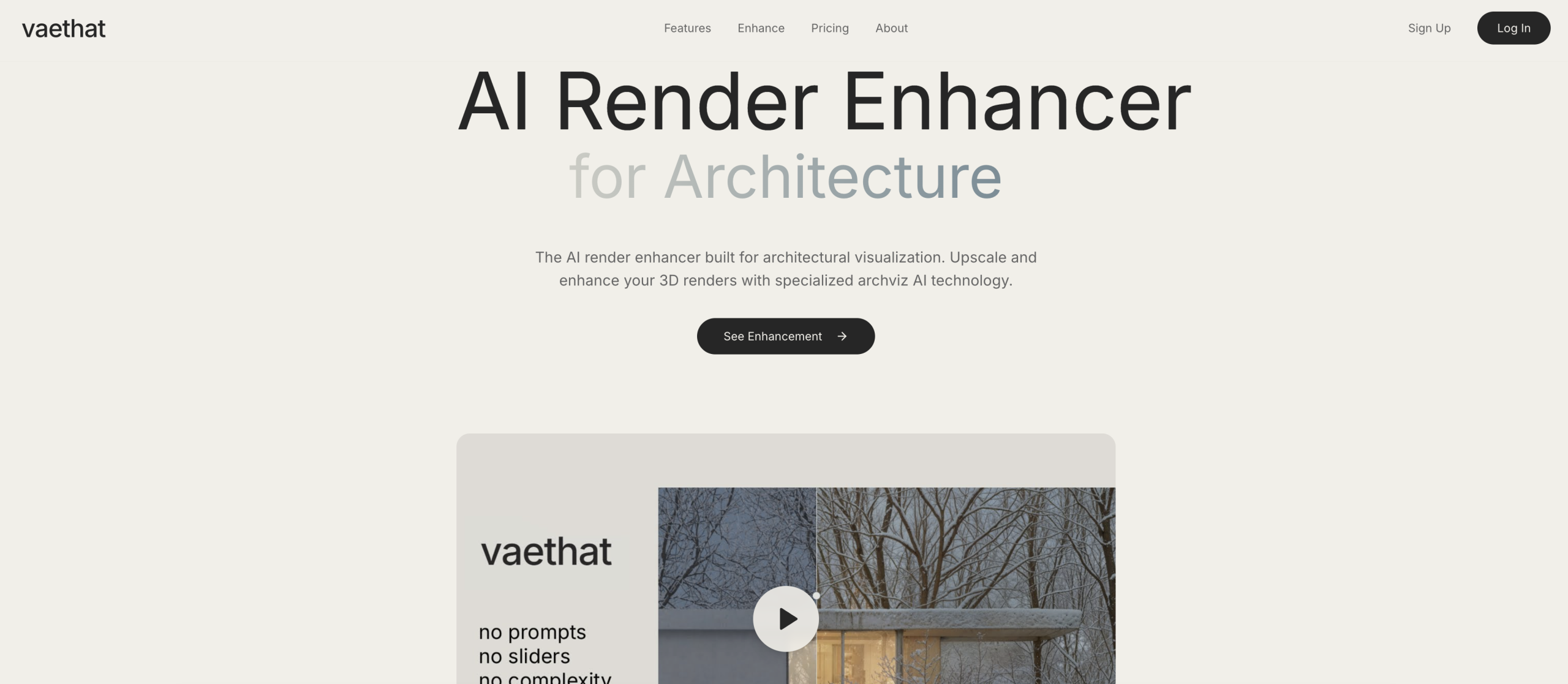
Producing high-quality 3D architectural renders can often be a slow and resource-intensive process. Architects and visualization artists frequently spend hours on post-processing or waiting for high-resolution renders. Vaethat aims to cut down on this time by using specialized artificial intelligence to refine and upscale architectural visuals, turning lower-resolution outputs into polished, presentation-ready images with just a single click.
Transforming Your Architectural Visuals
Vaethat focuses on improving the clarity, detail, and overall visual appeal of 3D architectural renders. It can take an initial low-resolution render and convert it into a high-quality image of up to 64 megapixels. The tool works by sharpening fine details, enhancing material definitions, balancing contrast and lighting, and cleaning up noise and other imperfections. Crucially, it does all this without altering the original design intent of your project.
You have two main enhancement options:
- "Standard" mode prioritizes fidelity to the original render.
- "Enhance" mode delivers sharper materials and richer textures.
Beyond these modes, Vaethat also allows for specific region enhancement, letting you focus the AI’s power on particular areas of an image. A multi-image workspace helps you keep your projects organized and manage several renders at once.
Why Architectural Professionals Rely on This Tool
What sets Vaethat apart from generic image enhancers is its AI, which has been specifically trained on architectural visualization data. This specialized training means it understands the nuances of architectural aesthetics and ensures that your design’s integrity is maintained. Elements like concrete, glass, vegetation, and wood are rendered accurately, preserving their intended look and feel.
This specialization allows architects and 3D artists to export renders in a quick preview mode, then use Vaethat’s AI to achieve sharp 4K outputs, potentially saving significant GPU rendering time. Users report a reduction in overall visualization time by 75-85%. The tool’s prompt-free, preset-based workflow, combined with its multi-image workspace, offers an efficient and consistent approach, particularly useful for high-volume architectural visualization work. It’s a valuable asset for architects, 3D artists, designers, real estate marketers, and developers looking to improve renders for client presentations, planning submissions, competition entries, and marketing materials.
A Look at Vaethat’s Technical Capabilities
Vaethat operates on advanced AI algorithms that are purpose-built for architectural visualization. This specialized AI can upscale your renders significantly, reaching resolutions up to 4K or 8K, culminating in images as large as 64 megapixels. The workflow is designed for simplicity, offering a "one-click" enhancement process that doesn’t require any prompts or sliders.
It’s compatible with outputs from many popular 3D software and render engines, including V-Ray, Corona, Lumion, Enscape, 3ds Max, and SketchUp. The output it generates is "compositing-ready," meaning it preserves the exact materials, lighting, and design intent from your original render.
Core features include:
- AI-powered upscaling for high-resolution outputs.
- Detail refinement to sharpen edges and textures.
- Enhancement of materials and lighting for a more realistic look.
- Noise and artifact cleanup to produce cleaner images.
- Preservation of design intent, ensuring architectural accuracy.
- Fast post-processing to speed up your workflow.
- Batch processing for handling multiple renders efficiently.
- Region enhancement to focus on specific image areas.
Understanding Vaethat’s Pricing
You can try Vaethat with a free trial that includes 20 credits upon signing up. For continued use, subscription-based plans are available:
| Plan | Price (Monthly) | Key Details |
|---|---|---|
| Basic | $14 / €12 | 200 credits per month |
| Professional | €29 | 500 credits per month |
| Business | €49 | 1000 credits per month |
| Enterprise | Custom | Tailored plans for larger teams |
Any unused credits will roll over to the following month.
What to Consider Before You Start
While Vaethat offers clear advantages for architectural visualization, there are a few points to keep in mind. As a cloud-based service, you’ll need to upload your renders, which might be a data privacy consideration for some users. The quality of the final enhanced output can also depend on the resolution and lighting of your initial source render; achieving optimal results might occasionally require a few iterations. It’s important to remember that Vaethat is an enhancement tool, not a complete rendering solution. Finally, the subscription model might be a notable ongoing cost for individual practitioners or smaller studios.
You can learn more about the tool at vaethat.com.