

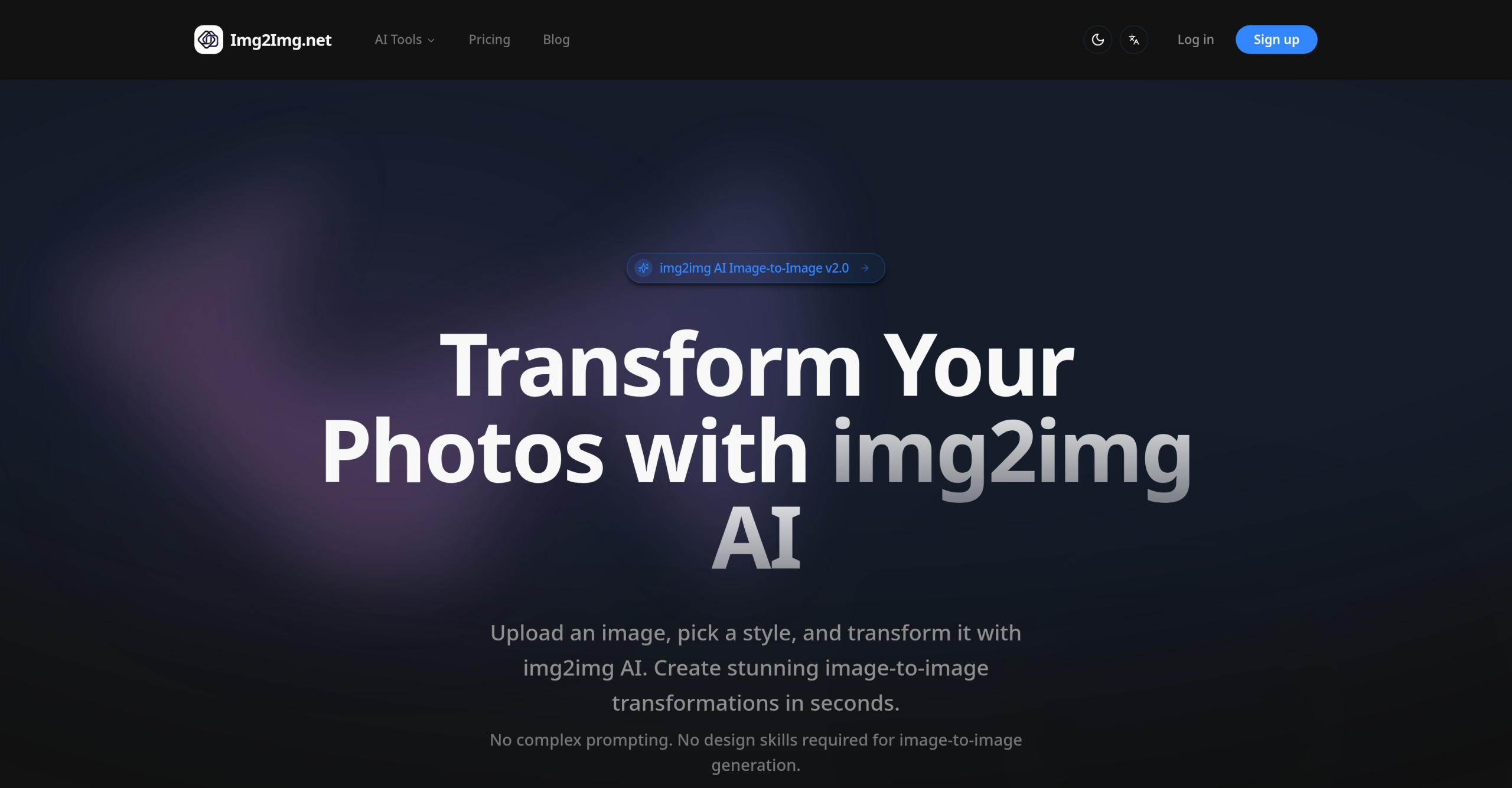
Do you ever need to quickly change an image’s style, improve its resolution, or simply remove a background without getting bogged down in complex software? Img2Img.net AI offers an online solution for transforming images with artificial intelligence, focusing on applying new aesthetics and modifying existing visuals.
Transforming Your Images: What’s Possible?
This online platform lets you upload a picture and apply a range of AI-powered changes. Whether you’re looking to give an image a completely new artistic style, make it sharper, or generate creative variations, Img2Img.net AI can help. Beyond stylistic adjustments, it handles practical tasks like taking out backgrounds, making images larger without losing quality, swapping faces, and bringing old, faded photos back to life.
The tool works by analyzing your input image’s format, style, colors, textures, and any text it contains. Then, it recreates the image with your chosen aesthetic or modifications. You can guide this process using text prompts or by selecting from predefined styles. For efficiency, it supports both single-click image generation and processing multiple images at once.
It accepts common image files such as JPEG, JPG, PNG, and WEBP. You can upload images up to 24MB in size and with dimensions as large as 4096 x 4096 pixels. The system draws on various AI models, including Flux Kontext Pro, Nano Banana AI, Seedream 4.0 AI, Qwen Image Edit, DALL·E 3 technology, Pollo Image 2.0, FLUX, Stable Diffusion, and GPT-4o. This combination allows for a wide array of capabilities, from enhancing overall image quality to repairing damage in older photographs and even removing watermarks. The platform states it can achieve up to 90% accuracy in maintaining stylistic consistency, delivering high-quality output.
Who Finds This Tool Useful?
A broad group of people can benefit from Img2Img.net AI. This includes:
- Digital artists and designers looking to restyle visuals or generate new concepts.
- Content creators and marketers who need to quickly adapt images for different campaigns or platforms.
- Social media managers creating engaging posts.
- Photographers refining their shots or restoring old pictures.
- Gamers and animators designing diverse characters and environments.
It’s designed to be straightforward for beginners who prefer simple operations, but also provides features like batch processing that professionals will appreciate.
Why Choose Img2Img.net AI?
One of the main reasons to consider Img2Img.net AI is its ease of use. You don’t need advanced design skills or technical knowledge to get started. The tool processes images quickly, often delivering results in mere seconds, and its batch processing option saves a lot of time.
Unlike pure text-to-image generation, this platform excels at keeping the original image’s structure intact while applying new styles. This gives you more control over the composition and colors. It’s particularly good for guiding image generation from an initial input, even if that input is a rough sketch, and for improving low-resolution images by adding detail during upscaling. For those using the tool professionally, paid plans include commercial licenses.
What Does It Cost to Use?
Img2Img.net AI offers a Free Trial to get you started. If you need more, paid options are available on monthly or annual billing cycles, with annual plans offering discounted rates. It’s important to note their "No Refunds" policy.
Here are the monthly pricing tiers:
| Plan | Price (Monthly) | Key Details |
|---|---|---|
| Try | $5.99/month | 40 credits/month |
| Hobby | $9.99/month | 100 credits/month |
| Basic | $15.99/month | 300 credits/month |
| Pro | $24.99/month | 600 credits/month |
Paid plans come with more credits, access to additional AI models and tools, pre-made prompts, a faster position in the generation queue, quicker image processing, commercial licenses, and priority customer support.
Important Points to Keep in Mind
While very user-friendly, Img2Img.net AI might not offer the deep, fine-tuned controls that expert users might want, and there could be limits on creating entirely custom styles. The quality of the final image often depends heavily on the quality and resolution of the picture you start with.
Some users have observed that its capabilities are similar to other image-to-image tools available. Also, there have been some inconsistencies in pricing information, so it’s a good idea to confirm the specifics.
A general characteristic of some underlying AI models is that faces and people in generated images might not always appear perfectly natural. The autoencoding process used by some models can also result in some loss of detail. When making significant changes, like altering poses, the tool might produce less cohesive results. Additionally, if the denoising strength isn’t set correctly, using img2img can sometimes degrade fine details. Always check the specific features and model access included with each plan directly on Img2Img.net AI’s official website.