
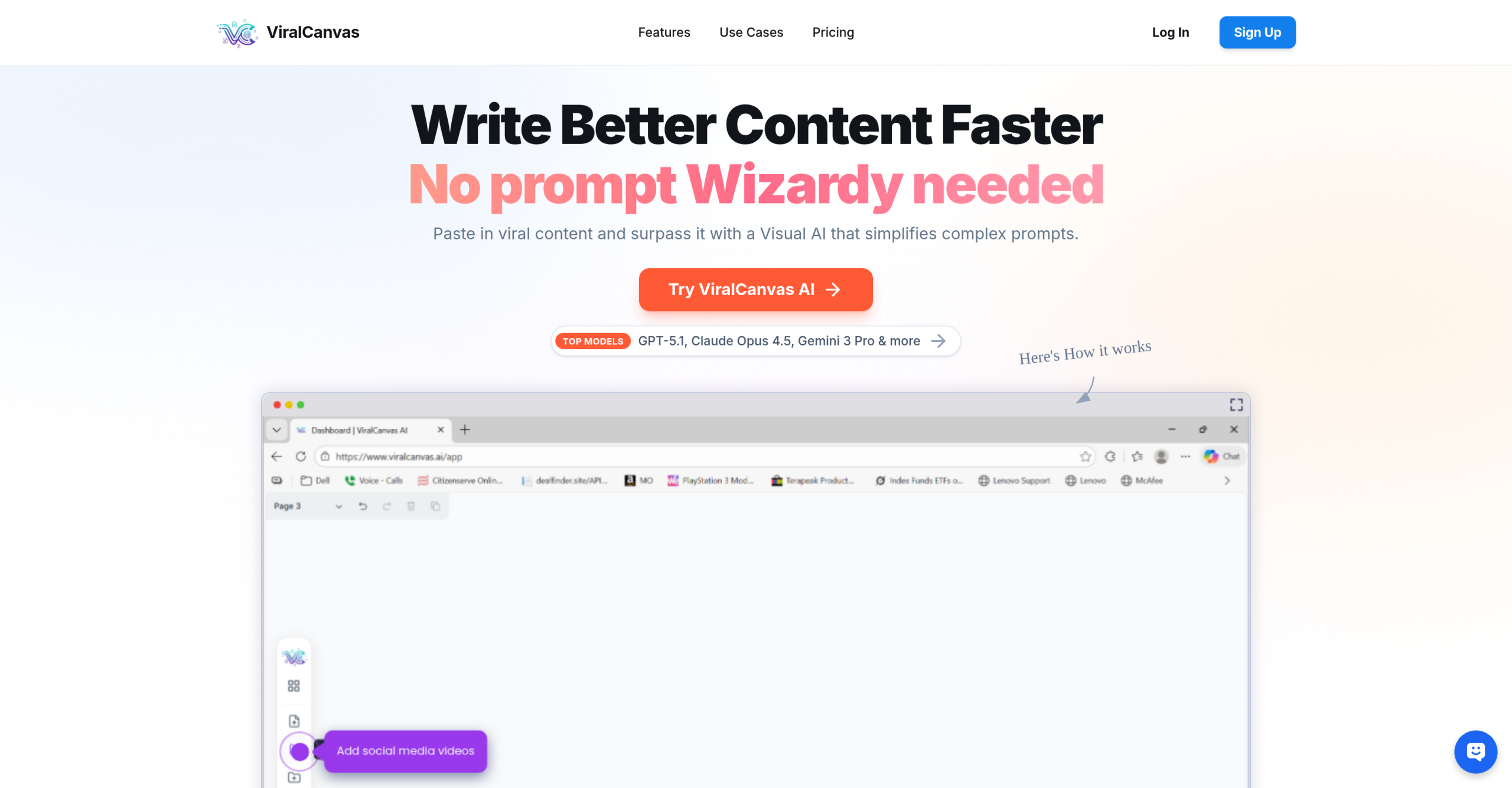
Tired of feeding AI one piece of information at a time? Content creation often involves pulling details from videos, documents, and various other sources, then trying to give that fragmented context to an AI tool. ViralCanvas.ai tackles this by offering a visual workspace where you can link all your diverse files on a digital canvas. This allows for context-aware chat, helping you generate content that’s more relevant and less generic than what you’d get from simple prompts.
Your Visual Hub for AI Content Creation
Imagine a digital whiteboard where you can drag in a YouTube tutorial, a competitor’s website, a PDF brand guide, a spreadsheet of audience research, and even a blog post about best practices. Now, imagine connecting all those elements to an AI chat window and asking, "Based on everything here, create a content strategy for the next 30 days." That’s the core idea behind ViralCanvas.ai.
This tool functions as a central spot for content creation. It understands that real creative work doesn’t happen in isolation. You don’t just need AI to write; you need AI that understands your brand voice, audience insights, industry trends, and strategic goals all at once. ViralCanvas makes this possible by letting you build rich context visually before you even type a prompt. This approach aims to produce more tailored outputs, cutting down on the need for endless individual prompts.
Building Your AI’s Knowledge Base
The visual whiteboard is at the heart of ViralCanvas. You can arrange, group, and connect different content elements visually, making it easier to see relationships between sources and organize complex projects. For visual thinkers and creators who find linear, text-based workflows challenging, this spatial way of collaborating with AI can be very helpful. You can create groups for different aspects of a project – one for brand assets, one for competitor research, another for content inspiration – then connect exactly what you need to each chat conversation for precise, contextually aware outputs.
ViralCanvas can bring in content from many formats and platforms:
- YouTube Videos: Paste a URL, and ViralCanvas automatically transcribes the content, making it ready for AI analysis and reference.
- TikTok Videos: Import short-form content for trend research and inspiration.
- Instagram Content: Bring in posts and reels for competitive analysis.
- PDF Documents: Upload brand guides, research papers, templates, and reference materials.
- Word Documents: Import existing content, standard operating procedures, and written materials.
- Text Boxes: Add your own notes, prompts, frameworks, and instructions directly on the whiteboard.
Chatting with Everything at Once
The real power appears when you connect elements from your whiteboard to a chat window. Unlike traditional AI, where you’re limited by what you can paste into a single prompt, ViralCanvas lets you attach entire groups of content—multiple videos, documents, and websites simultaneously—giving the AI a detailed context to work with.
You can ask questions like:
- "What are the common themes across these five competitor videos?"
- "Create a blog post outline based on my brand guide and these industry articles."
- "Generate 20 video titles in my brand voice based on what’s performing for these channels."
The AI responds with outputs that genuinely understand your full context, not just a small snippet.
ViralCanvas.ai integrates with powerful large language models such as Claude Opus 4.5, Claude 3.5 Sonnet, GPT-4o, and Gemini 3 Pro. You can switch models based on your task requirements, even mid-conversation. This flexibility matters because different models excel at different tasks:
- Claude tends to produce more natural, human-sounding written content.
- GPT-4o often performs well with data analysis, list-making, and structured outputs.
Who Benefits from This Approach?
This tool is designed for content creators, marketers, entrepreneurs, content teams, and strategists. It supports various ways of working:
- Research and Planning: Consolidating information for strategic plans and content outlines.
- Social Media Content: Generating platform-specific content for TikTok, Instagram, YouTube, and LinkedIn.
- Content Repurposing: Transforming long-form content into different formats.
- Competitive Analysis: Analyzing competitor content and strategies.
Beyond the Whiteboard: Additional Features
Beyond its core visual workspace, ViralCanvas.ai includes features to help with your workflow:
- Export Options: Results can be exported in various formats and integrated with existing workflow tools.
- Collaboration: It includes features for team collaboration.
The platform also offers a range of other capabilities, such as custom settings, analytics, security measures, and multi-language support. For content creation specifically, you’ll find content personalization tools, integrated SEO tools, custom style guides, a template library, and plagiarism checks. It also supports speech-to-text functionality and approval workflows to streamline your process.
Accessing ViralCanvas.ai
ViralCanvas.ai offers a 5-day free trial to get started. After that, several paid plans are available, all backed by a 30-day money-back guarantee.
| Plan | Price (Monthly) | Key Details |
|---|
Things to Know Before You Dive In
While ViralCanvas.ai provides an effective solution for content creation, it’s good to be aware of a few points:
- Credit-Based Limits: Your usage is governed by allocated AI credits, which vary by plan and task complexity. If you’re a heavy user, you might find your workflows constrained by these limits.
- Learning Curve: The visual canvas and layered interface might take some getting used to. It could feel more involved than simpler, chat-based AI tools.
- Third-Party Dependency: The tool’s performance relies on external AI model providers. This means its availability and capabilities are subject to those providers.
- Design Control: If you need deep manual control over visual design elements, this tool might not be the best fit for that specific requirement.
- Generic Output Risk: Even though it aims for "grounded content," like other AI tools, there’s still a chance that content might feel generic or inauthentic. It can also occasionally produce factual errors or "hallucinations," especially when dealing with very specific or niche topics.