

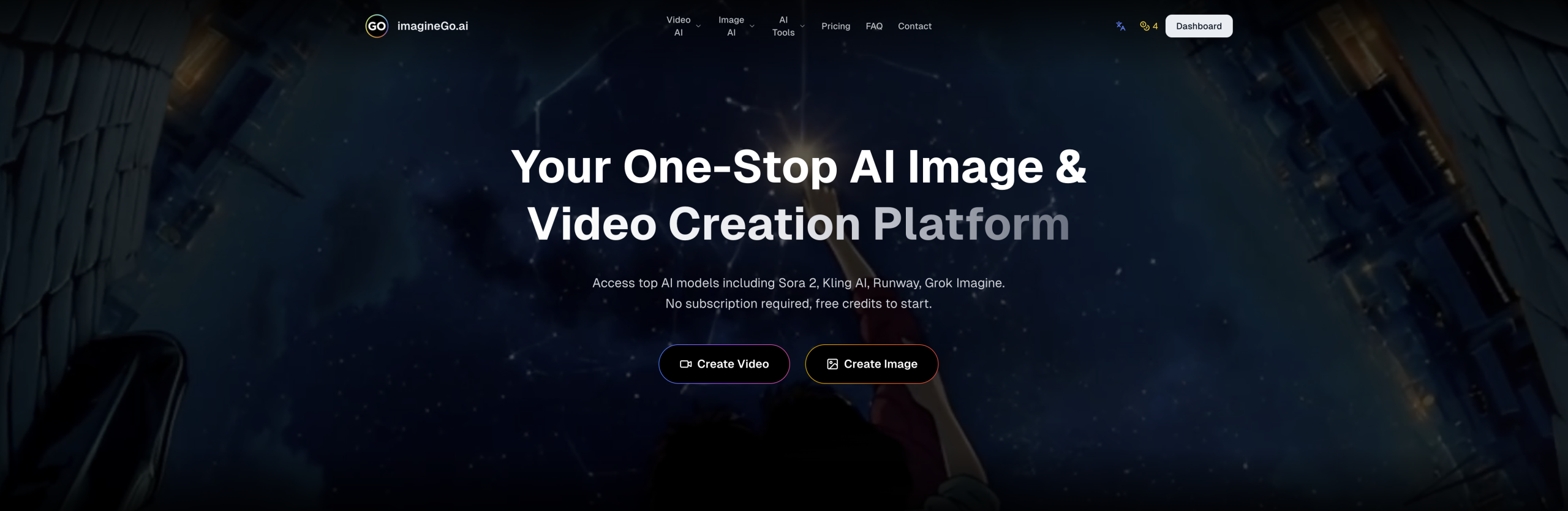
Tired of juggling subscriptions for different image and video generators? ImagineGo offers a single platform to create visuals from text or existing media, pulling from a collection of popular AI models. It’s designed to simplify the process of bringing your creative ideas to life.
Your Visual Creation Hub
ImagineGo brings together various generation capabilities under one roof. You can:
- Turn written descriptions into moving pictures (text-to-video).
- Animate static images into video clips (image-to-video).
- Generate new pictures from text prompts (text-to-image).
- Alter or improve existing images (image-to-image).
This setup aims to speed up creative workflows, quickly transforming concepts into visual assets for a range of professionals and hobbyists.
Who Finds It Useful?
This tool serves a broad audience looking for efficient visual content production. It’s particularly helpful for:
- Design professionals who need to quickly mock up concepts.
- Solopreneurs and content creators crafting marketing materials and brand visuals.
- Artists and hobbyists working on illustrations, product designs, or prototypes.
For professional applications, all generated content comes with a commercial license and won’t have watermarks.
The Technology Underneath
ImagineGo acts as an aggregator for many leading AI models. For video creation, it taps into options like Sora 2, Kling AI, Seedance, Runway, Grok Imagine Video, and different versions of Veo (3.1 Lite, Fast, Quality) and Wan (2.5, 2.7). If you’re generating images, it accesses models such as Midjourney, z-image, Nano Banana (Pro, 2), Seedream (4.5, 5 Lite), Grok Imagine, Flux 2 Pro, GPT Image (1.5, 2), and Wan Image (2.7, 2.7 Pro).
When generating, you can fine-tune your output:
- For videos: Adjust the aspect ratio (e.g., 1:1, 16:9, 9:16), set the duration (like 6s, 10s, 15s), choose a resolution (480p, 702p), and pick a generation mode (fun, normal, spicy).
- For images: Select various aspect ratios, and outputs are typically in JPEG format. High-resolution options, up to 4K, are available for professional use with certain models.
The platform also boasts quick generation times due to its optimized infrastructure. Additionally, you can access an API for models like Grok Imagine and Nano Banana Pro.
How Much Does It Cost?
You can start with a free trial that includes initial credits. If you need more, paid options begin at just $5 with a one-time billing setup. A good perk is that any credits you buy don’t expire. However, it’s important to note that the platform operates on a no-refund policy.
What to Keep in Mind
While ImagineGo simplifies visual creation, there are a few things users should be aware of:
- Mobile Experience: The mobile app offers fewer features than the website version, so you’ll get the full functionality on desktop.
- Billing Clarity: Some users have reported that the purchase page isn’t always clear about credit expiration or the exact cost of specific actions, which could lead to credits being used unexpectedly.
- Software Quirks: Like many complex software platforms, the system has acknowledged bugs that pop up occasionally.
- Content Rules: Generating content that’s sensitive or Not Safe For Work (NSFW) might result in slower processing or outright failures. If this happens, credits are typically refunded.
- Video Generation Limits: Similar to other text-to-video tools, you might encounter "physics glitches" in the output, where objects might disappear or have incorrect anatomy. It also tends to produce shorter clips, usually between 3-10 seconds, and struggles with generating long, coherent videos.
For more information, visit the official website: imaginego.ai